3 Configurations and Port
Copyright © Huawei Technologies Co., Ltd.
Table 3-4 Description of ports on the main control module
Northbound Ethernet interface, which enables encrypted web-based
access through local or remote networks, provides the security
protection mechanism, and supports the third-party NMS and NetEco.
1: TX+
2: TX-
3: RX+
6: RX-
RS485/RS232 port for connecting northbound equipment; reserved.
RS485 interfaces for connecting southbound equipment; reserved.
Reserved. This port is protected by a security protection mechanism.
3.2.2 Power Module
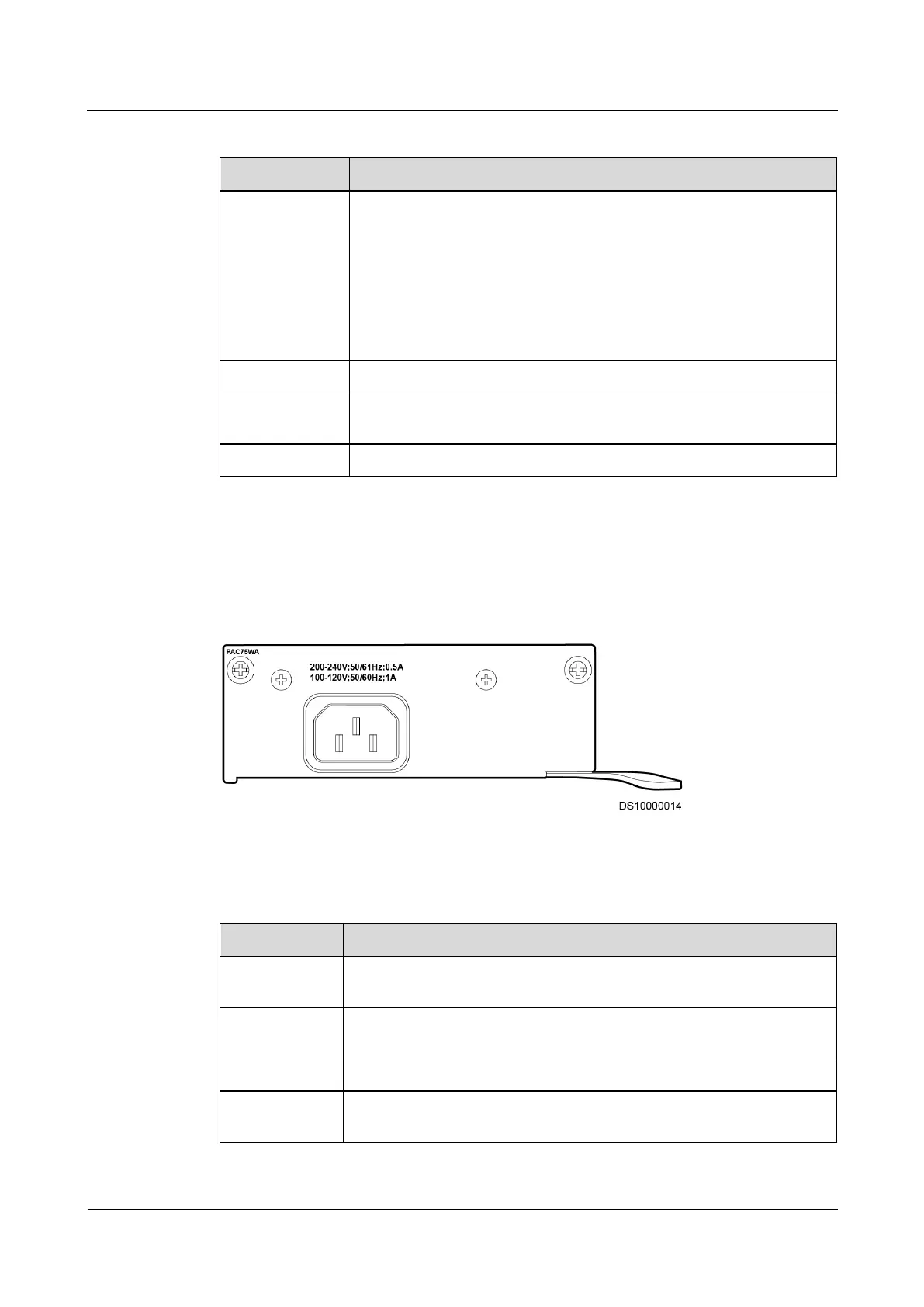
Figure 3-3 shows the port on the front panel of the power module.
Figure 3-3 Front panel of the power module
Table 3-5 describes the performance specifications of the power module.
Table 3-5 Performance specifications of the power module



 To Next Page