3 Configurations and Port
Copyright © Huawei Technologies Co., Ltd.
Indicators
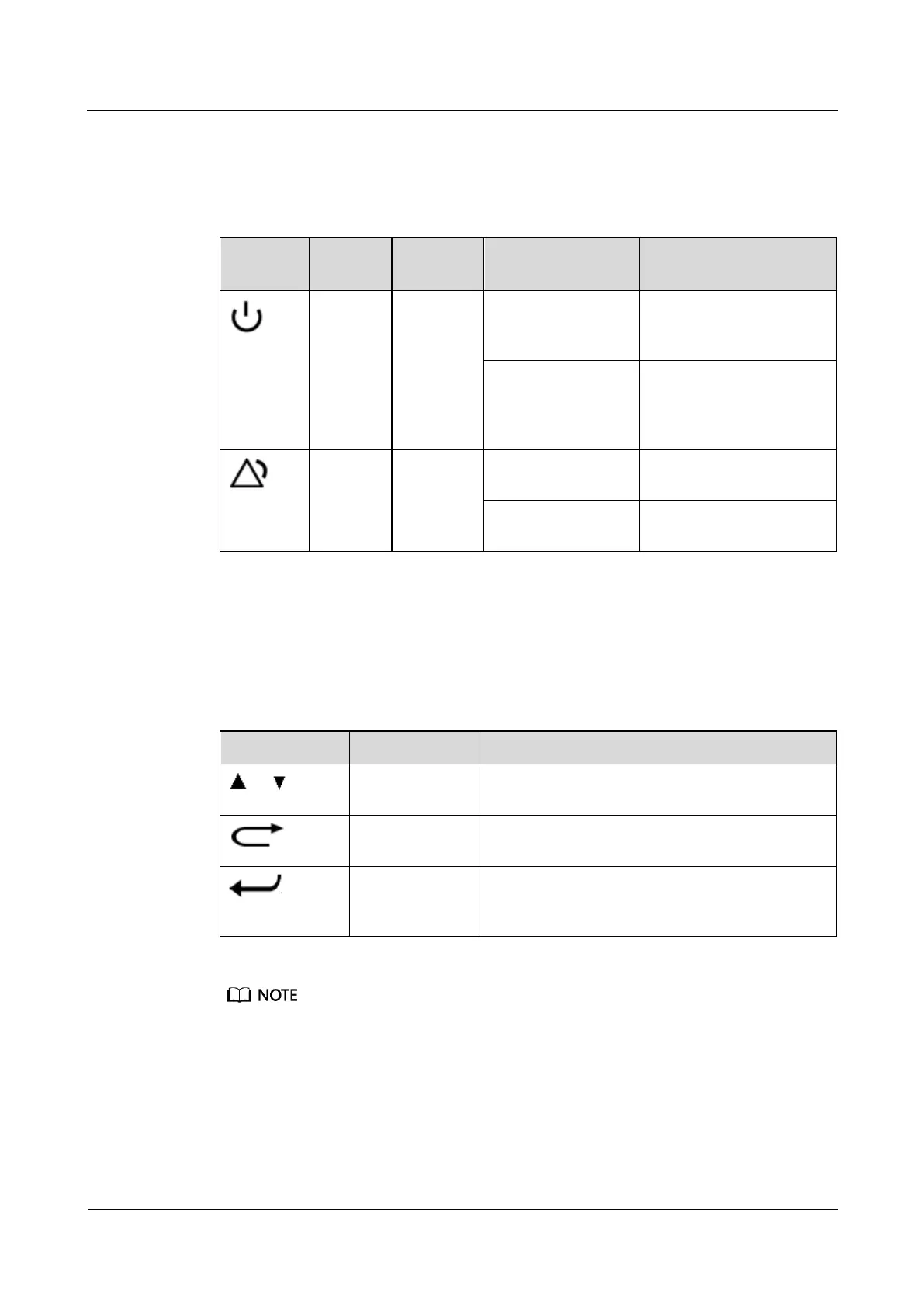
Table 3-2 describes indicators on the main control module.
Table 3-2 Indicator description
The main control module
is faulty or has no DC
input.
Blinking (1 second
on and 1 second off)
The main control module
runs properly and
communicates with the
web client properly.
No major or critical alarm
is generated.
A critical or major alarm is
generated.
LCD/Buttons
The LCD displays parameters that for you to configure and query in real time by pressing the
four buttons on the panel. Table 3-3 describes the buttons.
Table 3-3 Button description
Allows you to view menu items and set the value of
a menu item.
Returns to the previous menu without saving the
settings.
Enters the main menu from the standby screen,
enters a submenu from the main menu, or changes
or saves the menu settings.
After a menu is displayed, the standby screen is displayed if no button is pressed within 1 minute.
After a menu is displayed, the LCD screen becomes dark if no button is pressed within 30 seconds.
Port Description
Table 3-4 describes ports on the front panel of the main control module.



 To Next Page