Copyright © Huawei Technologies Co., Ltd.
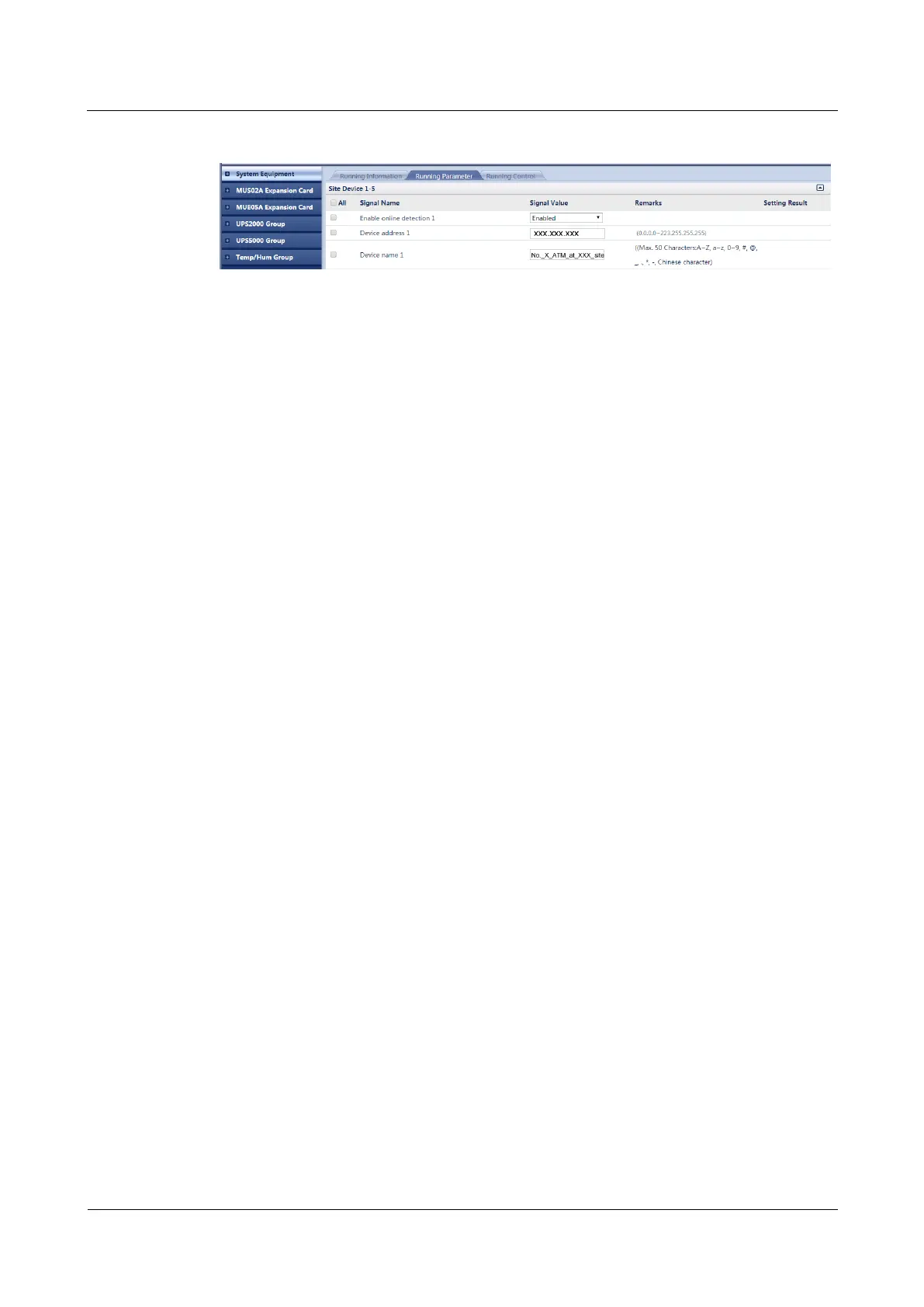
Figure 5-27 Adding a networked device
Step 8 Click Submit.
----End
5.2.11 (Optional) Adding a Video Link
Prerequisites
A camera is connected to the ECC500 over a switch. The camera and ECC500 have been
powered on.
You have obtained the camera IP address.
You have obtained the ECC500 IP address as well as the user name and password for
WebUI login.
You have prepared a PC which is in the same IP address segment as the ECC500 and
connected the PC to the ECC500 over a switch.
Context
After a video link is added, the camera IP address is recorded in the ECC500 WebUI and
you can open the linked camera page from the ECC500 WebUI.
A maximum of two video links can be added.
Procedure
Step 1 Log in to the ECC500 WebUI.
Step 2 Choose Maintenance > View Video.



 To Next Page