Copyright © Huawei Technologies Co., Ltd.
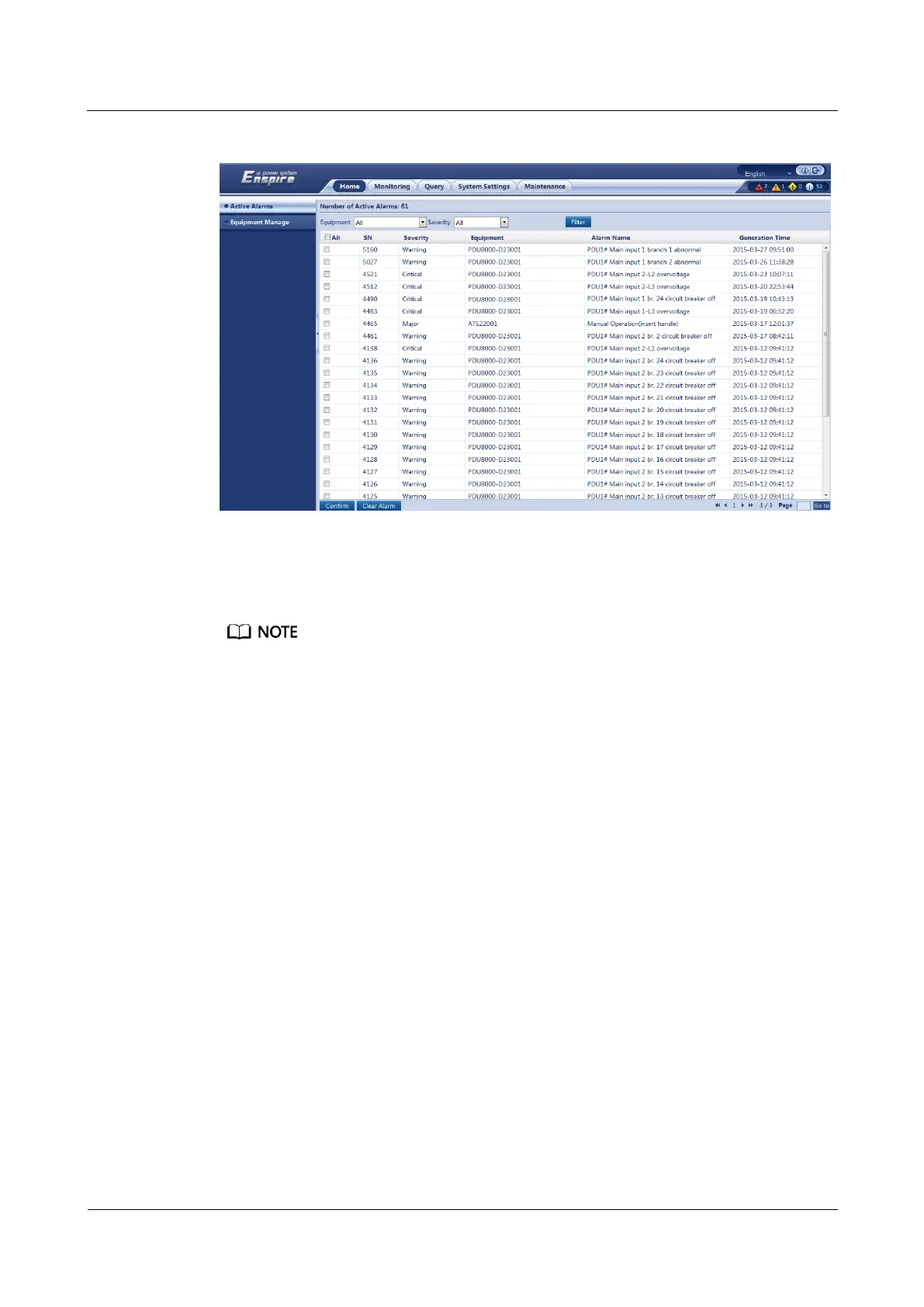
Figure 7-11 Acknowledging an alarm
Step 4 Handle an alarm based on the alarm information.
Step 5 Select an alarm to be cleared and click Clear Alarm.
The cleared alarm is displayed in the historical alarm list.
----End
Follow-up Procedure
Choose Query > Historical Alarm and view historical alarms.
7.12 How Should I Link an AI/DI Alarm to a DO Port?
Context
After an alarm is linked to a DO port, the device connected to the DO port will act if the
alarm is generated.
This section describes how to link the alarm generated from the AI/DI_1 port on the
MUE05A expansion card to the SLOT1_DO port.
Procedure
Step 1 Log in to the ECC500 WebUI.
Step 2 Choose Monitoring > MUE05A Expansion Card > MUE05A4 > Running Parameter >
AI/DI_1 Port Settings.



 To Next Page