Copyright © Huawei Technologies Co., Ltd.
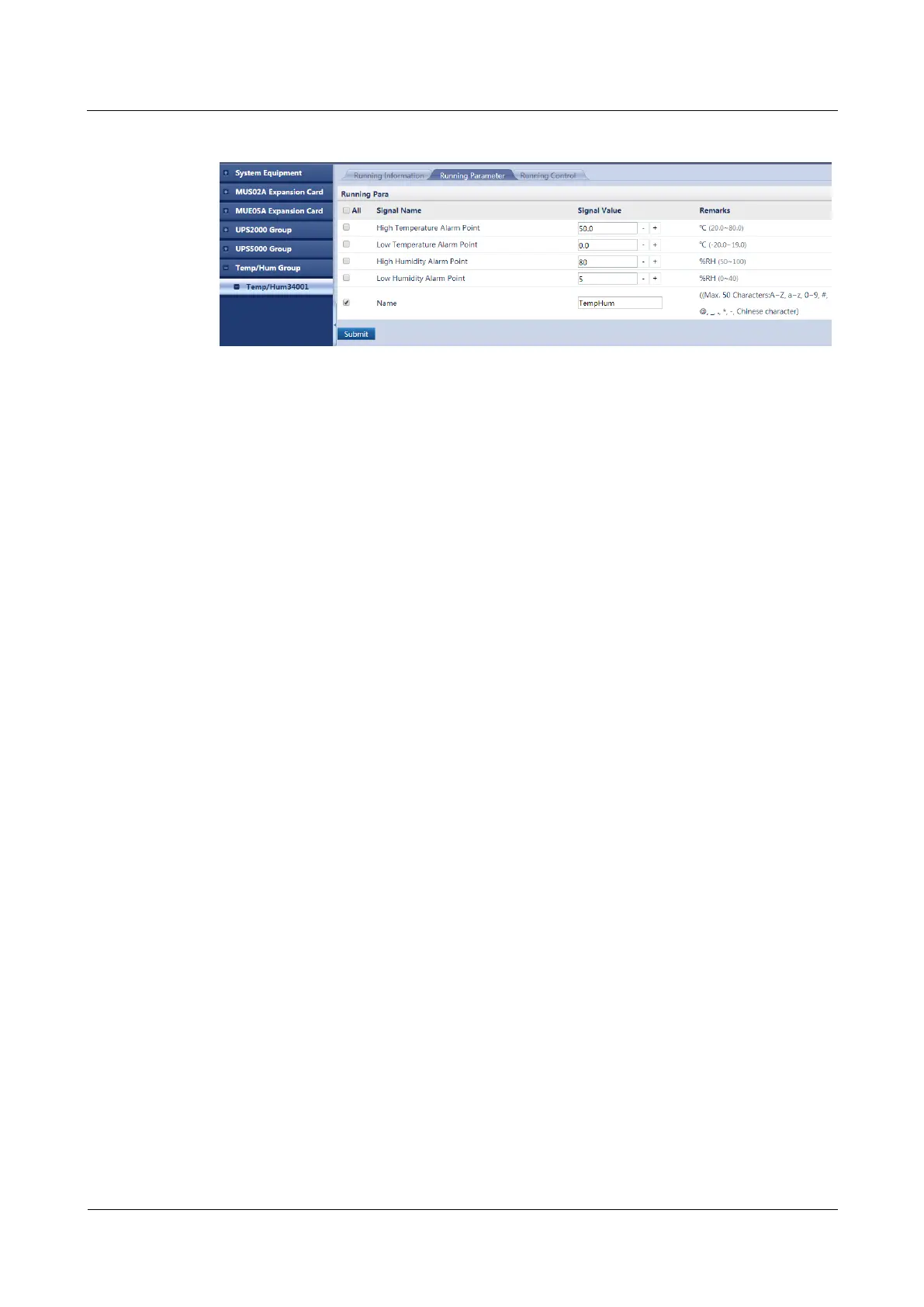
Figure 7-17 Setting T/H sensor alarm thresholds
----End
7.16 How Can I Change Fan Alarm Thresholds and Reset a
Fan?
Prerequisites
A fan is connected to the ECC500. The device and ECC500 have been powered on.
You have obtained the ECC500 IP address as well as the user name and password for
WebUI login.
You have prepared a PC which is in the same IP address segment as the ECC500 and
connected the PC to the ECC500 over a switch.
Context
A fan can be automatically identified. After the fan is connected to the ECC500, the fan
information is displayed on the ECC500 WebUI, as shown in Figure 7-18.



 To Next Page