Copyright © Huawei Technologies Co., Ltd.
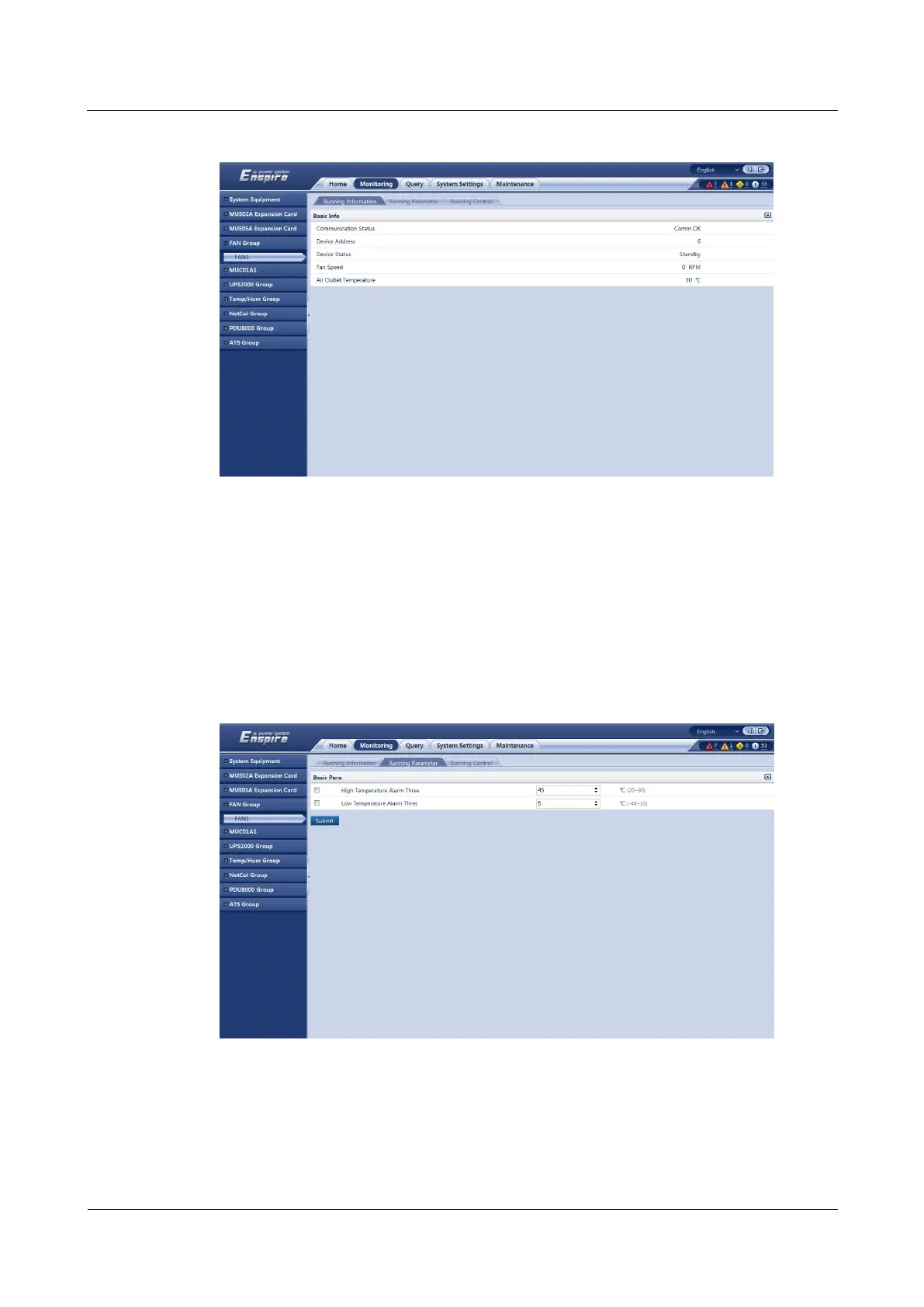
Figure 7-18 Fan information
The following describes how to modify parameters, using fan 1 as an example.
Procedure
Step 1 Log in to the ECC500 WebUI.
Step 2 Choose Monitoring > FAN Group > FAN1 > Running Parameter. Modify High
Temperature Alarm Thres and Low Temperature Alarm Thres.
Figure 7-19 Changing fan alarm thresholds
Step 3 Choose Monitoring > FAN Group > FAN1 > Running Control. Set FAN Reset to Yes and
click Submit.



 To Next Page