Copyright © Huawei Technologies Co., Ltd.
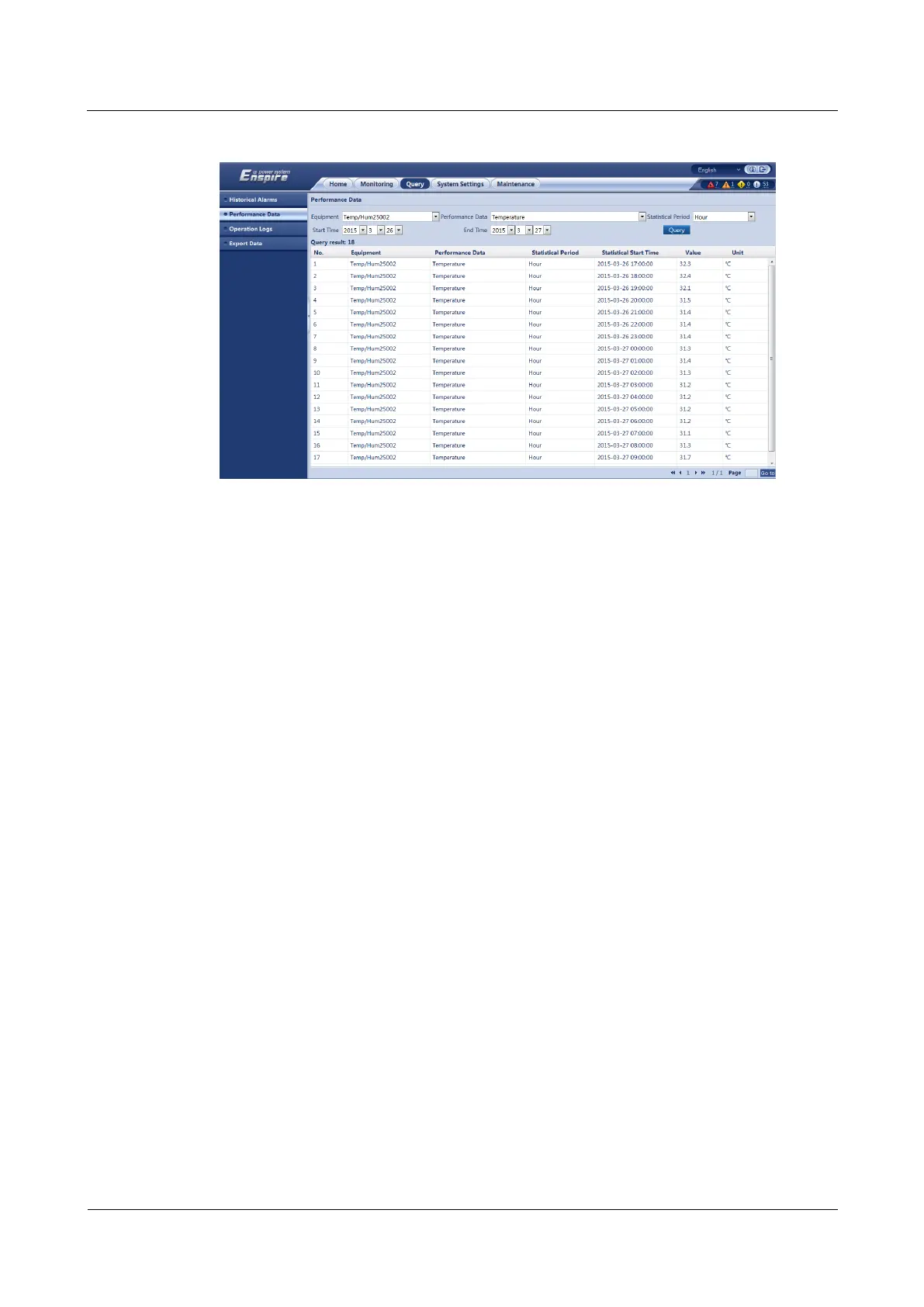
Figure 7-22 Viewing performance data
----End
7.19 How Can I View Operation Logs?
Prerequisites
You have obtained the ECC500 IP address as well as the user name and password for
WebUI login.
You have prepared a PC which is in the same IP address segment as the ECC500 and
connected the PC to the ECC500 over a switch.
Procedure
Step 1 Log in to the ECC500 WebUI.
Step 2 Choose Query > Operation Logs and view ECC500 operation logs.
----End
7.20 How Can I View the ECC500 Version Information?
Prerequisites
You have obtained the ECC500 IP address as well as the user name and password for
WebUI login.
You have prepared a PC which is in the same IP address segment as the ECC500 and
connected the PC to the ECC500 over a switch.



 To Next Page