4 Installation and Commissioning
Copyright © Huawei Technologies Co., Ltd.
4.4 Commissioning Devices
Checking Cable Connections and Powering On the ECC500
Check that power cables, ground cables, RS485 communications cables, and AI/DI signal
cables are connected to the main control module, RS485 expansion card, AI/DI expansion
card, and Independent Deployment AI/DI Unit in the manner specified in 4.3.5 Connecting
Cables. Connect the external power supply to the power module to power on the ECC500.
Checking Indicator Status
Check the indicators on the main control module, RS485 expansion card, AI/DI expansion
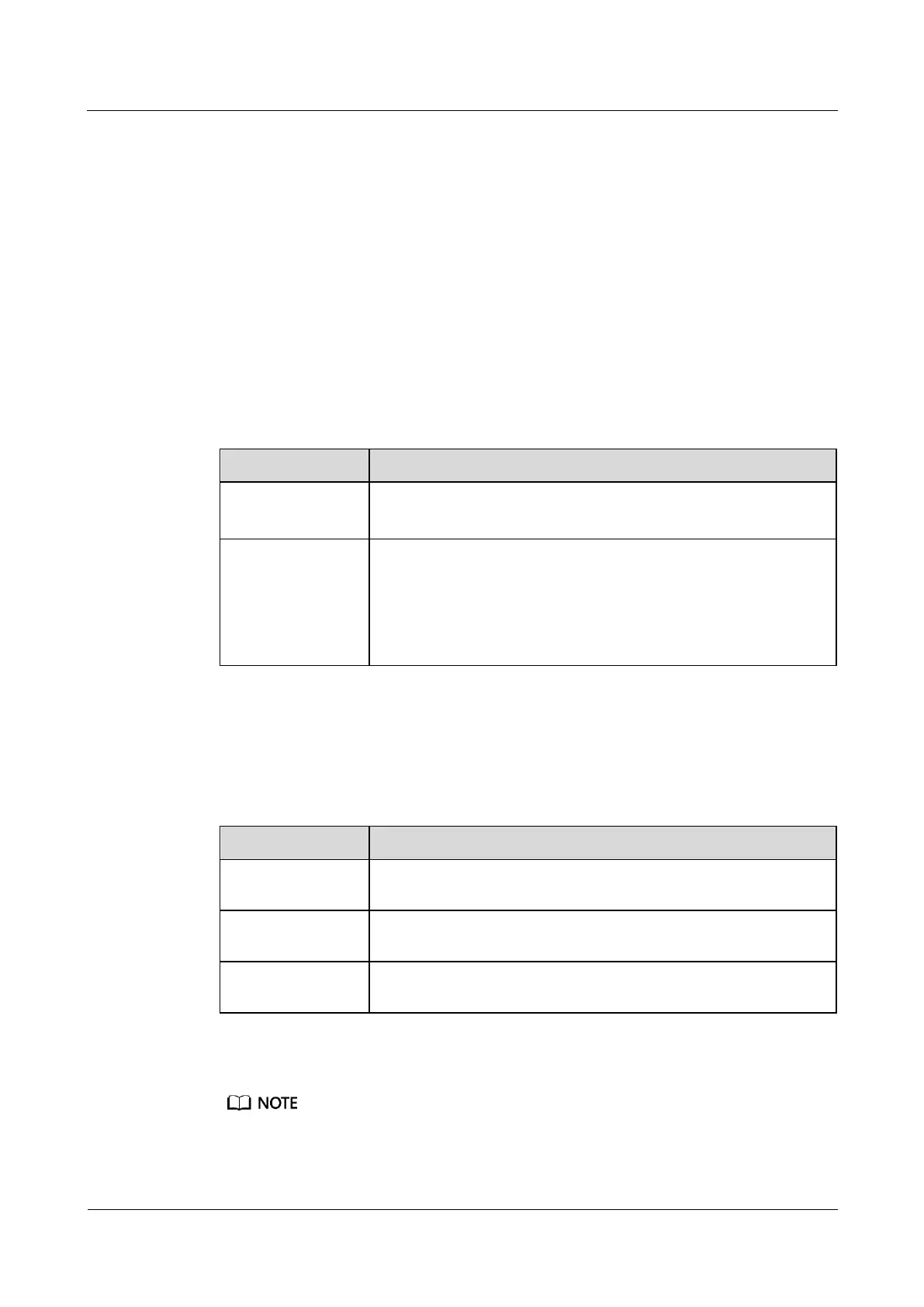
card, and Independent Deployment AI/DI Unit. Table 4-1 describes their normal status.
Table 4-1 Indicator description
The run indicator blinks (on for 1s and then off for 1s).
The alarm indicator is off.
RS485 expansion
card, AI/DI
expansion card, and
Independent
Deployment AI/DI
Unit
The PWR indicator is steady on.
The RUN indicator blinks (on for 1s and then off for 1s).
The ALM indicator is off.
Setting ECC500 Communications Parameters (LCD)
Table 4-2 lists the communications parameters that can be set over the LCD.
Table 4-2 Communications parameters
Set to 192.168.1.168 by default but can be adjusted according to the
network plan.
Set to 255.255.255.0 by default but can be adjusted according to the
network plan.
Set to 192.168.1.1 by default but can be adjusted according to the
network plan.
Figure 4-20 shows the procedure for setting these communications parameters.
Change the password after your first login.



 To Next Page