Copyright © Huawei Technologies Co., Ltd.
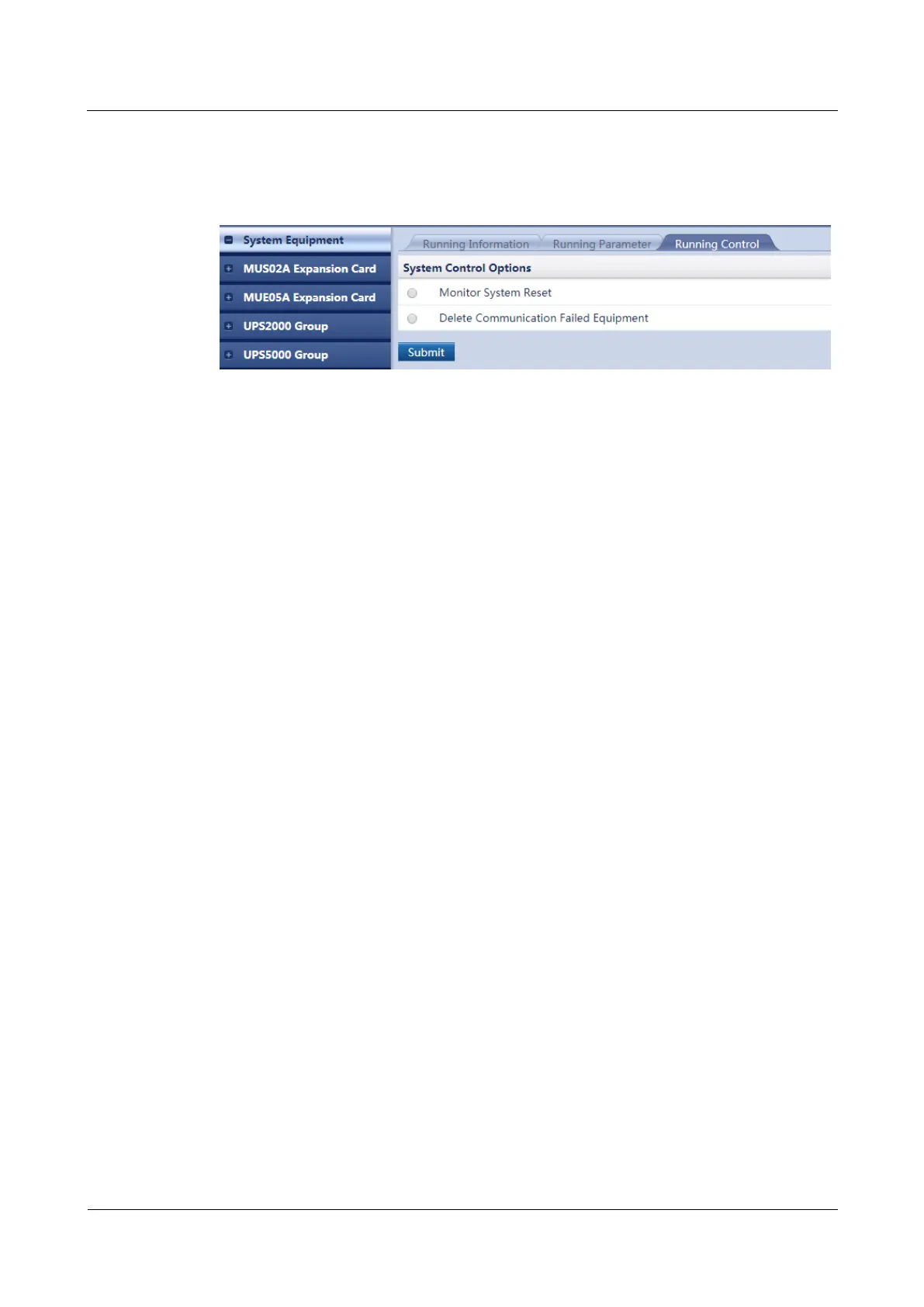
Step 3 Select Monitor System Reset or Delete Communication Failed Equipment and click
Submit.
Figure 7-21 Performing a monitoring reset or deleting a device failing in communication
Step 4 (Optional) To reset the monitor, enter the password for the current user name and click
Submit.
----End
7.18 How Can I View Performance Data?
Prerequisites
You have obtained the ECC500 IP address as well as the user name and password for
WebUI login.
You have prepared a PC which is in the same IP address segment as the ECC500 and
connected the PC to the ECC500 over a switch.
Procedure
Step 1 Log in to the ECC500 WebUI.
Step 2 Choose Query > Performance Data.
Step 3 Set Equipment, Performance Data, Statistical Period, Start Time, and End Time, and
click Query. Figure 7-22 shows an example of querying temperature data collected by a T/H
sensor.



 To Next Page