NetCol5000-C Chilled Water-Cooled In-Row Precision
Air Conditioner
User Manual
5 Controller Operate Guide
Huawei Proprietary and Confidential
Copyright © Huawei Technologies Co., Ltd.
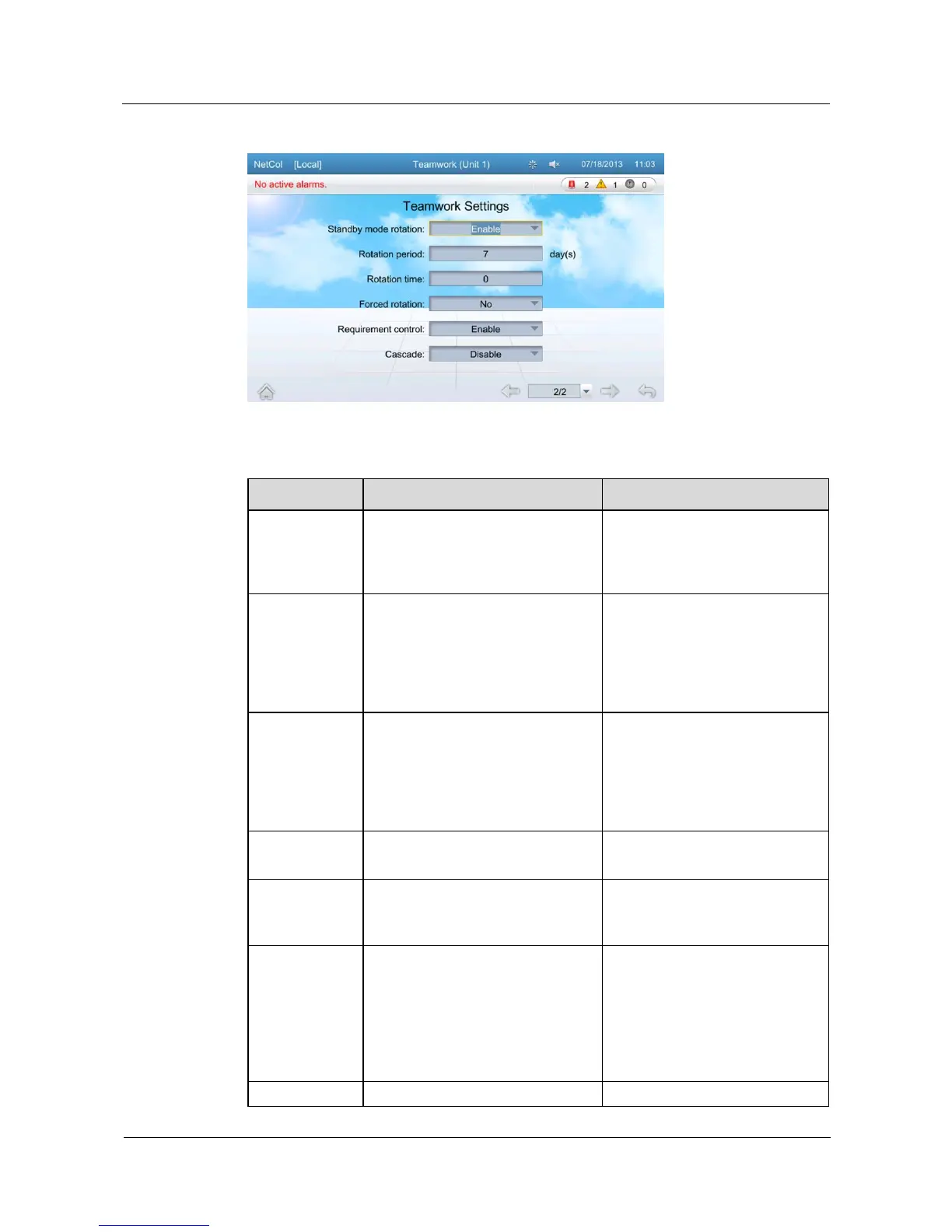
Figure 5-41 Teamwork setting page 2
Table 5-3 Teamwork settings
A maximum of four groups (1 to 4)
can be set.
Group the temperature control
devices in adjacent areas as one,
that is, assign one group number
for them.
Set an address (1 to 32) for each
temperature control device in each
group. Devices in the same group
cannot have the same address and
the address of the master device in
each group should be 1.
Only one device in each group
can be set to 1.
Disable or enable the teamwork
function. If disabled, this device is
operating according to its own
control. If enabled, this device
works in harmony with others that
in the same group.
Set this parameter based on the
onsite device heat distribution.
Networking mode for the
teamwork.
Number of the temperature control
devices in this group (1 to 32 can be
set).
Total number of the temperature
control devices in this group
Number of the active devices (1 to
[total number of units] can be set).
If the number is more than the
range, the excessive one(s) cannot
be group-controlled. If one address
is vacant, the topology will display
that the device is off-line.
Assign the devices to be active
ones by the device number,
beginning with the master one.
The rest will become the standby
ones.
Disable or enable the active and
This function is recommended







 To Next Page