3 - INFORMATION FOR SET UP KID 80 SIV
EN
3 - Pag. 23 / 26
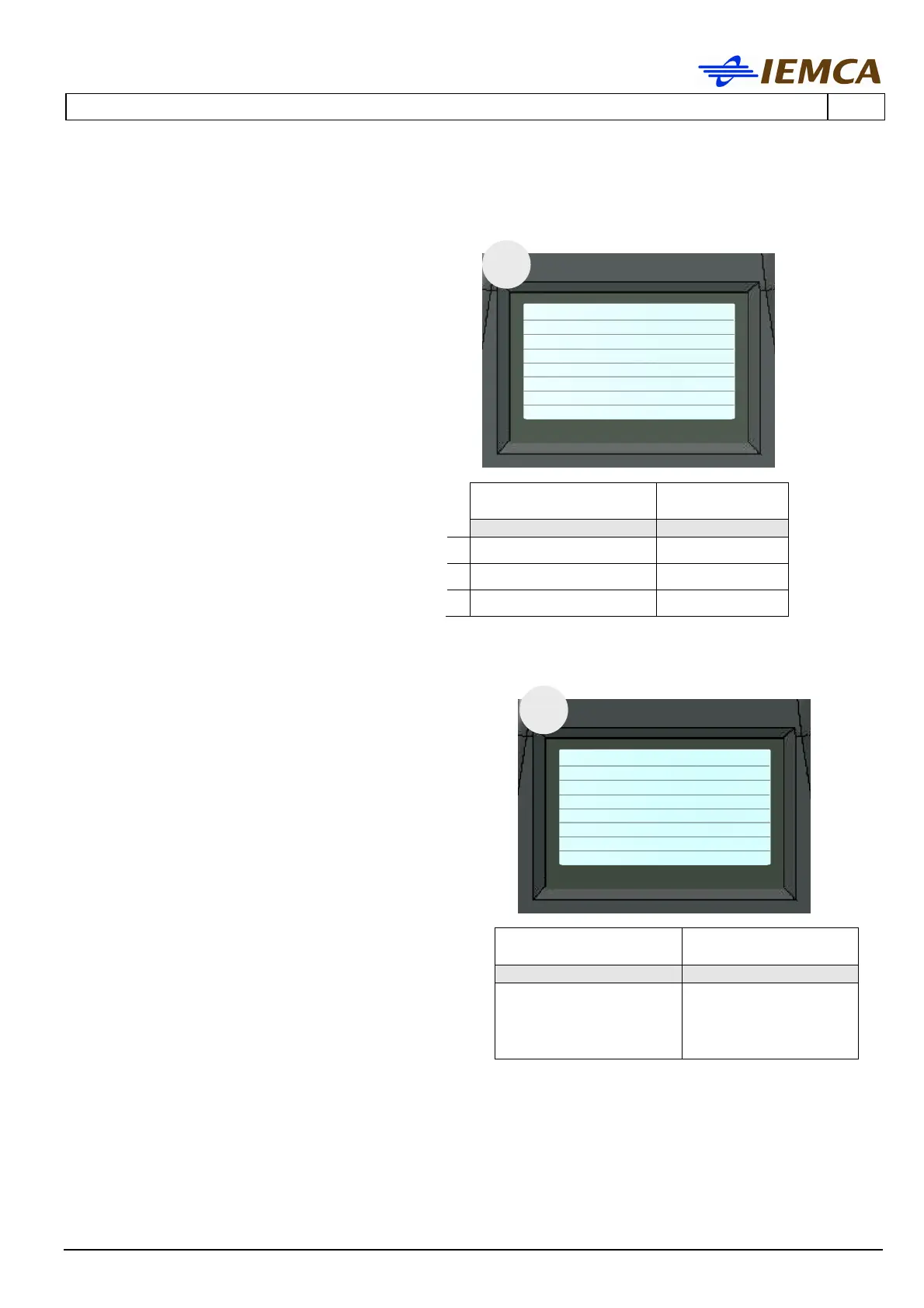
no. 79 Torque reduction in
automatic mode
Defines the torque value of the bar
pusher in automatic mode. This value
is expressed as a percentage of the
maximum torque.
Parameters:
A - Speed reduction in automatic
mode
Subparameters:
B - Collet closed
C - Collet open
no. 84 Keyboard on the opposite
side
Allows setting the direction of the
controls for the bar pusher movements.
The setting of this parameter should be
done with regards to the position of the
keyboard i.e.: if it is on one side or on
the opposite side.
0 - Defines the movements, forwards and
backwards, in both directions.
1 - Defines the movements, forwards and
backwards, of the opposite directions with
regards to 0.
79
no. 79 Torque
reduction
in automatic mode
DEFAULT VALUE
PROGRAMMABLE
VALUE
KID KID
A
/
0÷100
B
10
0÷100
C
40
0÷100
84
no. 84 Keyboard on the
opposite side
x
DEFAULT VALUE
PROGRAMMABLE
VALUE
KID KID
1 0/1







 To Next Page