3 - INFORMATION FOR SET UP KID 80 SIV
EN
3 - Pag. 3 / 26
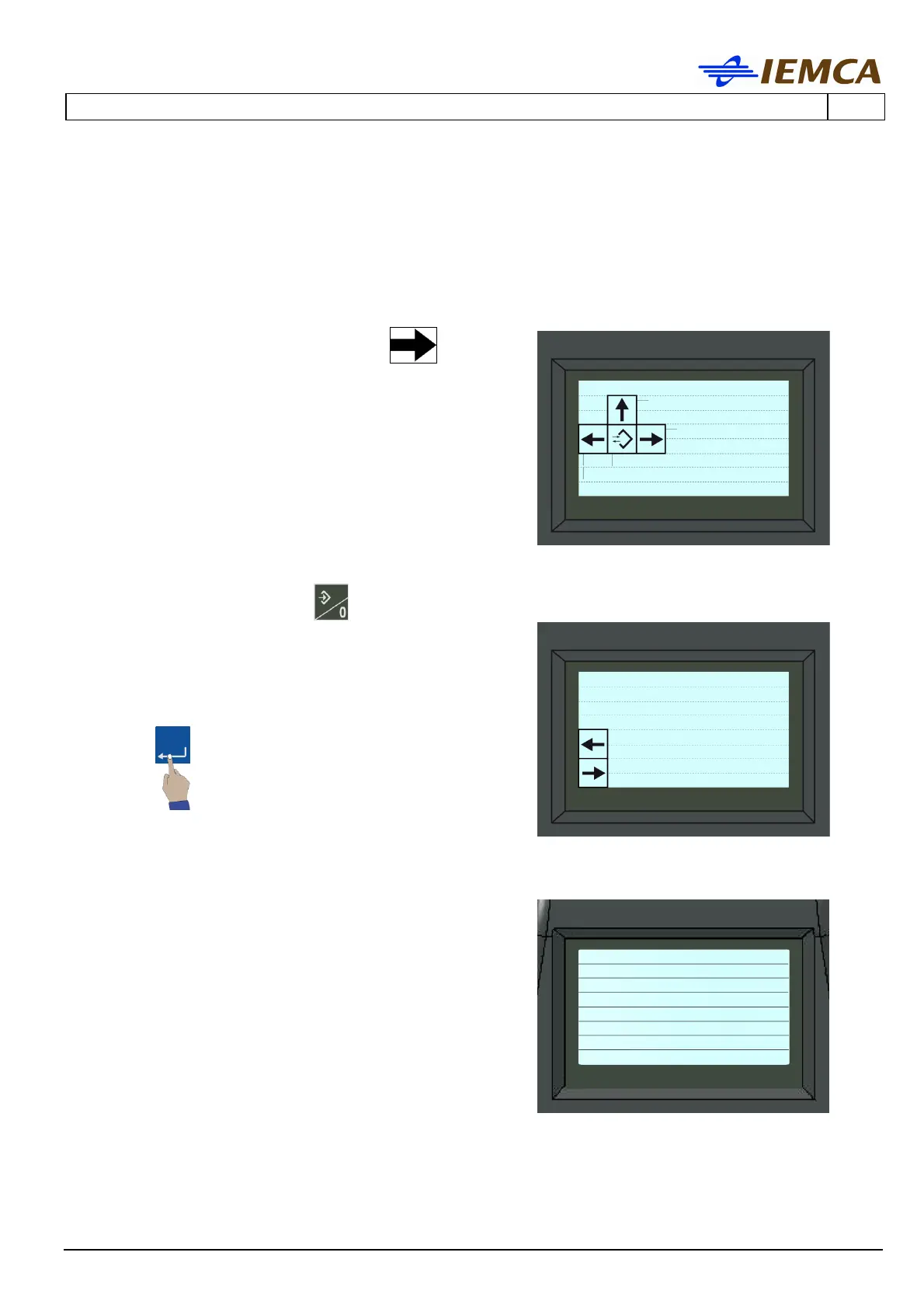
3.2 HOW TO ACCESS AND DISPLAY THE PROTECTED PARAMETERS
The following modes indicate how to access and display the protected parameters according to
different procedures.
1. Enter the "parameter display" mode:
[pupa_kid_barra_oriz-sx] and then
2. Recall the selection cursor , the display
shows:
Selected "parameter number": (Par.0)
3. Enter the parameter number, for example 54, the
value changes from 0 to 54 and starts blinking,
confirm
.
4. parameter 54 is displayed
(EN)
Help
Machining
Parameters
Common parameters
PARAMETERS
-----------------------
Par.
IEMCA Parameters
Param. Operator
no.54...







 To Next Page