1 - BASE INFORMATION KID 80 SIV
EN
1 - Pag. 11 / 15
1.3.2 Setup screen
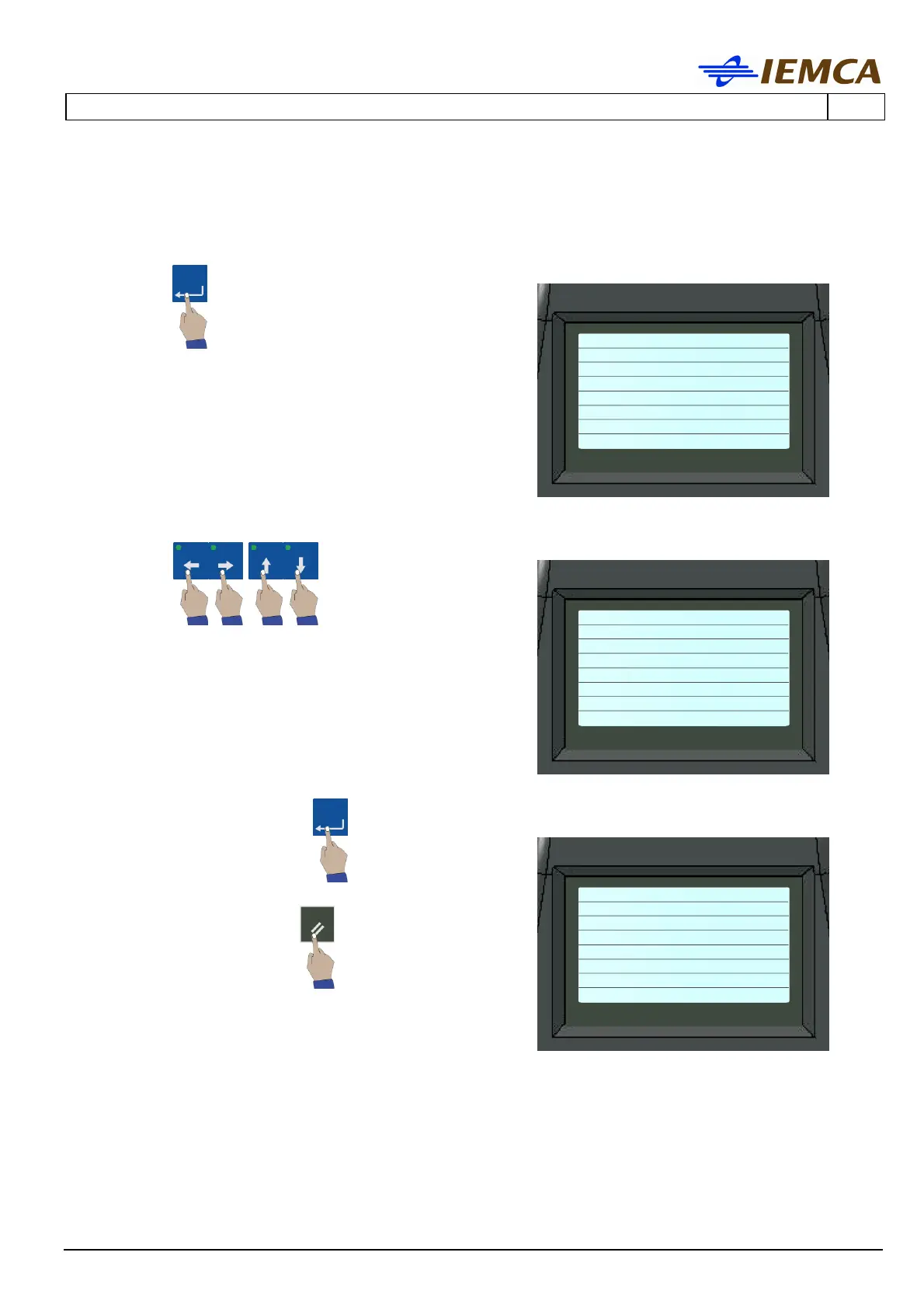
1. To return to the Setup screen, press for a few
seconds:
the display shows:
Function identifying abbreviations: PGS ALM EVT
PSW CFG TIM ACC SYS [EXT]
2. Press one of the following keys to select a
function:
the display shows, or
example:
Selected function: PGS ALM EVT PSW CFG [TIM] ACC
SYS EXT
3. To enter the function: the display shows:
4. To exit the function:
Values related to the selected function: DATE:
[05]-02-00
The PGS, ALM, CFG and ACC functions are not accessible. The EVT, PSW, TIM, SYS and EXT
functions, described below, are accessible.
PGS ALM EVT PSW CFG
TIM ACC SYS [EXT]
PGS ALM EVT PSW CFG
DATE: [05]-02-00
TIME: 12:09:40








 To Next Page