EN
2 - INFORMATION FOR USE KID 80 SIV
2 - Pag. 64 / 66
2.12.1 OPERATOR PANEL MESSAGE LIST
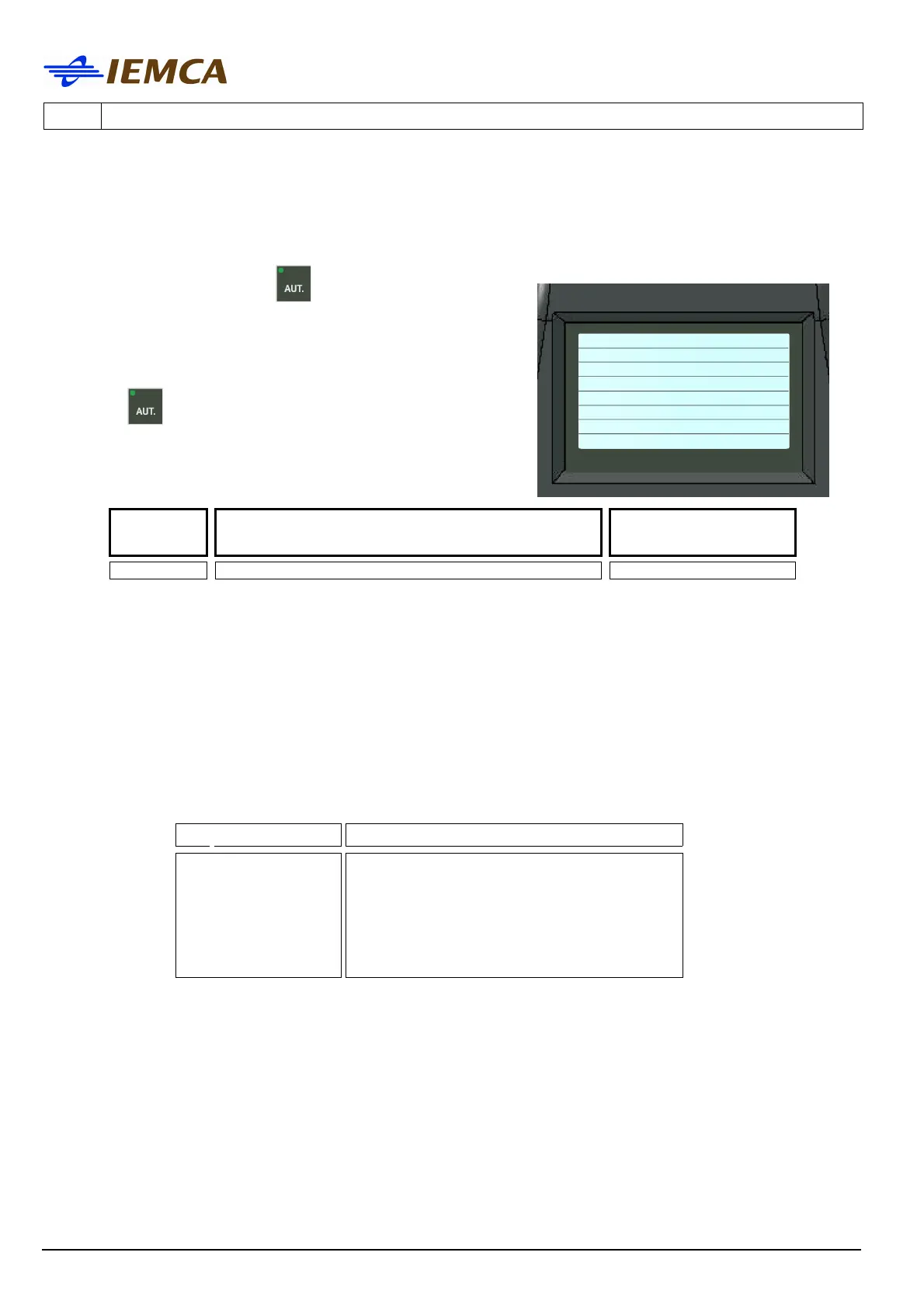
Allows the bar feeder to switch from manual to
automatic mode only if the
key is pressed on the
bar feeder keyboard.
The manual signal from the keyboard is activated when
the manual/automatic signal from the lathe is
activated. In order to proceed in automatic mode,
press the
key on the bar feeder keyboard.
Message
number
Message description
Message type
1 1 - MANUAL FROM KEYBOARD SIGNAL
When a warning is displayed the bar feeder does not stop and it is not necessary to reset the
machine.
The warnings appear to indicate a machine status or when attempting to perform a manoeuvre
which is not allowed by the program and provide information for the operator during the
machining.
Explanation of messages:
Signal Type Action to be explained
SIGNAL
his messa
e disappears as soon as the
cause is removed
Manual mode from keyboard







 To Next Page