3 - INFORMATION FOR SET UP KID 80 SIV
EN
3 - Pag. 5 / 26
3.2.1 HOW TO ACCESS AND DISPLAY PARAMETERS
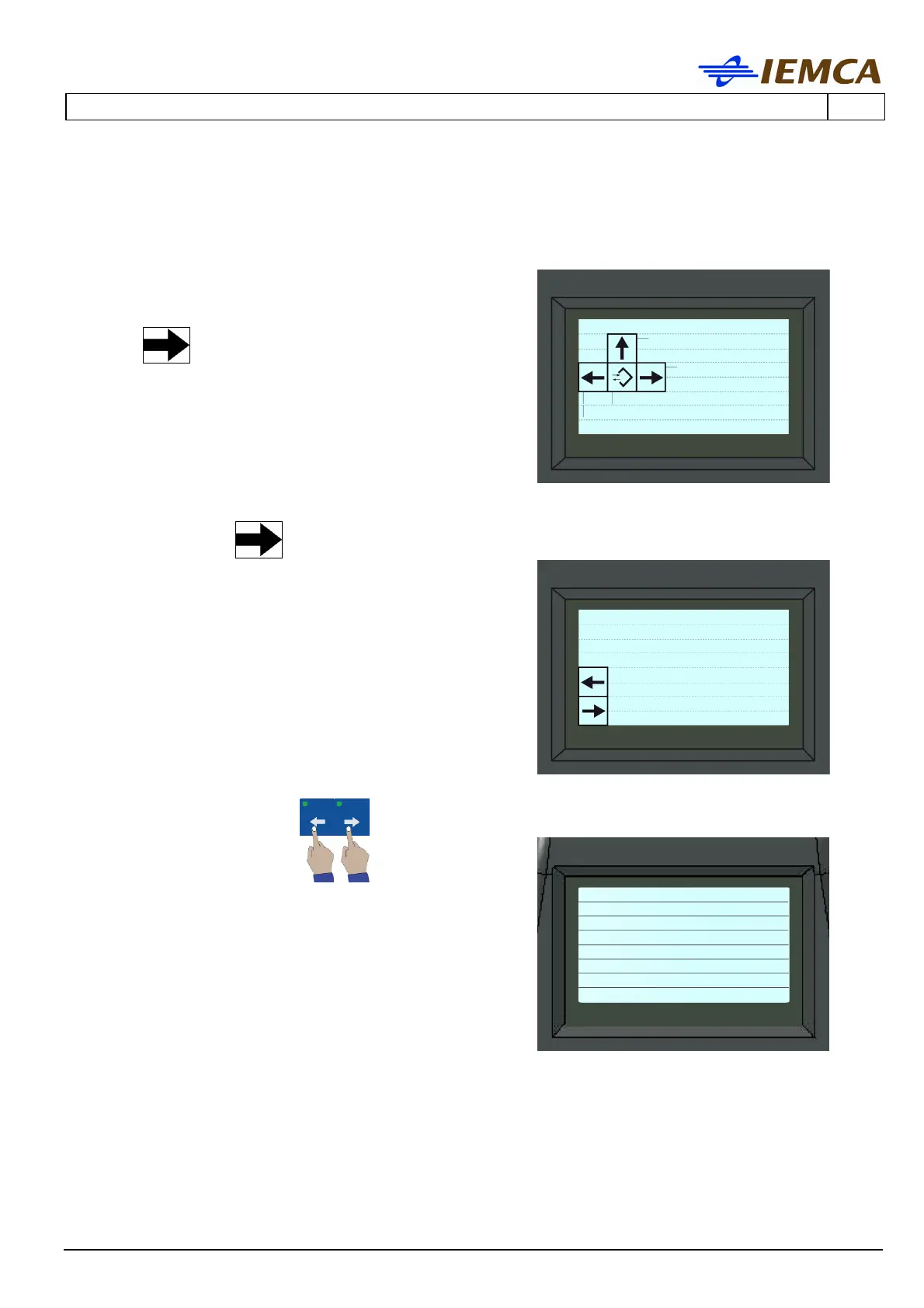
1. Enter the "parameter display" mode: [pupa_kid_barra_oriz-sx]
2. The display shows
3 Press
to access "Parameters":
4. Recall the arrow to access "OPERATOR
Parameters"
5. Display the parameters:
all the other parameter will appear in sequence
(EN)
Help
Machining
Parameters
Common parameters
PARAMETERS
-----------------------
Par.
IEMCA Parameters
Param. Operator
no.1 Bar end
adjustment
120 (mm)
4.72 (inches)
-------------------------
Ins)Choose ←→)Move
Enter)Confirm







 To Next Page