EN
2 - INFORMATION FOR USE KID 80 SIV
2 - Pag. 16 / 66
2.9 SUBPARAMETER MODIFICATION
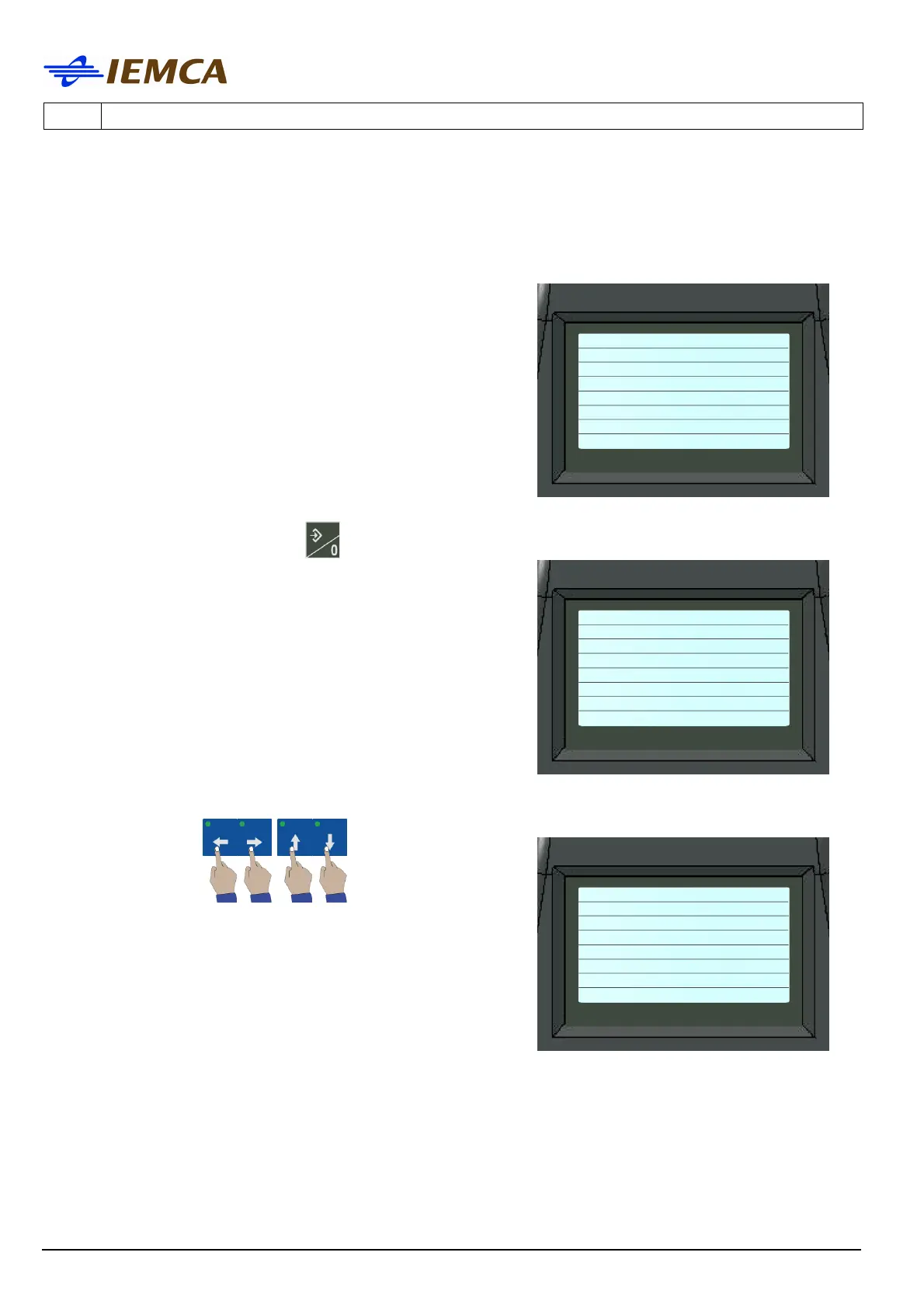
1. Display the desired subparameter:
"Example of the subparameter screen"
2. Recall the selection cursor: the display shows:
Selected value: 1000 (mm/sec)
3. Move the selection cursor by pressing one of the
following keys:
the display shows:
Selected value: 1100 (mm/sec*sec)
--------------------------
New speed
1000 (mm/sec)
--------------------------
Con. acceleration
1100 (mm/sec*sec)
--------------------------
New speed point
--------------------------
New speed
1000 (mm/sec)
--------------------------
Con. acceleration
1100 (mm/sec*sec)
--------------------------
New speed point
--------------------------
New speed
1000 (mm/sec)
--------------------------
Con. acceleration
1100 (mm/sec*sec)
--------------------------
New speed point







 To Next Page