EN
2 - INFORMATION FOR USE KID 80 SIV
2 - Pag. 14 / 66
2.7 PARAMETER MODIFICATION
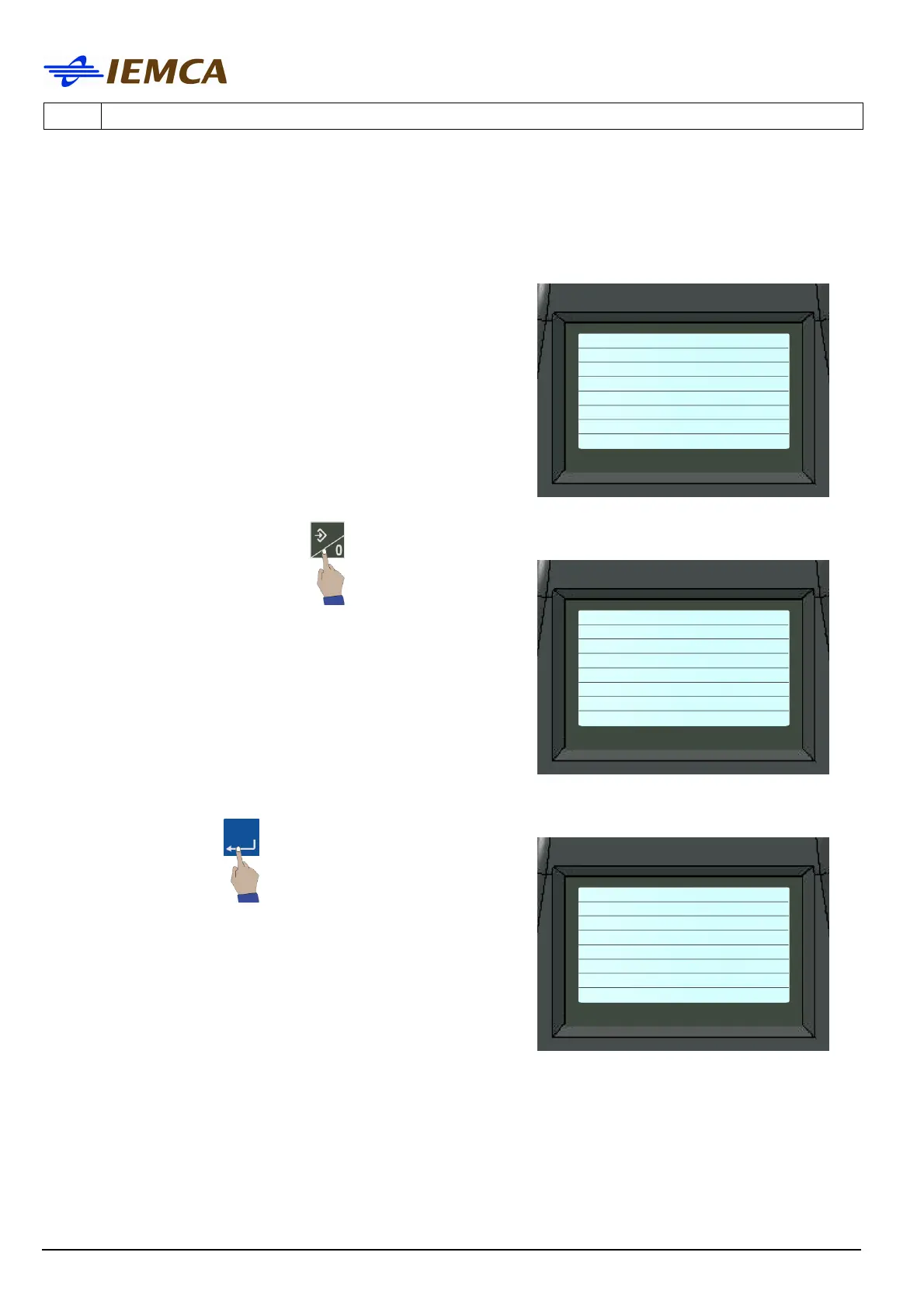
1. The desired parameter should be displayed:
"Parameter screen example"
2. Select the parameter value: the display shows:
Selected value: 115 (mm)
3. Enter the desired value, for example "120": the value changes from 115 to 120 and starts
blinking, confirm:
no.1 Bar end
adjustment
115 (mm)
4.52 (inches)
-------------------------
Ins)Choose ←→)Move
Enter)To confirm
no.1 Bar end
adjustment
115 (mm)
4.52 (inches)
-------------------------
Ins)Choose ←→)Move
Enter)Confirm
no.1 Bar end
adjustment
120 (mm)
4.72(inches)
-------------------------
Ins)Choose ←→)Move
Enter)Confirm







 To Next Page