2 - INFORMATION FOR USE KID 80 SIV
EN
2 - Pag. 15 / 66
The value will stop blinking and the same value
expressed in inches will automatically appear, or
if a value in inches is selected and entered, the
corresponding value in millimetres (mm) will
automatically appear:
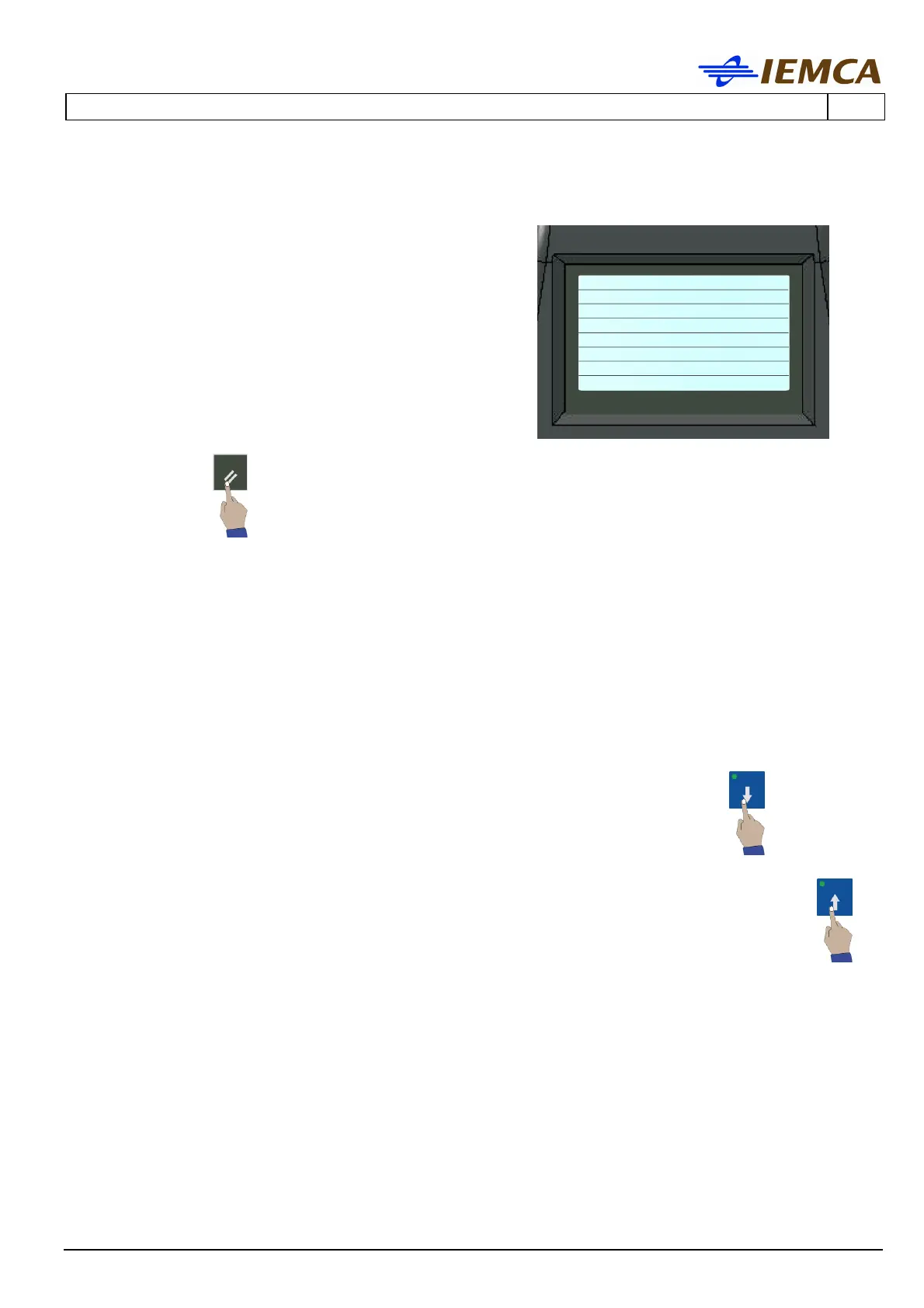
If during the modification mode you want to stop
the selection:
At this stage the value is no longer blinking. If the value is not confirmed when entered, the
last value will reappear.
2.8 SUBPARAMETERS DISPLAY
Some parameters have subparameters.
1. To display them, scroll down the parameter screen by pressing repeatedly:
2. To return to the parameter screen, scroll the screen upwards by repeatedly pressing:
no.1 Bar end
adjustment
115 (mm)
4.52 (inches)
-------------------------
Ins)Choose ←→)Move
Enter)Confirm







 To Next Page