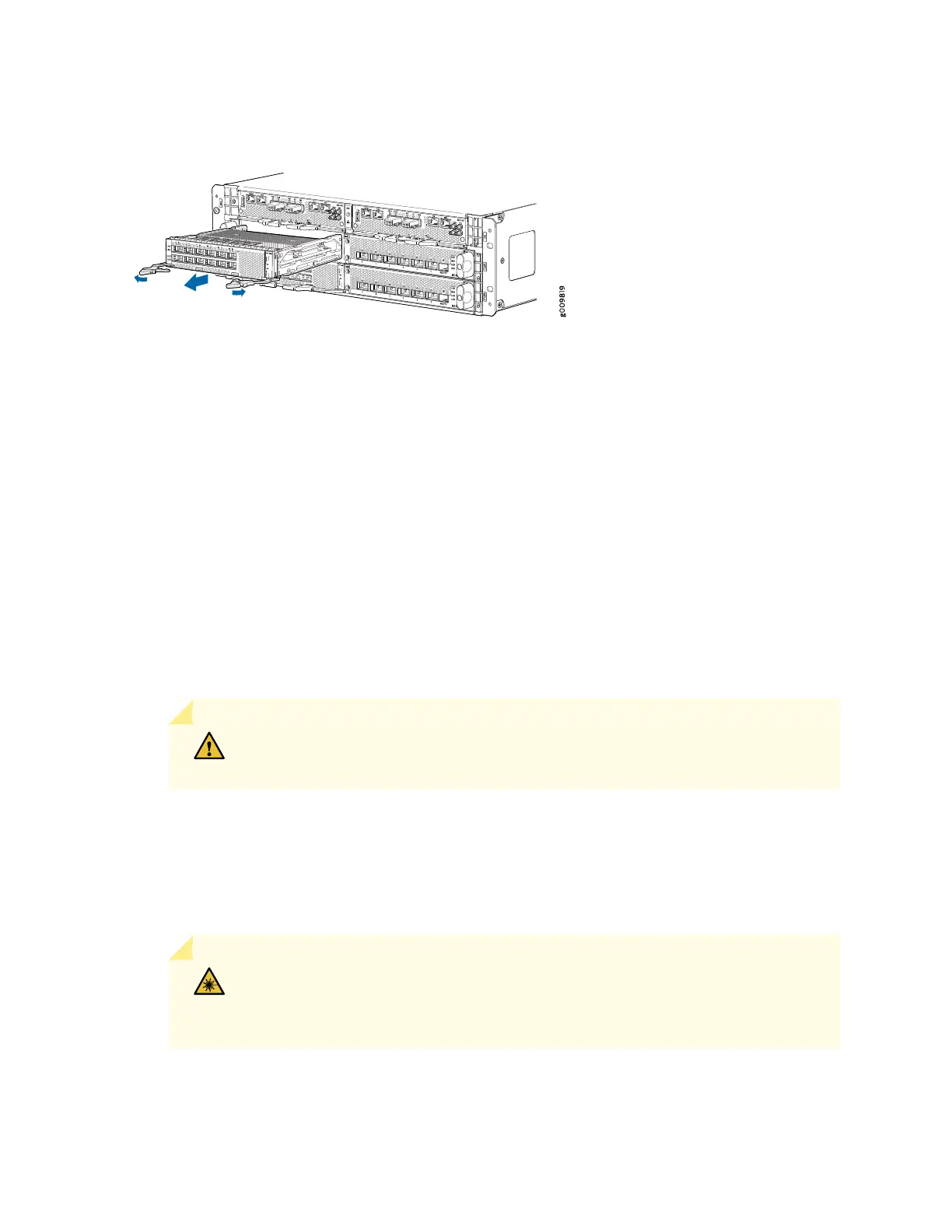
Figure 49: Removing a MIC
Installing an MX10003 MIC
To install a MIC (see Figure 50 on page 146):
1. Attach an electrostatic discharge (ESD) grounding strap to your bare wrist, and connect the strap to
one of the ESD points on the chassis.
2. If the MIC uses fiber-optic cable, verify that a rubber safety cap is over each transceiver on the faceplate.
Install a cap if necessary.
3. Align the rear of the MIC with the guides located at the corners of the MIC slot.
4. Grasp and press both the MIC ejector handles inward, and slide the MIC until the ejectors latch into
the MPC.
CAUTION: Slide the MIC straight into the slot to avoid damaging the components
on the MIC.
5. Verify that the ejector lever is engaged properly by pushing it toward the MIC faceplate.
6. If the MIC uses fiber-optic cable, remove the rubber safety cap from each transceiver and the end of
each cable.
WARNING: Do not look directly into a fiber-optic transceiver or into the ends of
fiber-optic cables. Fiber-optic transceivers and fiber-optic cable connected to a
transceiver emit laser light that can damage your eyes.
144



 To Next Page