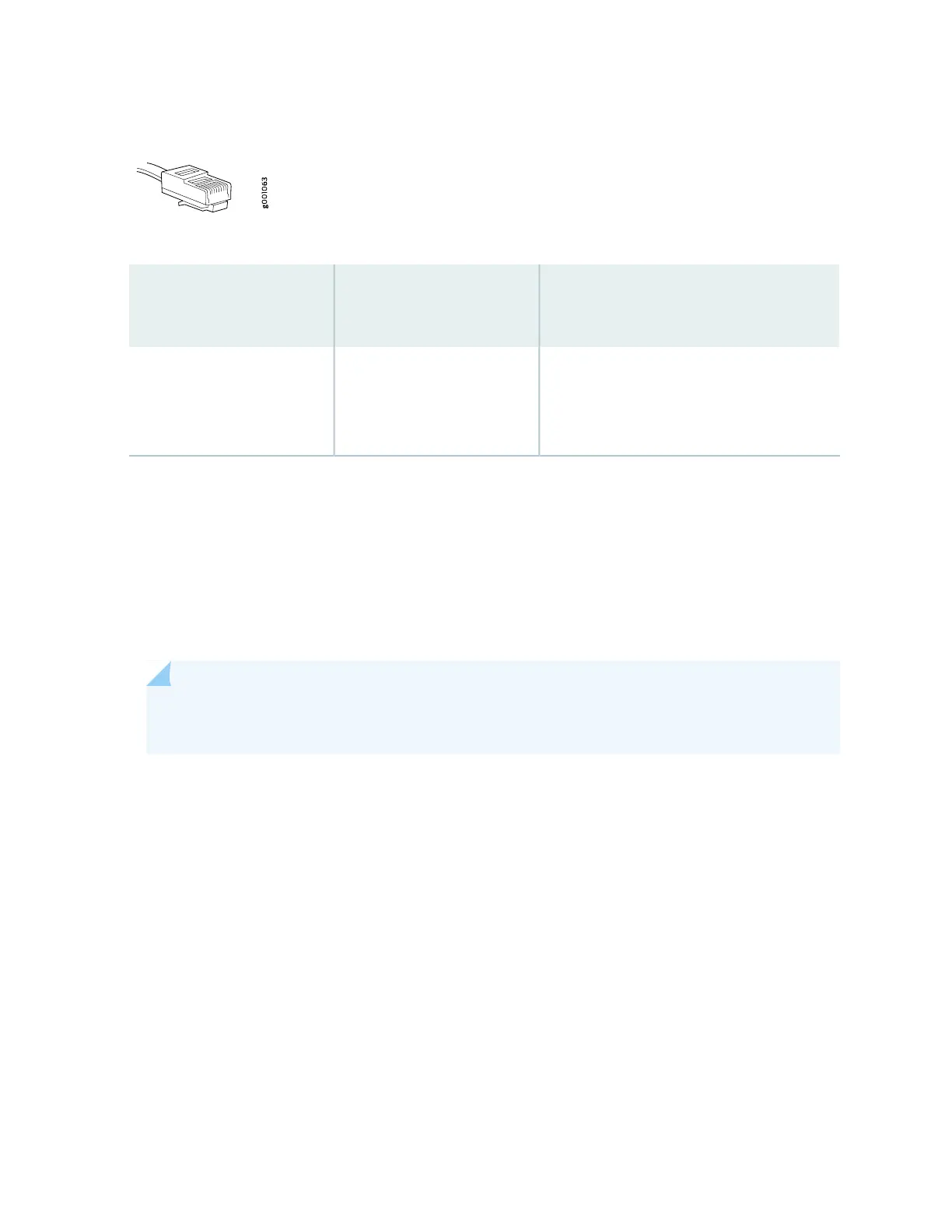
Figure 30: Out-of-Band Management Cable Connector
Table 36: Out-of-Band Management Port on the RCB
DescriptionLabel
Callout
(see Figure 29 on page 101)
Dedicated management channel for device
maintenance. It is also used by system
administrators to monitor and manage the
router remotely.
MGMT2
Connecting the Router to a Console Device
To use a system console to configure and manage the Routing Engine, connect it to the appropriate CON
port on the RCB interface. The console port is used to connect a laptop or console terminal to configure
the router (see Figure 32 on page 103 and Figure 33 on page 103). The console port accepts a cable with an
RJ-45 connector. One serial cable with an RJ-45 connector and a DB-9 connector is provided with the
router.
NOTE: Use shielded CAT5e cable for connecting the CON and MGMT ports in RCB for INDIA
only.
To connect a management console:
1. Turn off power to the console device.
2. Plug the RJ-45 end of the serial cable (see Figure 31 on page 103) into the CON port on the RCB interface.
3. Plug the female DB-9 end into the device's serial port.
102



 To Next Page