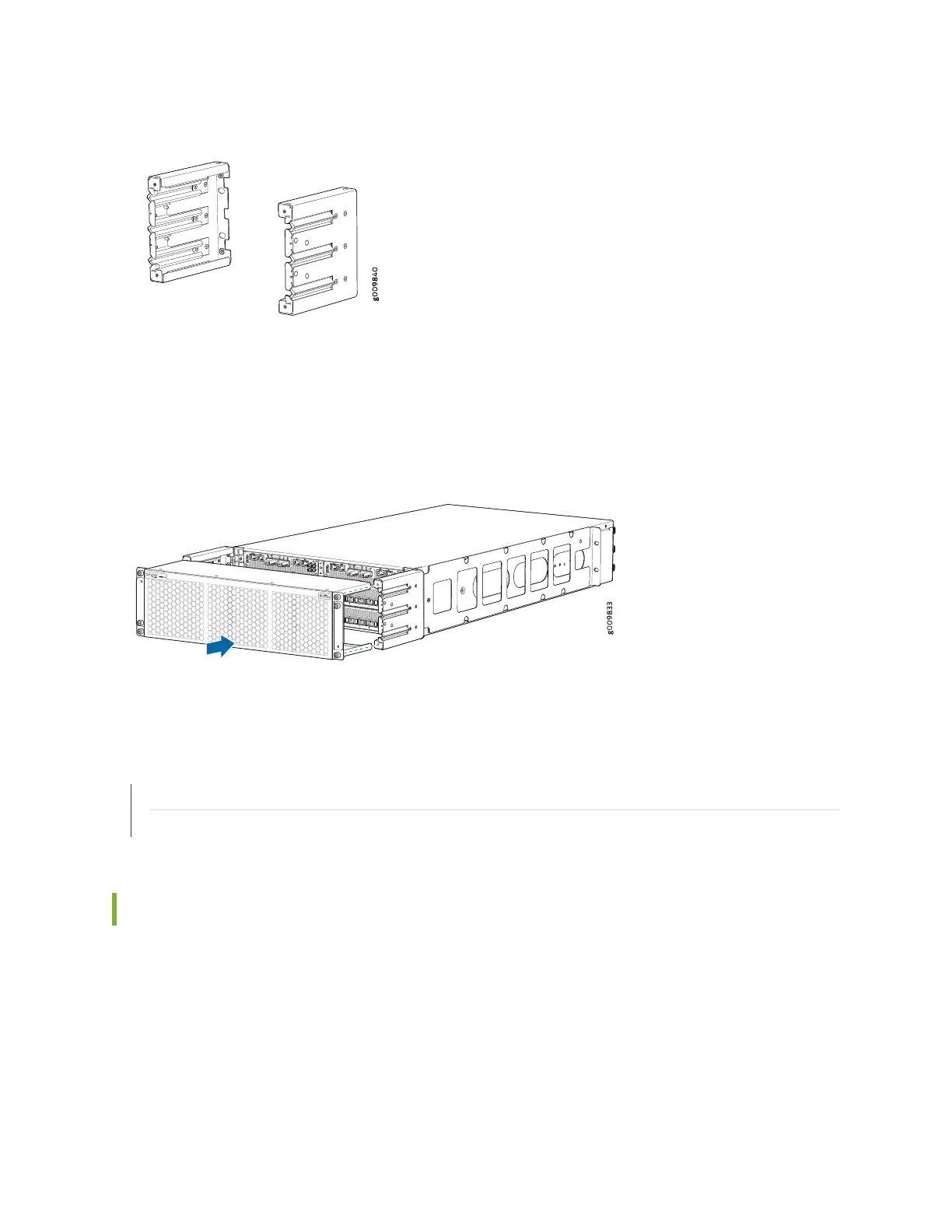
Figure 5: Cable Management Bracket
The air filter unit is installed on the cable management brackets. Before installing the air filter unit, ensure
that the cable management brackets are already installed on the front of the router. Figure 6 on page 29
shows the air filter unit along with the cable management brackets installed on the router.
Figure 6: Cable Management Brackets and Air Filter Unit Installed on the Router
SEE ALSO
Replacing the MX10003 Air Filter Unit | 117
Installing the MX10003 Router in a Rack | 89
Alarm LEDs on the MX10003 Front Panel
One alarm LED located on the front panel of the RCB. A red light indicates a critical condition that can
result in a system shutdown, and a yellow light indicates a less severe condition that requires monitoring
or maintenance.
Table 10 on page 30 describes the alarm LED in more detail.
29



 To Next Page