32 TOS5300
Interrupting Testing or Operations
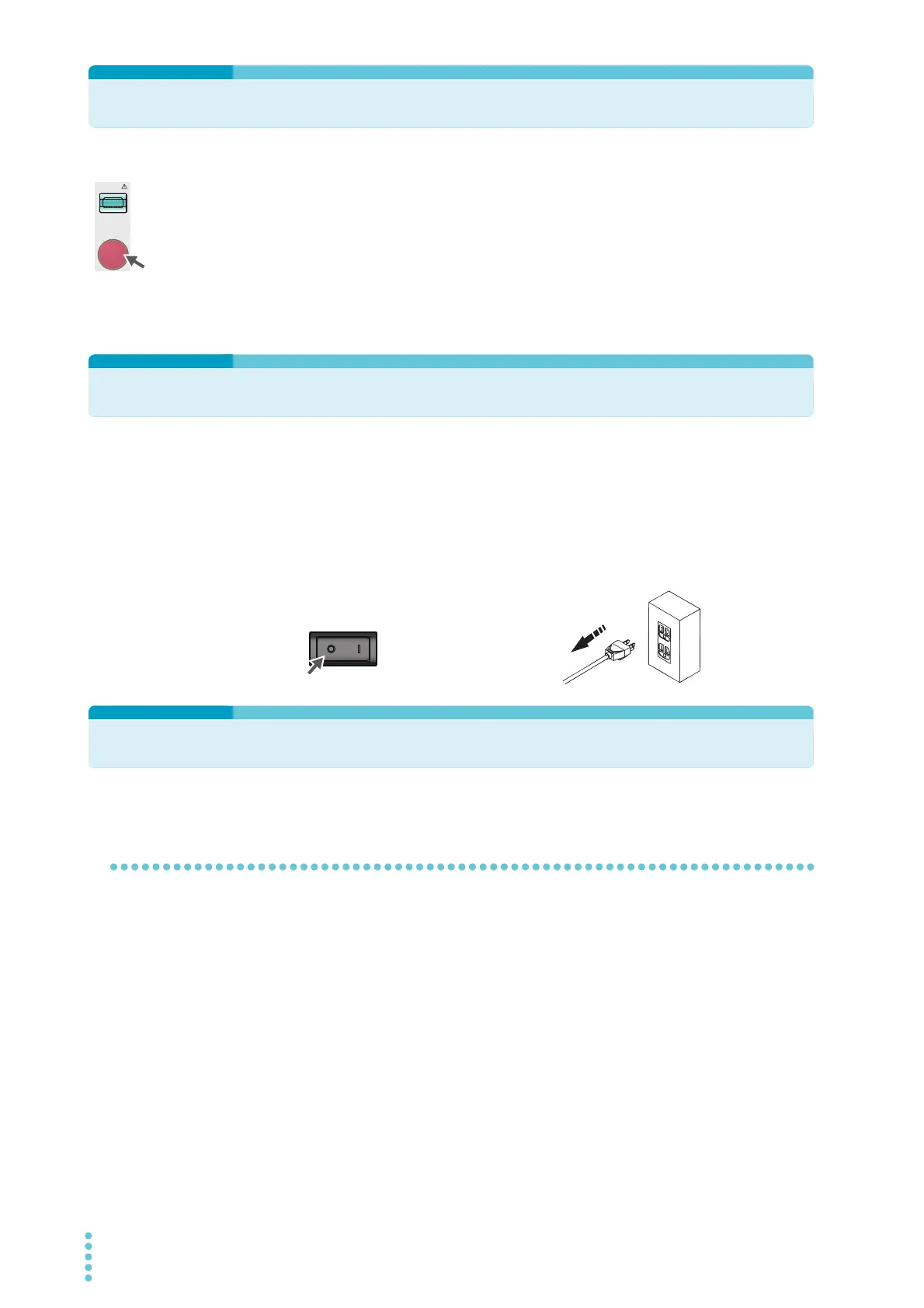
Before you change test conditions or other settings, press the STOP switch, and then be sure to
check the following items to ensure safety. If you will not use the product for some time or if the
operator will be away from the product, be sure to turn the POWER switch off.
● The analog voltmeter is indicating “0.”
● The TEST and DANGER LEDs are both off.
Emergency Measures
There are two actions that you must carry out if, due to a malfunction in the product or the DUT,
there is a possibility of an emergency occurring such as electric shock or damage to the DUT.
● Turn the POWER switch off.
● Remove the power cord plug from the outlet.
Forbidden Actions
Turning the power on and off repeatedly
After you turn the POWER switch off, wait for at least 10 seconds before you turn it back on. It is
dangerous to do otherwise, because the protective features of the product may not work
effectively. This may cause the product to malfunction, and it may reduce the life of the POWER
switch and internal parts such as the fuses.
Off
POWER
Remove the power cord
plug from the outlet.
Turn the POWER switch off.



 To Next Page