56 TOS5300
Setting Other Test Features
p.88
You can use the configuration setup screen (Configuration Menu) to set the following settings.
• Double action feature
• Length of time to maintain a PASS judgment result
• Momentary feature
• Fail mode
• Buzzer volume
1
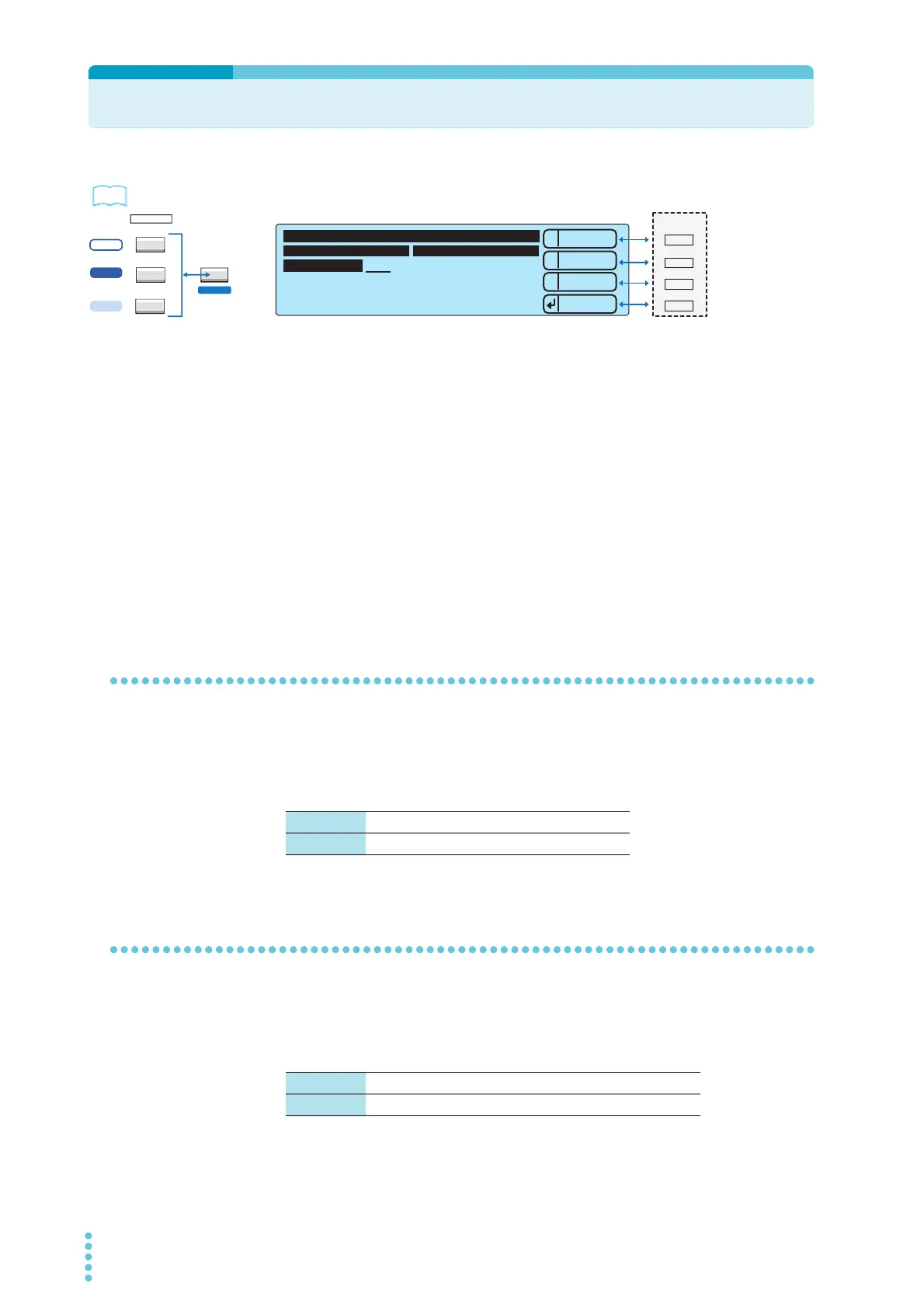
Press CONFIG (SHIFT+FUNCTION) to display the configuration setup screen
(Configuration Menu), and then select 1.Test mode and Buzzer.
2
Press 2: Up (MEMORY 2) or 3: Down (MEMORY 3) to select the setting that you
want to set, and then use the rotary knob to set the value.
Double action feature
This feature enables you to start a test by first pressing STOP and then pressing START within 0.5
seconds. If you do not press START within this time limit, the test does not start (the READY LED
turns off ). This feature ensures that tests are started safely because it requires you to use both the
STOP and START switches.
Length of time to maintain a PASS judgment result
This feature enables you to set the length of time that the TOS5300 Series maintains a PASS
judgment state. If you set Pass Hold to HOLD, the measured results remain displayed on the screen
until you press STOP. When a FAIL judgment occurs, the FAIL judgment’s measured results remain
displayed on the screen until you press STOP, regardless of the value of the Pass Hold setting.
ACW
FUNCTION
ACW / DCW
ACW / IR / AUTO
LOCAL
SSHIFT
5300
5301
5302
1
2
3
----
Down
Up
Menu
Test Mode Buzzer Volume Level
Double Action OFF
Pass Hold 150ms
Momentary ON
Fail Mode OFF
PASS 2
FAIL 3
1.Test Mode and Buzzer
1
MEMORY
2
3
RECALL
Example: Selecting the value of the Double Action setting on the 1.Test Mode and Buzzer
ON The double action feature is turned on.
OFF The double action feature is turned off.
Time 50 ms, 100 ms, 200 ms, 1 s, 2 s , 5 s
HOLD The PASS judgment state is maintained until STOP is pressed.



 To Next Page