40 TOS5300
Panel Operations
Locking panel operations (key lock)
The key lock feature can be used to prevent changes to the test conditions due to incorrect
operations.
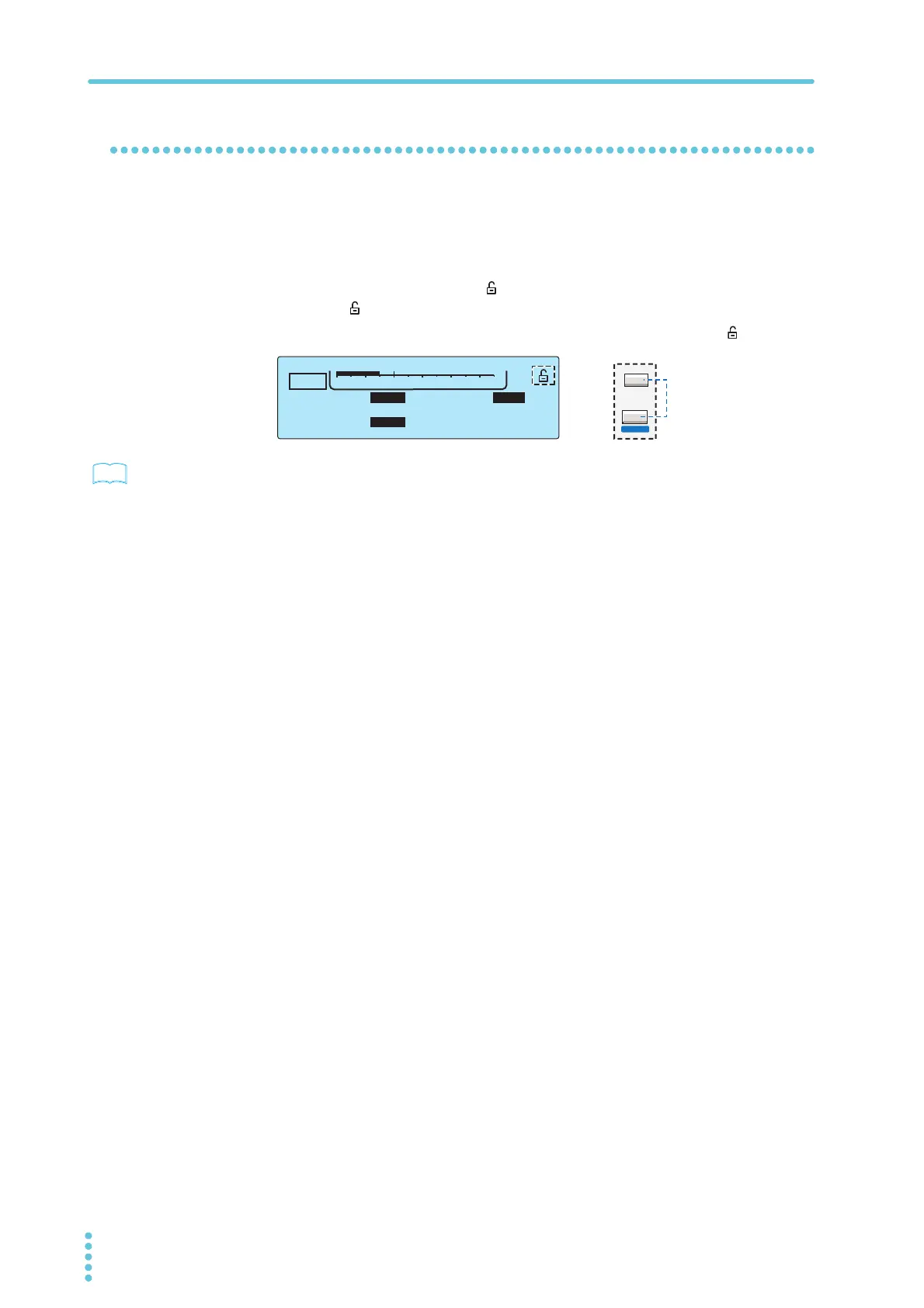
To lock the panel operations, press KEY LOCK (SHIFT+MORE).
In this state, only the START and STOP switches are enabled.
When keys are locked, the key lock icon ( ) appears on the screen. If you try to use a locked key,
the key lock icon ( ) blinks for approximately 2 seconds.
To release the key lock, hold down KEY LOCK (SHIFT+MORE) until the key lock icon ( ) disappears.
p.22
If you will run tests using conditions that you have recalled from memory, we recommend that you
use the protection cover.
TIMER UPPER
LOWER
10.0
mA
0.01
mA
1.50
kV
60
.
0
s
ACW
0
5.5kV
Voltage
MORE
KEY LOCK
LOCAL



 To Next Page