TOS5300 91
Configuration Settings
App
Date and Time settings
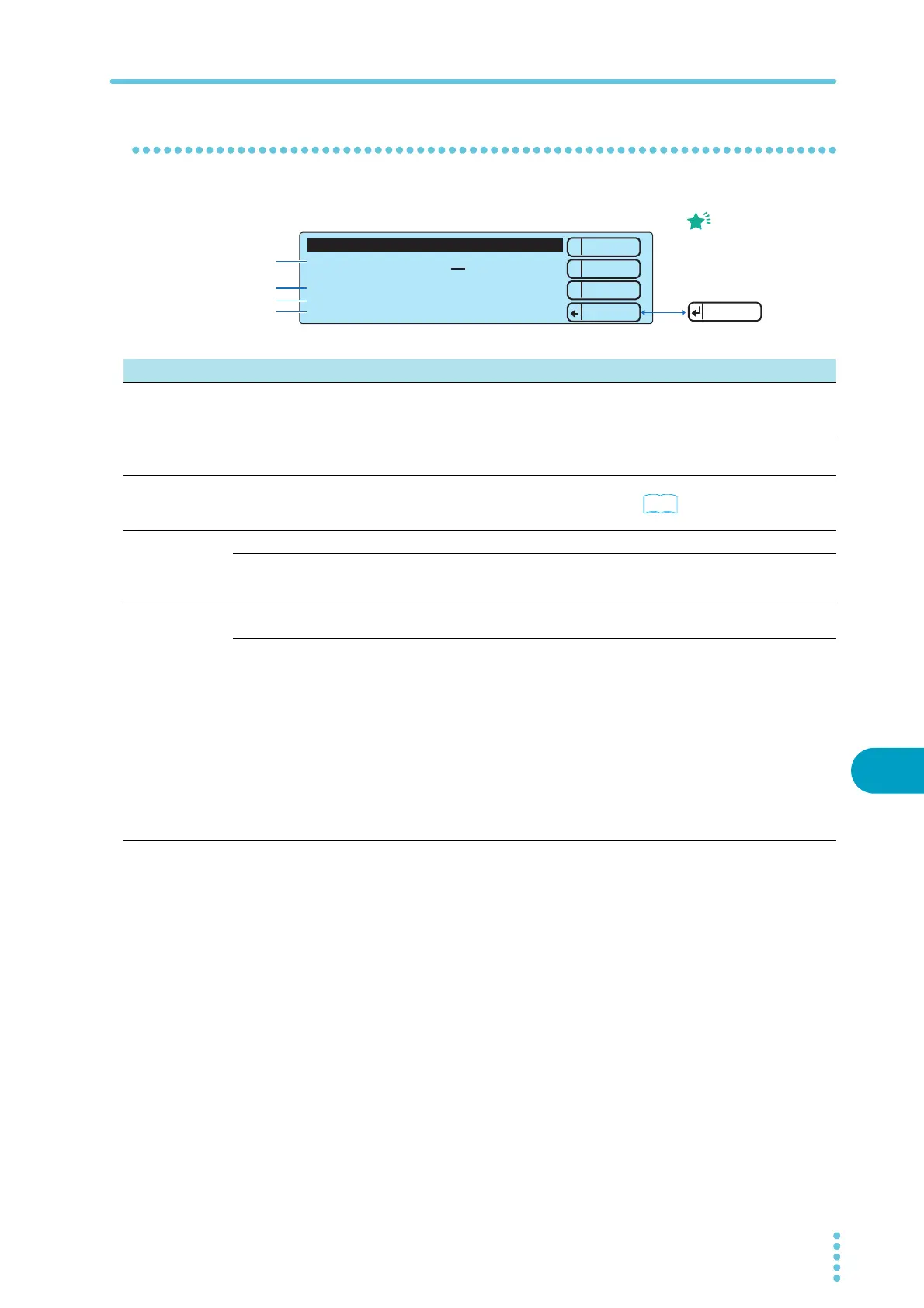
You can set the following settings on the Date and Time screen.
1
2
3
Down
Up
Menu
Set Date and Time 2010 / 5/25 2:33:48
Time Zone
OFF
Calibration Date 2010/1/1
Calibration Due Control 3 months
Calibration Protection OFF
3.Date and Time
----
Apply
The only time that settings
take effect the moment that
you press RECALL is when
you are setting the Set
Date and Time settings.
Memo
1
2
4
3
Item Description Panel operation
1
Set Date and
Time
Sets the system clock.
After you enter the current time, press Apply (RECALL) to apply the
changes.
MEMORY 2 and MEMORY 3 keys
Year/Month/Day
Hour:Minute:Second
Sets the current time.
MEMORY 2 and
MEMORY 3 keys
Rotary knob
2Calibration
Date
Displays the calibration date.
Displays the date that was set during the last calibration service or the date
that you calibrated the TOS5300.
p.55
3Calibration
Due Control
Sets the calibration period. MEMORY 2 and MEMORY 3 keys
3 months to 36 months Sets the number of months.
Rotary knob
INF Infinity
4Calibration
Protection
Sets the operation that the TOS5300 Series performs when the calibration
period expires.
MEMORY 2 and MEMORY 3 keys
ON When the calibration period elapses, the message “Calibration
Protection (Code:0x0002)” will be displayed when you turn the
TOS5300 Series on.
While this message is displayed, you cannot use the TOS5300
Series. To continue using the TOS5300 Series, press STOP and
then CONFIG (SHIFT+FUNCTION) to display the configuration
setup screen. Next, select 3.Date and Time, and then set
Calibration Protection to OFF.
STOP switch
CONFIG
(SHIFT+FUNCTION)
key
MEMORY 2 and
MEMORY 3 keys
Rotary knob
OFF When the calibration period elapses, the message “Calibration
Protection (Code:0x0002)” will be displayed when you turn the
TOS5300 Series on.
If you press STOP, you can continue using the TOS5300 Series.



 To Next Page