TOS5300 89
Configuration Settings
App
Test Mode and Buzzer settings
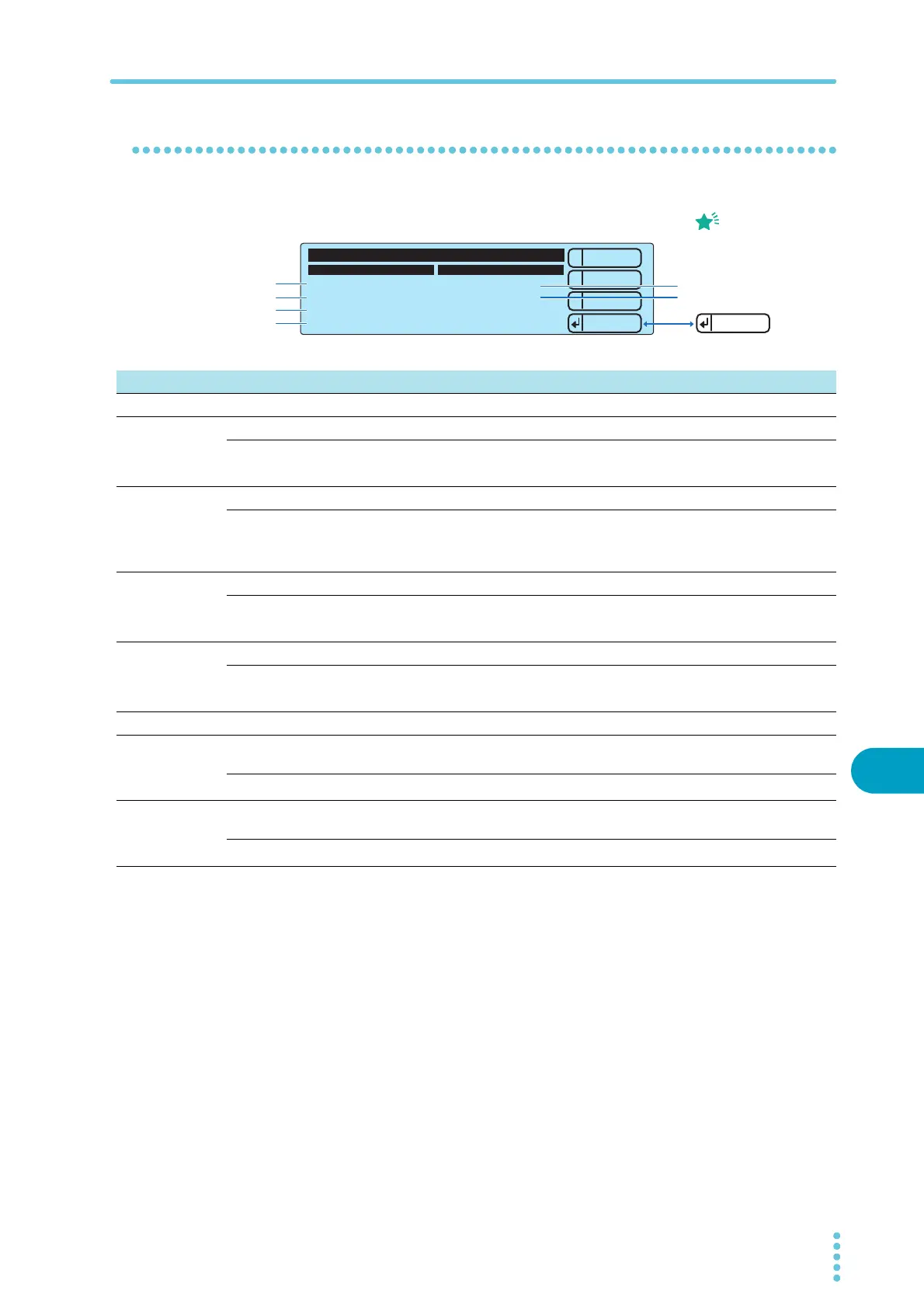
You can set the following settings on the Test Mode and Buzzer screen.
1
2
3
Test Mode Buzzer Volume Level
Double Action OFF
Pass Hold 150ms
Momentary ON
Fail Mode OFF
PASS 2
FAIL 3
1.Test Mode and Buzzer
----
Down
Up
Menu
Check
The only time that you
can use Apply (RECALL)
to check the buzzer
volume level is when you
are setting the Buzzer
Volume Level settings.
Memo
1
2
3
4
5
6
Item Description Panel operation
Test Mode
1 Double Action Sets the double action feature. MEMORY 2 and MEMORY 3 keys
ON Turns the double action feature on.
Rotary knob
OFF Turns the double action feature off.
2 Pass Hold Sets the length of time that a PASS judgment result will be maintained. MEMORY 2 and MEMORY 3 keys
50 ms, 100 ms,
200 ms, 1s,2s,5s
Setting
Rotary knob
HOLD The results are maintained until you press STOP.
3 Momentary Sets the momentary feature. MEMORY 2 and MEMORY 3 keys
ON Turns the momentary feature on.
Rotary knob
OFF Turns the momentary feature off.
4 Fail Mode Sets the fail mode. MEMORY 2 and MEMORY 3 keys
ON Turns the fail mode on.
Rotary knob
OFF Turns the fail mode off.
Buzzer Volume Level
5Pass
Sets the volume level of the buzzer that is sounded when a PASS judgment
occurs.
MEMORY 2 and MEMORY 3 keys
0 to 10
1
Setting Rotary knob
6Fail
Sets the volume level of the buzzer that is sounded when a FAIL judgment
occurs.
MEMORY 2 and MEMORY 3 keys
0 to 10
1
Setting Rotary knob
1 After you set the value, you can use the Apply (RECALL) key to check the buzzer volume.



 To Next Page