TOS5300 37
Parts of the Screen
Panel Operation Basics
4
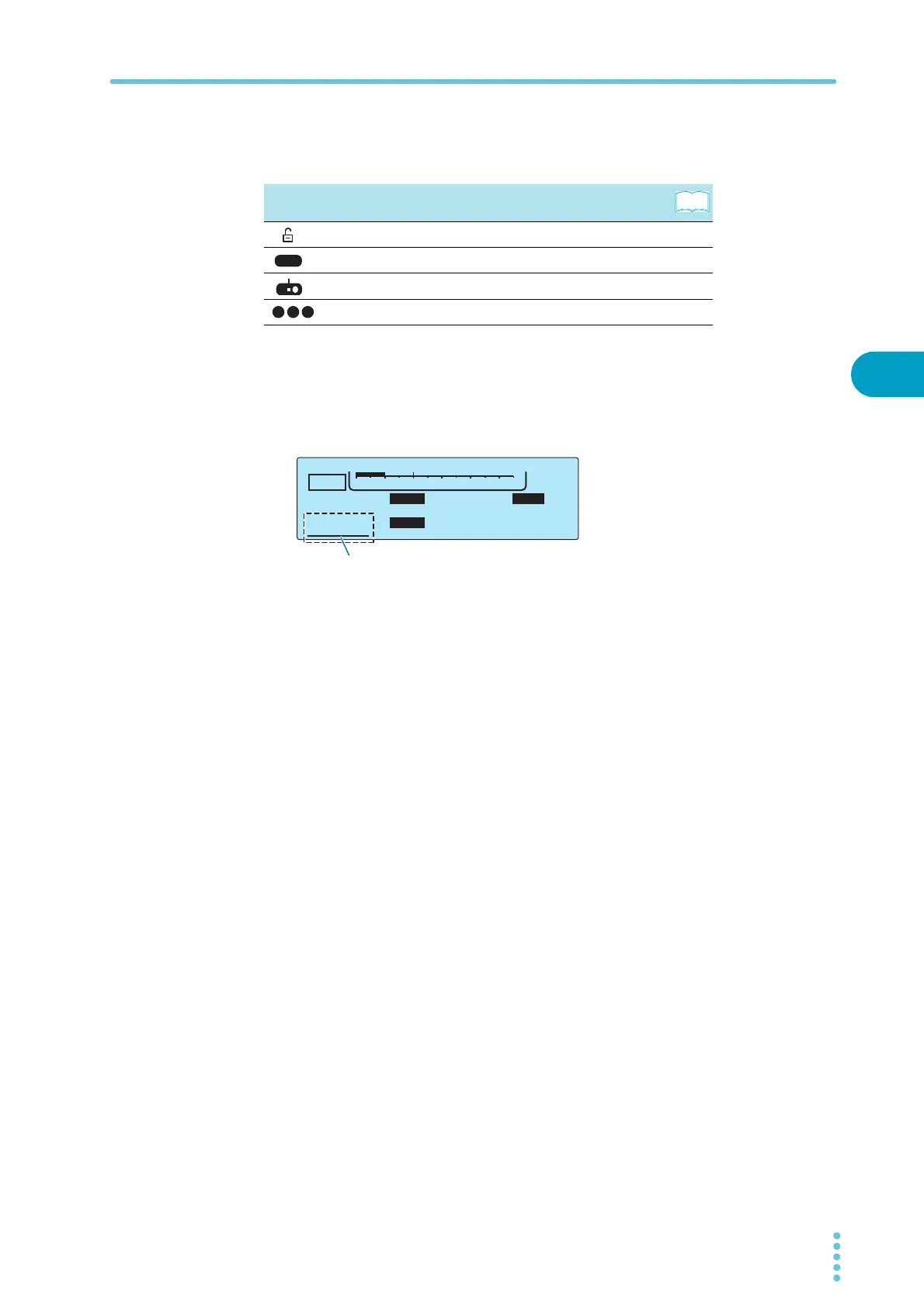
Icon area
The TOS5300 Series status is displayed using icons.
Data input area
This area is used to enter the test voltage, limit voltage, upper and lower current limits, and test
time.
The cursor (underscore) is displayed at the currently selected item.
Icon Status
Key lock p.40
Remote control
—
Model RC01-TOS/RC02-TOS remote control box connected p.16
Recalled memory number p.42
See
1 2 3
TIMER UPPER
LOWER
10.0
mA
0.01
mA
1.50
kV
60
.
0
s
ACW
0
5.5kV
Voltage
The underscore is displayed under the selected item.



 To Next Page