Stratos Multi E401N
108
04. Immerse the sensor in the ORP buffer solution and wait for the ORP measured value to stabilize.
05. Start calibration with the right softkey: Next.
✓ When the drift check is complete, the measured temperature and ORP are displayed.
The time for the measuring voltage to stabilize can be shortened with the left softkey: Exit (without
drift check: reduced accuracy of calibration values). The response time indicates how long the sensor
needs until the measuring voltage is stable. If the sensor voltage or the measured temperature
fluctuate considerably or the sensor is inadequately polarized, the calibration procedure is aborted
after around 2 minutes. In this case, calibration needs to be restarted. Return the sensor to the process
once this has been successfully completed. Make sure that the temperature of the sensor and the
temperature of the buffer solution are not too far apart. The ideal temperature is 25°C/77°F.
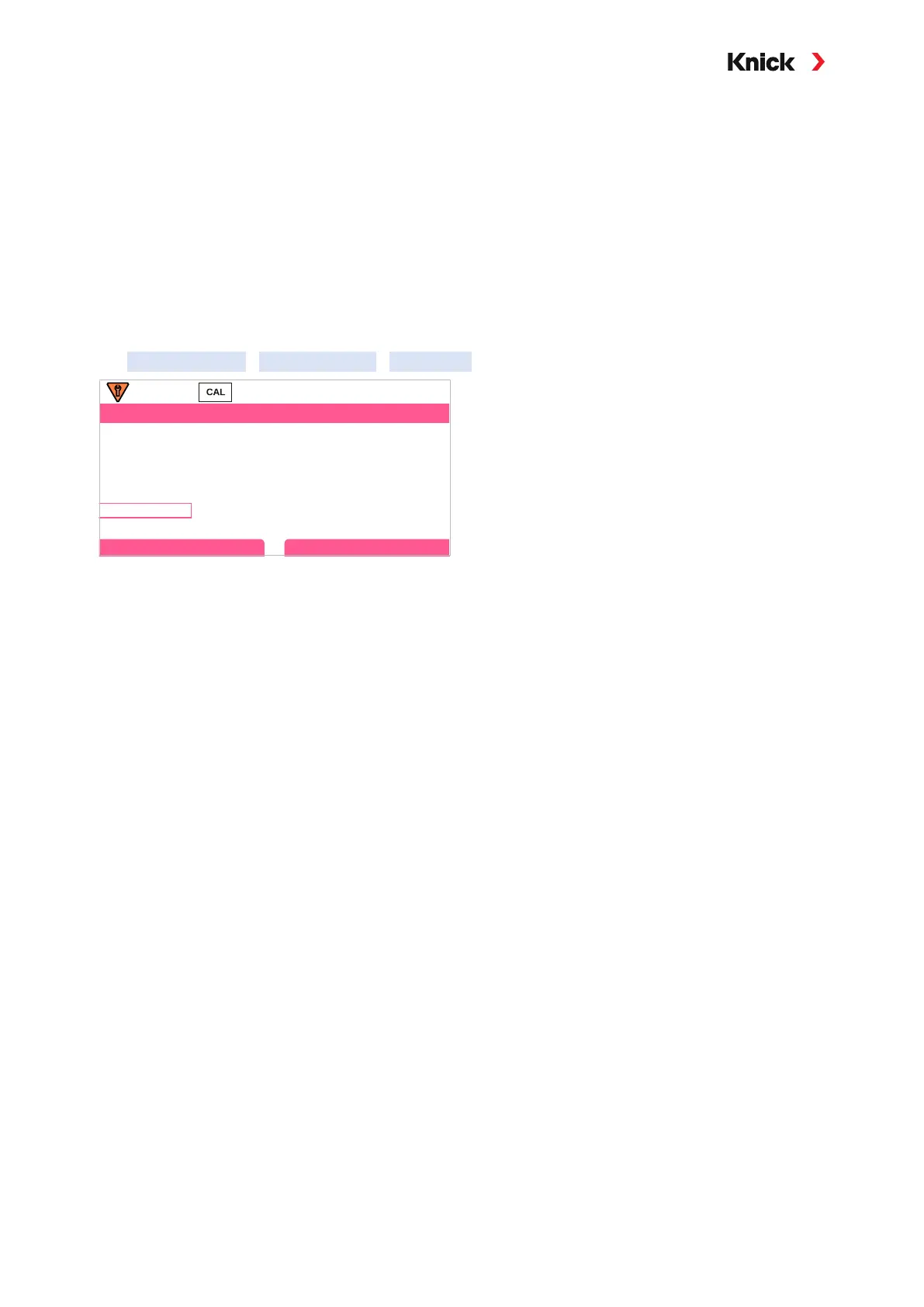
06. Enter the ORP setpoint (printed on bottle) of the buffer solution in the
Calibration Mode
ORP Adjustment
ORP Buffer submenu and press enter to confirm.
Calibration
Enter ORP Setpoint
ORP
Temperature
Redox Buffer
215 mV
218.3 mV
23.3°C
Cancel
07. Exit calibration with the right softkey: Next.
Result
✔ By pressing the right softkey: Adjust, the calibration values obtained during calibration for
calculation of the process variables are applied to the device. When using a Memosens sensors,
the calibration values are saved in the sensor.



 To Next Page