Stratos Multi E401N
130
Access in: Diagnostics
Logbook
Logbook
F240
Back
F240
F032
F029
F029
F227
12/11/19
12/11/19
12/11/19
12/11/19
12/11/19
12/11/19
08:33
08:21
08:13
08:13
08:05
08:05
No Sensor Connected
Power Supply ON
I
I
Cal Mode is Active
Cal Mode is Active
I
No Sensor Connected
I
Sensor Identified
I
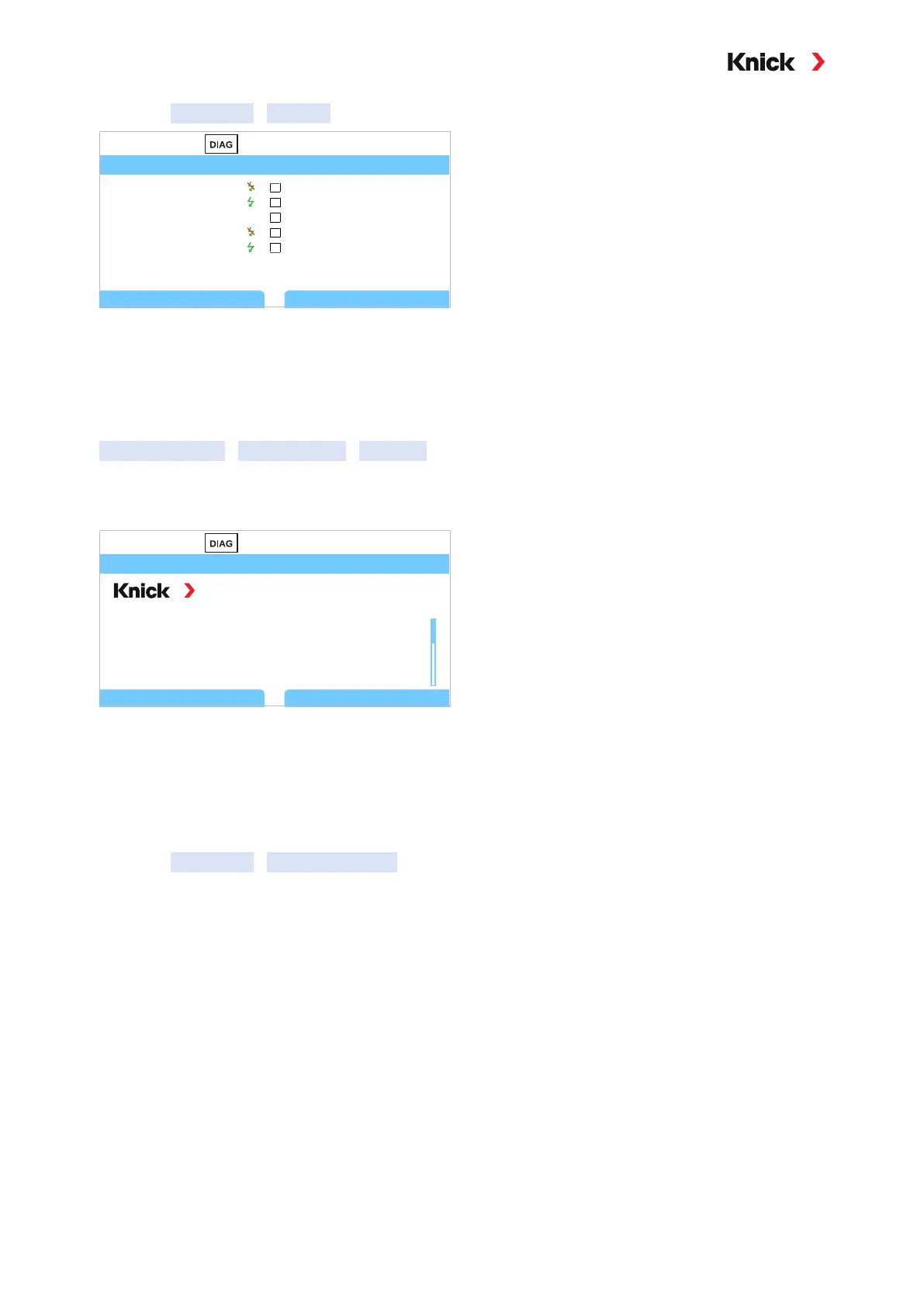
You can scroll forward and backward in the logbook using the up/down arrow keys.
When using the Data Card and TAN option FW-E104, 20,000 entries or more can be stored on the card,
depending on the memory load.
Select whether to record failure and/or maintenance required messages in the logbook in the system
control:
Parameter Setting
System Control
Logbook ➜ Logbook, p. 47
Logbook entries can also be deleted here.
7.2.4 Device Information
Device Information
Back
Stratos Multi E401NDevice Type
Serial Number
Firmware
8655400
Hardware 01
01.00.00 Build 8623
The following device information is displayed:
• Device type
• Serial number
• Firmware version/hardware version
• Bootloader
Access in: Diagnostics
Device Information



 To Next Page