Stratos Multi E401N
128
7 Diagnostics
7.1 Favorites Menu
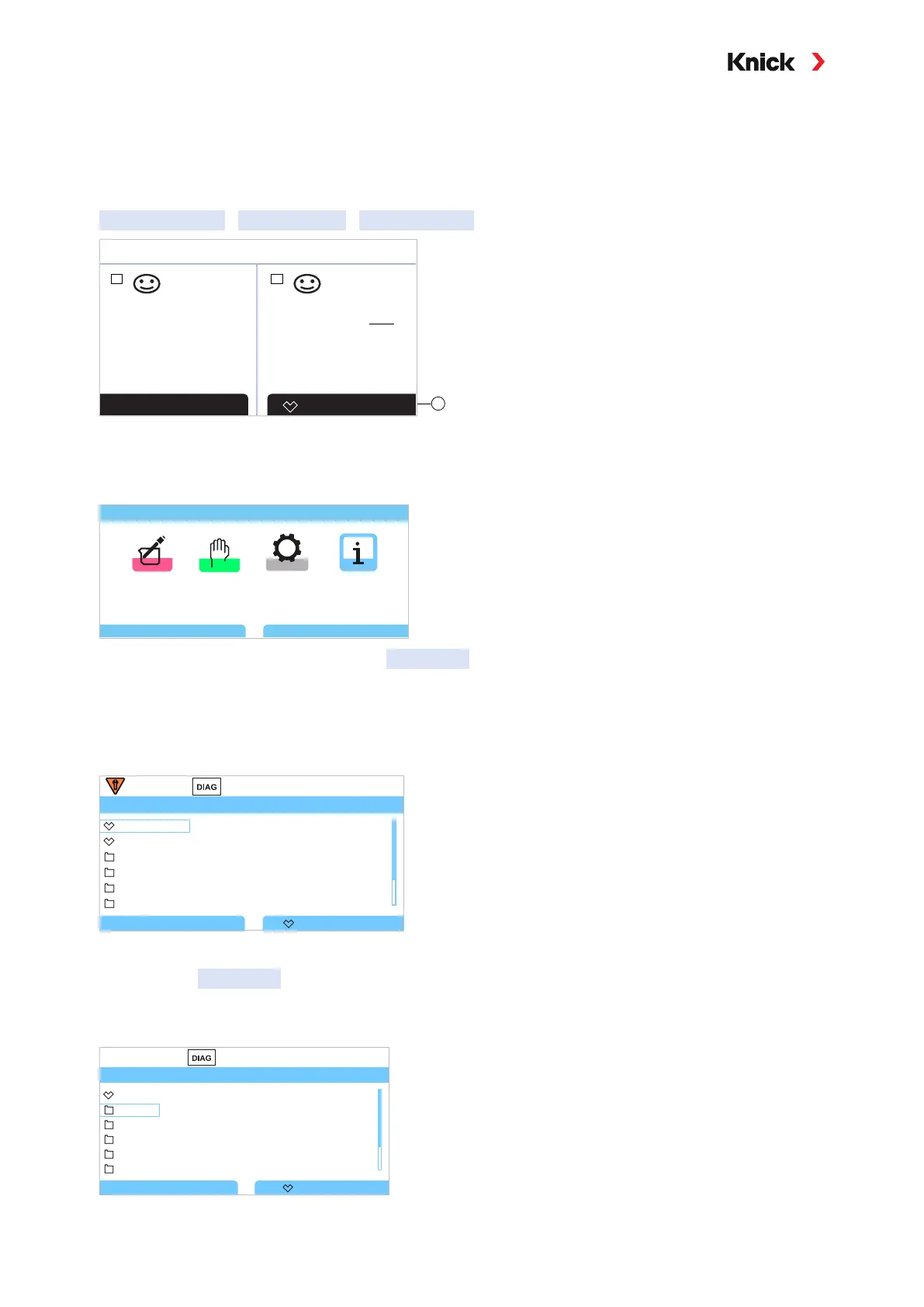
Diagnostic functions can be accessed directly from measuring mode using the right softkey. For this
purpose, the right softkey
(1) must be assigned the function Favorites Menu:
Parameter Setting
System Control
Function Control
I
Favorites MenuMenu
pH
II
7.00
µS
cm
25.3
0.154
25.3
°C °C
1
The “Favorites“ are set in the Diagnostics menu.
Set a favorite:
01. From within measuring mode, press the left softkey: Menu.
Menu Selection
Back
Diagnostics
Lingua
02. Using the right arrow key, select the Diagnostics menu and confirm with enter.
03. Select the desired submenu.
04. Right softkey: Set Favorite
✓ A heart icon appears to the left of the menu line.
The softkey function changes to Delete Favorite
.
Diagnostics
Back
Message List
Delete Favorite
Logbook
Device Information
HART Information
Measurement Recorder
Device Test
Delete a favorite:
05. Open the Diagnostics menu and select the Favorites menu.
06. Right softkey: Delete Favorite
✓ The heart icon disappears. The softkey function changes to Set Favorite.
Diagnostics
Back
Message List
Set Favorite
Logbook
Device Information
HART Information
Measurement Recorder
Device Test



 To Next Page