Stratos Multi E401N
42
5.2 Locking a Function
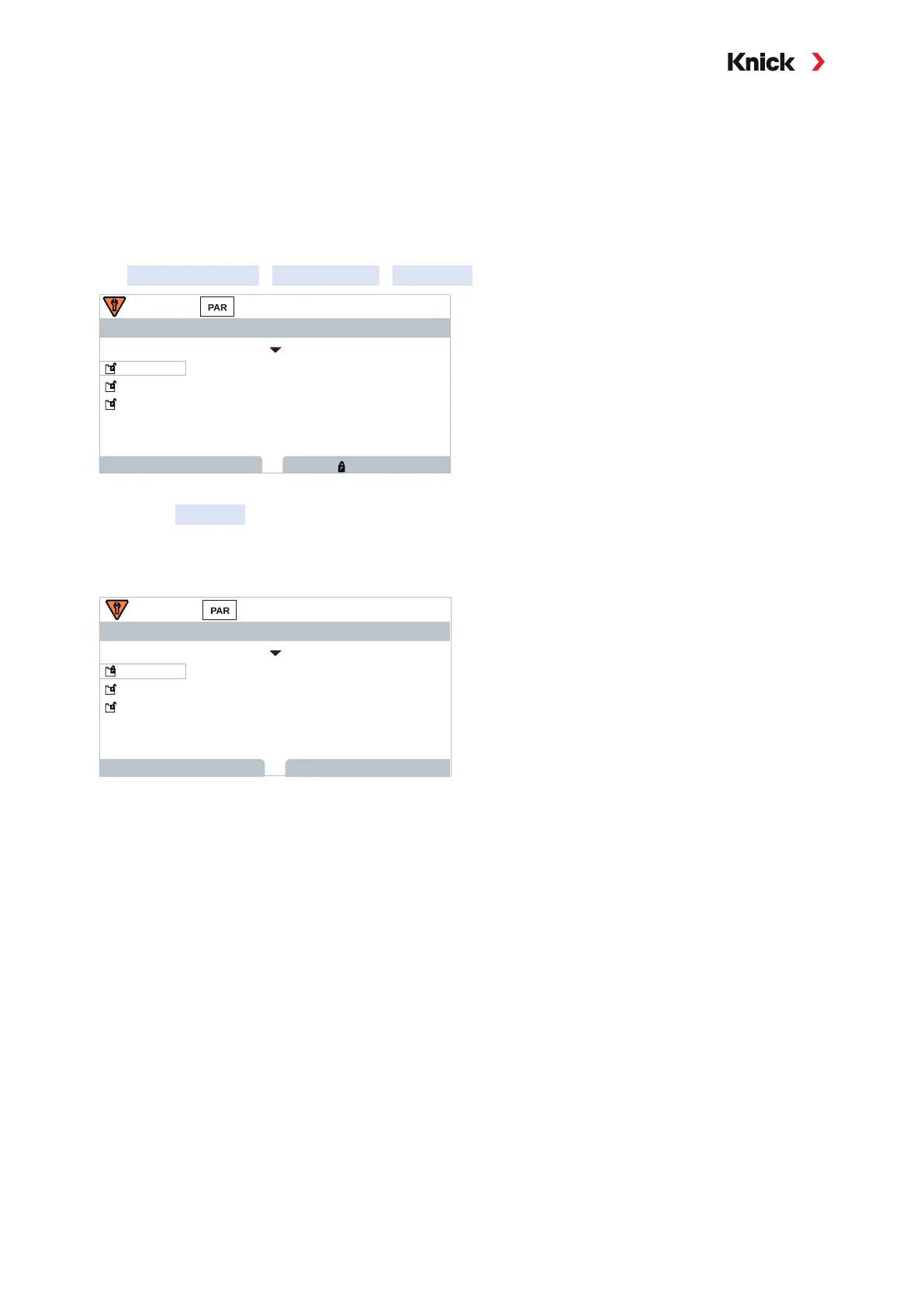
Example: Locking access to the configuration of relay contact K1 from the Operator level
01. Open Parameter Setting.
02. Select Administrator level.
03. Enter passcode (factory setting: 1989).
04. Select submenu:
Inputs and Outputs
Relay Contacts
Contact K1
Relay Contacts (Admin.)
Contact K1
Back
Controller
Lock
Contact K2
Contact K3
Off
05. Right softkey: Lock
✓ The Contact 1 submenu is now marked with the “lock” icon. This function can no longer be
accessed from the Operator level.
The softkey
function automatically changes to Unlock.
✓ At the Operator level, the locked function is shown in gray.
Relay Contacts (Operator)
Back
Controller
Back to Meas.
Contact K2
Contact K3
Off
Contact K1



 To Next Page