Stratos Multi E401N
85
5.10.1 Sensor Data
Memosens sensors provide relevant sensor data automatically.
The sensor type must be selected if using analog sensors:
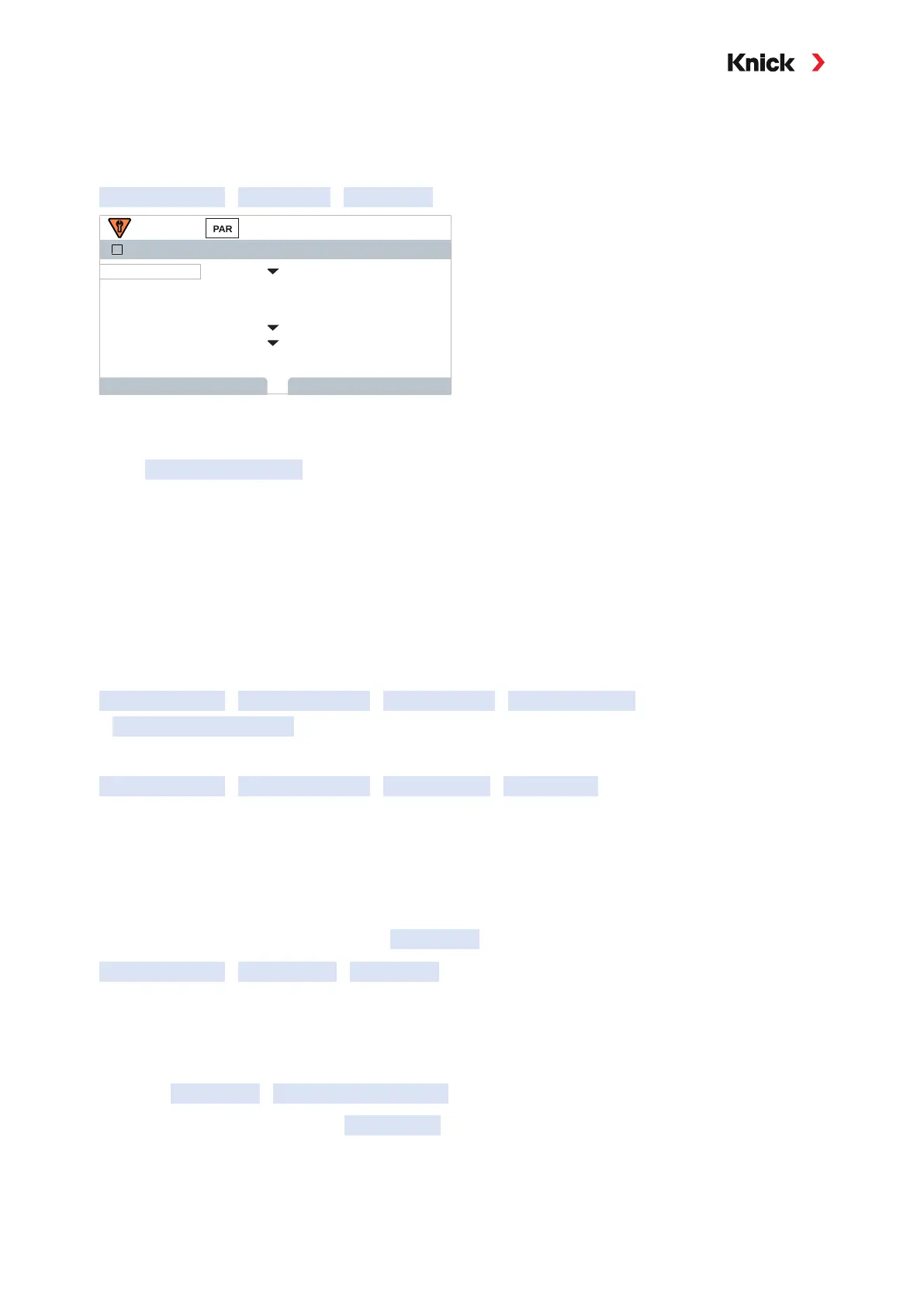
Parameter Setting
[II] Analog …
Sensor Data
Sensor Data
Sensor Type Other
Back
F0031Sensor Coding
II
Back to Meas.
OnSensoface
OffSensocheck
1.980 /cmNom. Cell Factor
100.00Transfer Ratio
01. Select sensor type
02. Enter the sensor coding, nominal cell factor, and transfer ratio.
03. In Temperature Detection , select the used temperature probe and whether the temperature is to
be measured automatically or manually during measurement and/or calibration.
Note: The sensor coding for unknown sensor types can be requested from Knick (see the back page of
this document for contact details)
Sensoface
The Sensoface icons provide the user with diagnostic information on wear and required maintenance
of the sensor. In measuring mode, an icon (happy, neutral, or sad smiley) is shown on the display to
reflect the continuous monitoring of the sensor parameters.
You can configure the current outputs so that a Sensoface message generates a 22-mA error signal.
Parameter Setting
Inputs and Outputs
Current Outputs
Current Output I…
Behavior during Messages
The Sensoface message can also be output via a relay contact:
Parameter Setting
Inputs and Outputs
Relay Contacts
Contact K… ➜ Usage: Sensoface, p. 60
Sensoface monitors the toroidal conductivity sensor on the basis of the following parameters:
Cell factor, zero point, and, if Sensocheck is enabled: Primary/secondary coils and wires
With Memosens sensors, also: Number of CIP and SIP cycles compared to the specified
“Sensor Monitoring Details”.
Enabling/Disabling Sensoface
Sensoface is enabled and disabled in the Sensor Data submenu:
Parameter Setting
[I] [II] [Sensor]
Sensor Data
Note: After a calibration, a smiley is always displayed for confirmation, even if Sensoface is disabled.
Adjusting Sensor Monitoring
Note: This function is not available for analog sensors.
01. Open Sensor Data
Sensor Monitoring Details .
02. Open a sensor parameter, e.g., Cell Constant .
03. Set Monitoring of the cell constant to automatic or individual.
04. If you select “Individual”: The nominal cell constant and the min/max limits can be entered.



 To Next Page