Stratos Multi E401N
60
Usage: Rinse Contact
Please note when configuring the “Rinse Contact” function
• The “function check” (HOLD) mode (e.g. during parameter setting) delays the execution of the
“rinse contact” function.
• Up to 3 rinse functions (contacts K1 ... K3) can be configured independently of each other.
• The individual rinse functions are not synchronized with each other.
Configuring the Rinse Contact
01. Open Inputs and Outputs
Relay Contacts .
02. Select the desired contact with the up/down arrow keys and enter.
03. Usage: Rinse Contact
04. Select contact type (e.g. “N/O”).
05. Specify rinsing interval.
06. Specify rinse duration.
07. Specify rinse/meas. lead time.
Note: Function check (HOLD) is active during the defined “Lead Time...”
08. Logbook entry: off/on
Usage: USP Output
Can be activated when using a conductivity sensor and the USP function ➜ USP Function, p. 81
01. Open Inputs and Outputs
Relay Contacts .
02. Select the desired contact with the up/down arrow keys and enter.
03. Usage: USP Output
04. Assign USP channel.
05. Set the contact parameters.
Usage: Sensoface
Sensoface messages can be output via a relay contact.
If using two sensors, the Sensoface messages can be assigned to different contacts:
01. Open Inputs and Outputs
Relay Contacts .
02. Select the desired contact with the up/down arrow keys and enter.
03. Usage: Sensoface Channel
04. Select channel.
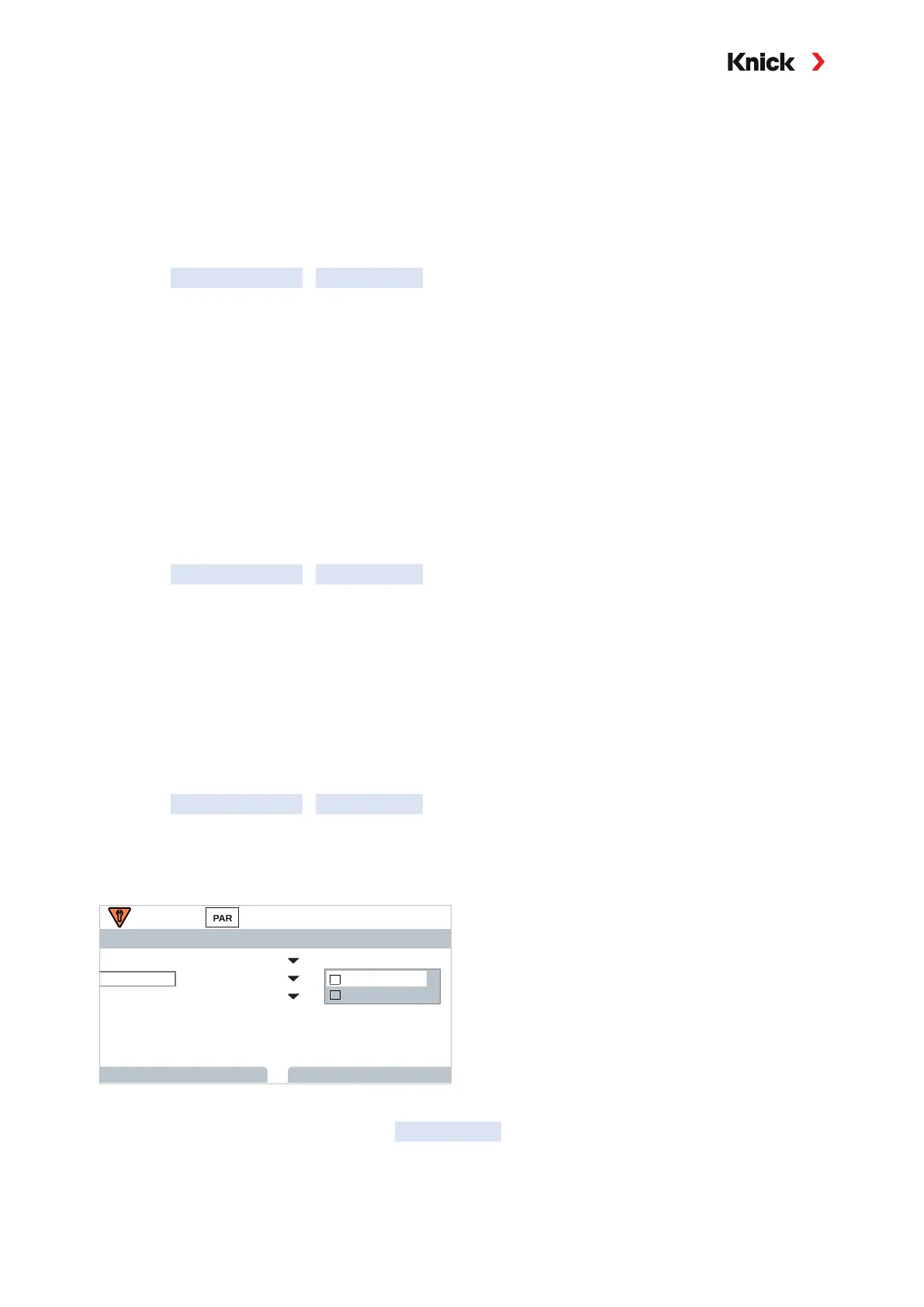
Contact K1 (Admin.)
Channel
Back
Usage
Contact Type
ON Delay
OFF Delay
Sensoface Channel
Memosens pH
N/O..
I
Memosens pH
Memosens Cond
II
0 s
0 s
05. Set the contact parameters.
06. Using the left softkey: Back, go to the Relay Contacts menu and configure the second contact.
See also
➜ Sensocheck and Sensoface, p. 151



 To Next Page