Stratos Multi E401N
36
4 Operation and Use
4.1 Changing the User Interface Language
Preconditions
• Stratos Multi is connected to the power. Measuring mode is shown on the display.
Steps
01. Press the Left softkey: Menu. The menu selection opens.
02. Press the Right softkey: Lingua. Press the right arrow key and set the language of the user inter-
face.
03. Confirm with enter.
Note: The user interface language can also be changed in the Parameter Setting menu.
Parameter Setting
General
Language ➜ Parameter Setting, General, p. 48
4.2 Keypad and Display
Display
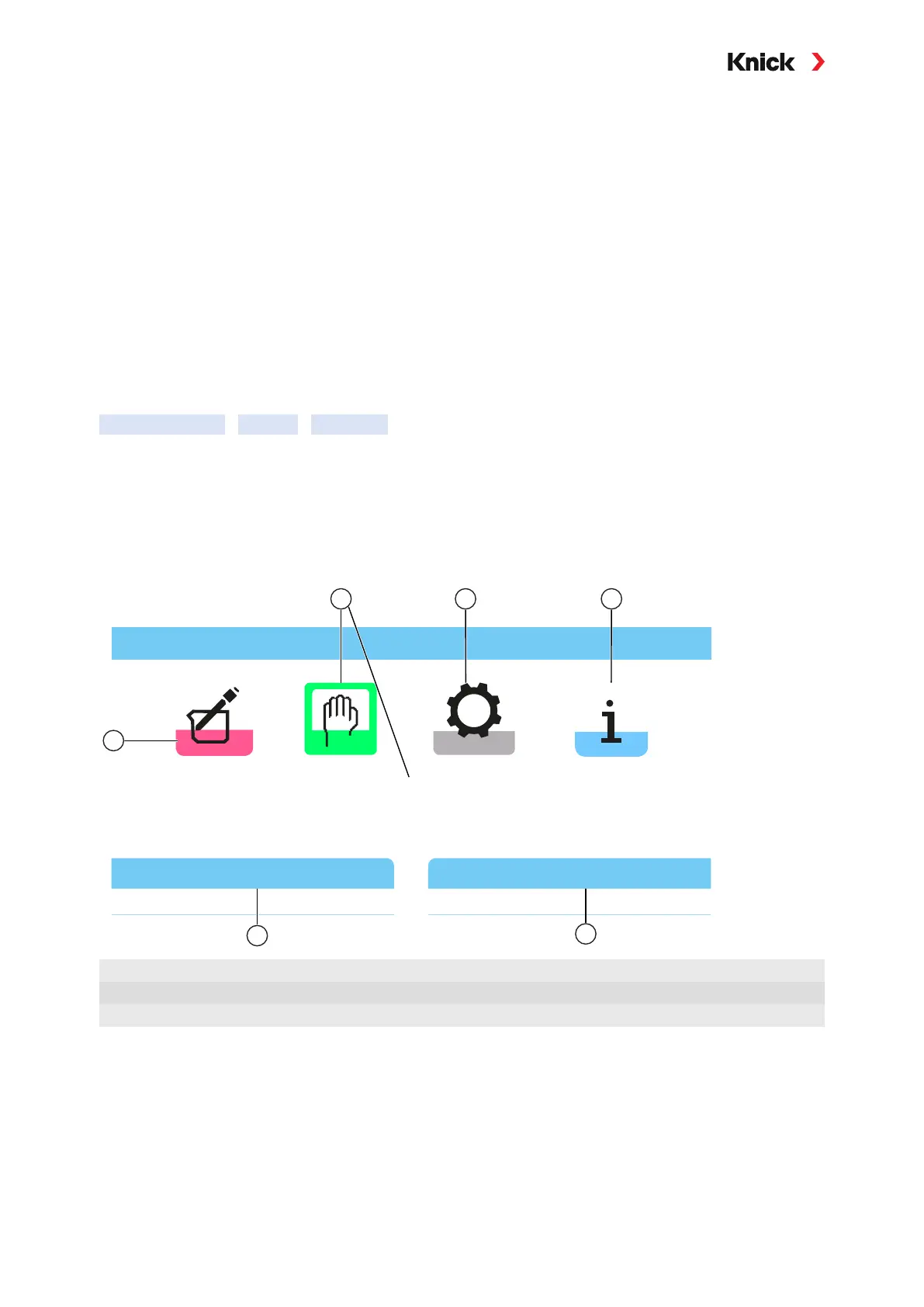
Stratos Multi features a 4.3'' TFT color graphic display. The Calibration, Maintenance, Parameter Set-
ting, and Diagnostics menus each have their own colors. The device is operated using plain text in var-
ious languages. Messages are output as icons and plain text.
Menu Selection
Back
Maintenance
Lingua
1
2 3 4
5
6
1
Calibration
4
Diagnostics
2
Maintenance (selected)
5
Softkey function: Selecting the language
3
Parameter Setting
6
Softkey function display



 To Next Page