Stratos Multi E401N
51
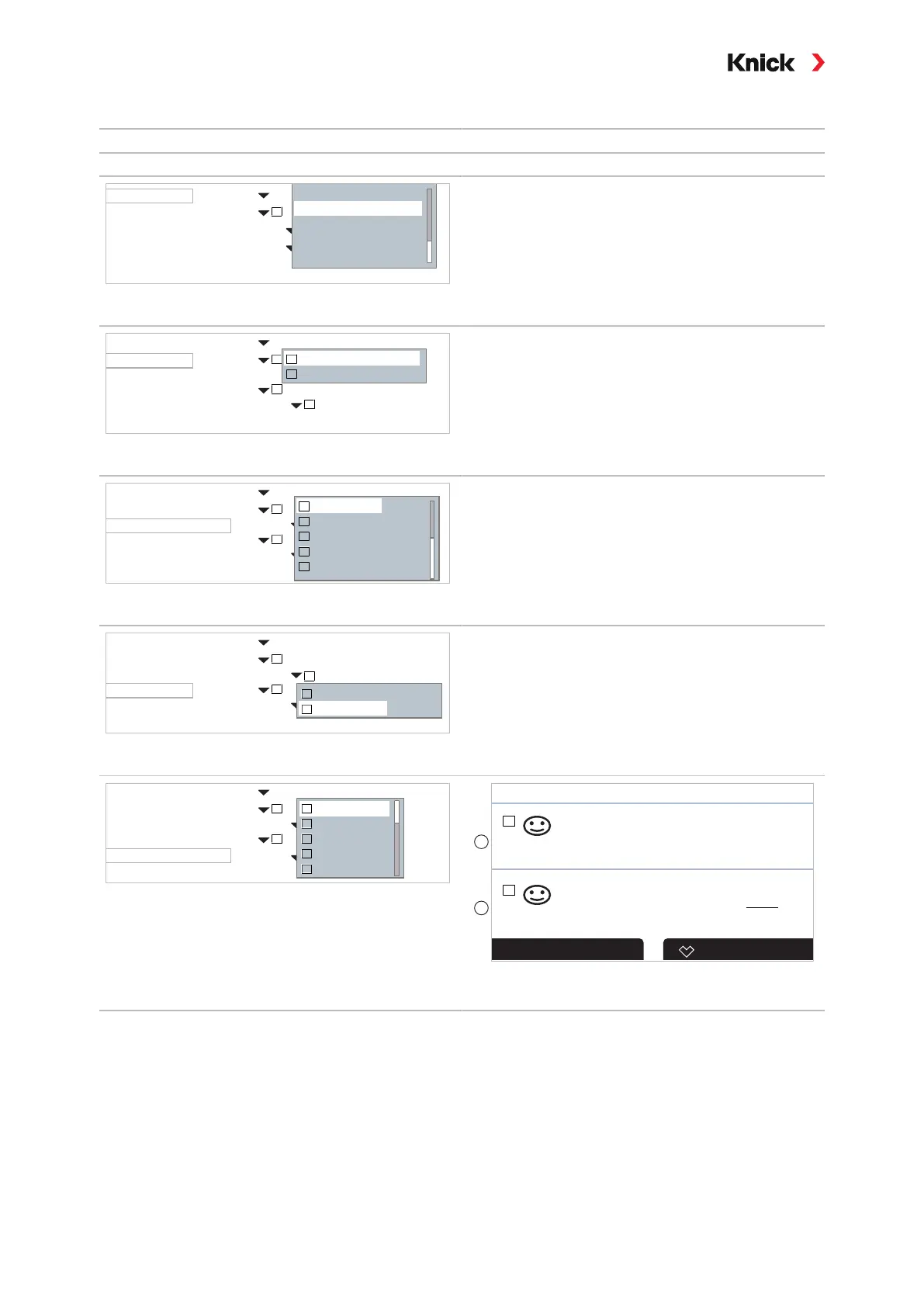
Measurement Display, Example with 2 Values (2 Channels)
Selection Result
Select two variables in two measuring channels:
2 Values
pH Value
I
Number
Channel 1
1st Meas. Value
2nd Meas. Value
2 Values (1 Channel)
2 Values (2 Channels)
4 Values (2 Channels)
4 Values
2 Values
Select number of values and channels.
Confirm with enter
.
2 Values (2 Channels)
Memosens pH/ORP
Analog Cond
I
I
Number
Channel 1
1st Meas. Value
Channel 2
1st Meas. Value
pH Value
II
I
Memosens pH/ORP
Analog Cond
II
Conductivity
II
Assign a sensor to the first channel.
Confirm with enter
.
2 Values (2 Channels)
Memosens pH/ORP
Analog Cond
I
I
Number
Channel 1
1st Meas. Value
Undefined
Channel 2
1st Meas. Value
pH Value
I
I
II
II
I
pH Value
ORP
Temperature
rH Value
pH Voltage
II
Select the variable for the first channel.
Confirm with enter
.
2 Values (2 Channels)
Memosens pH/ORP
I
I
Number
Channel 1
1st Meas. Value
Channel 2
1st Meas. Value
pH Value
II
Analog Cond
Analog Cond
Undefined
I
Memosens pH/ORP
Analog Cond
II
Assign a sensor to the second channel.
Confirm with enter
.
2 Values (2 Channels)
Memosens pH/ORP
Analog Cond
I
I
Number
Channel 1
1st Meas. Value
Channel 2
1st Meas. Value
II
pH Value
Conductivity
Temperature
Salinity
Resistivity
Conductance
II
II
II
II
II
Select the variable for the second channel.
Confirm with enter
.
Set further parameters with the left softkey: Back
.
End parameter setting with the right softkey: Back to
Meas..
I
Favorites MenuMenu
pH
7.08
984
II
µS
cm
1
2
(1) First value in channel I
(2)
Second value in channel II



 To Next Page