1-3
bizhub PRESS C71cf
1
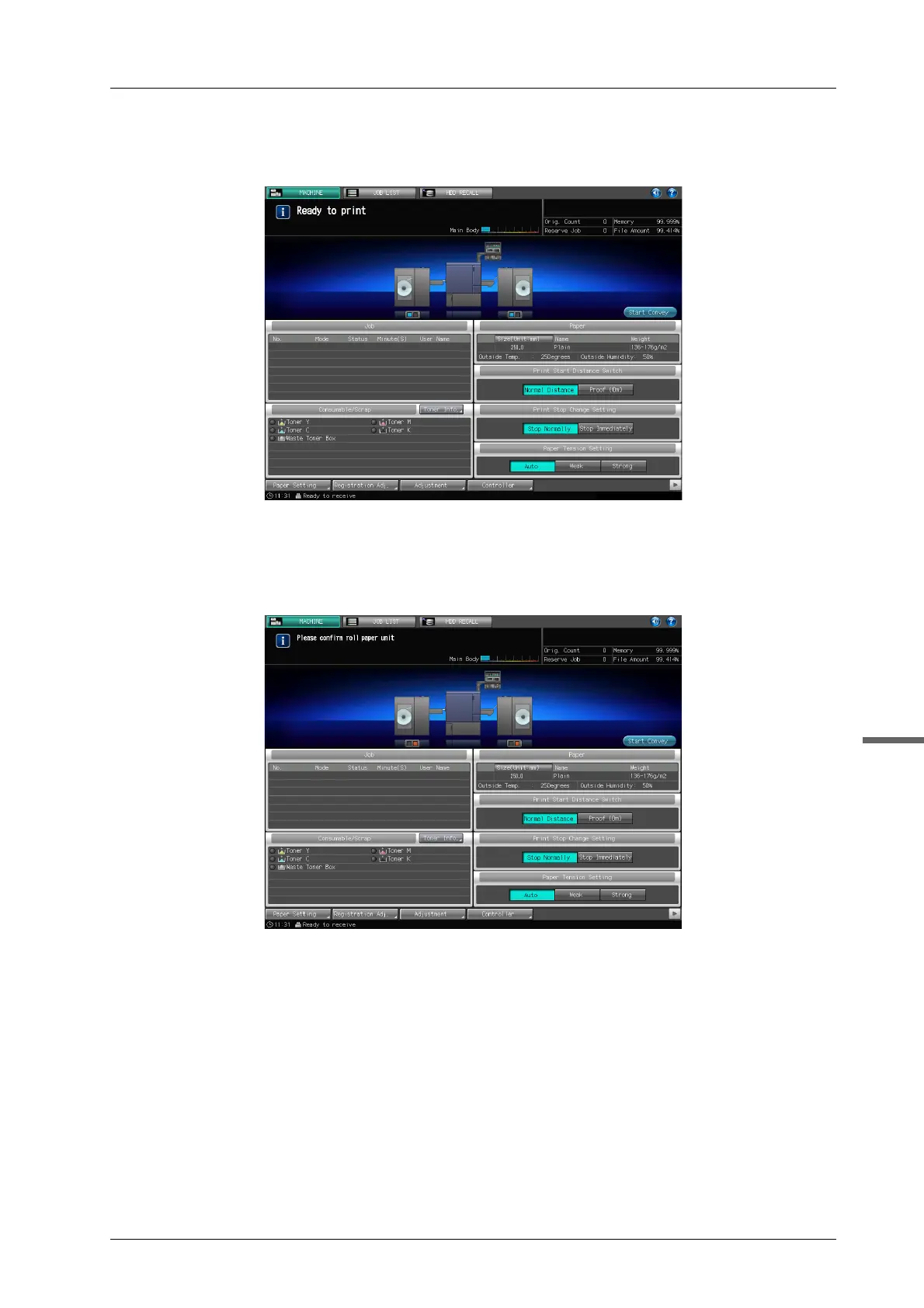
D The message [Ready to print] appears on the screen to inform you that the machine
can now print jobs.
When the message [Please confirm roll paper unit] appears, turn on Roll Winder RW-101/Roll Winder
RW-201 to make them ready.
For details on how to turn the power on, refer to page 1-5.
For details on how to make ready, refer to page 2-4.



 To Next Page