4-21
4.3 Weekly Cleaning
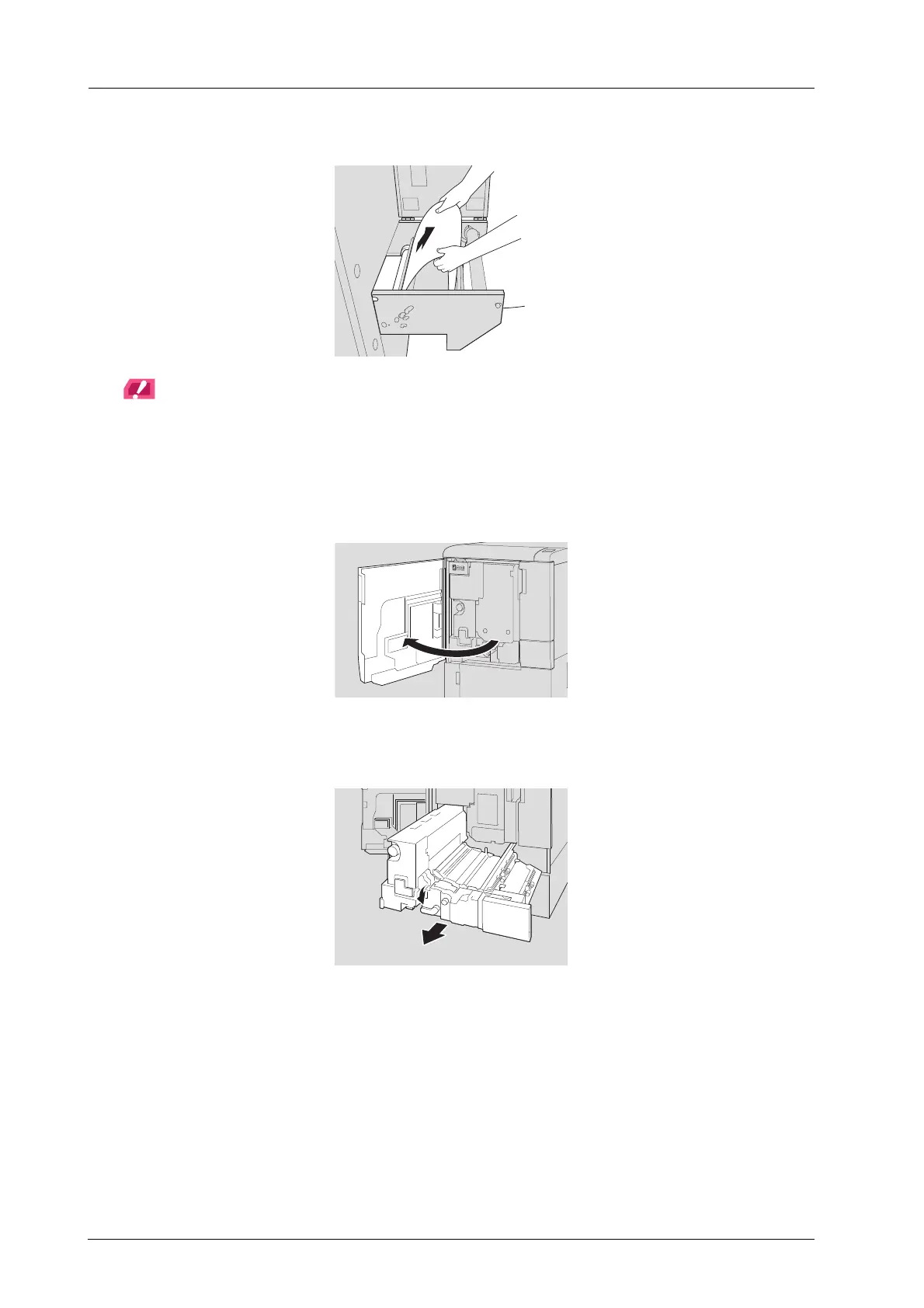
C Slowly pull out the media by hand from the leading section side.
NOTICE
Pull straight out the media. Pulling out the media diagonally can cause leave it in the main body, resulting in a
feeding error.
D Turn ON the sub power switch of the main body.
E Open the front door of the main body.
F Move the lever [M1] to the left, then pull out the ADU.



 To Next Page