4-24
bizhub PRESS C71cf
4
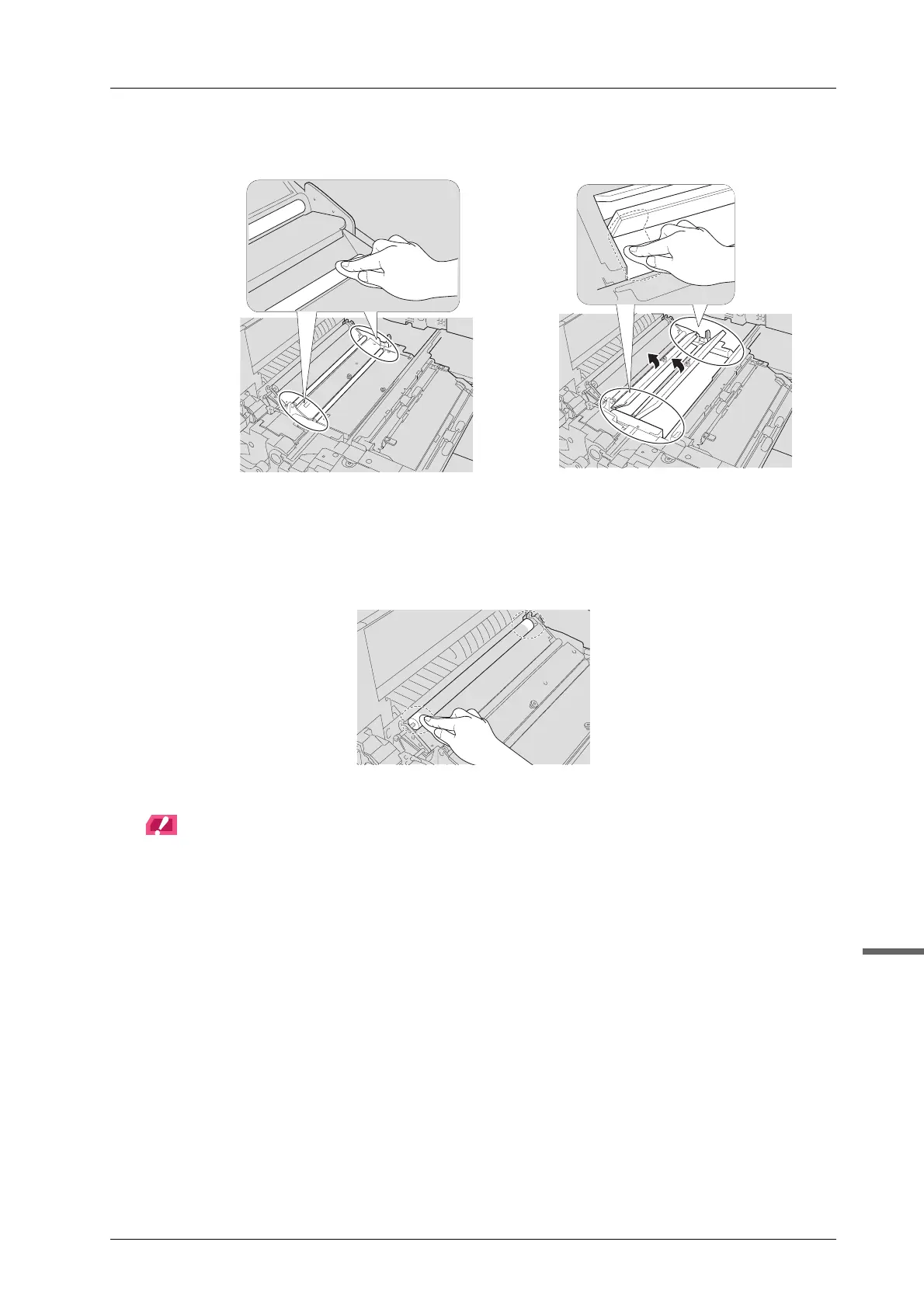
K Clean the pre-transfer roller 1, pre-transfer roller 2, cover [M2], and cover [M3].
Firmly clean the pre-transfer roller 1, pre-transfer roller 2, cover [M2], and cover [M3] as adhesive
easily sticks to the both ends of the parts.
L Clean the secondary transfer roller.
Clean the secondary transfer roller while spinning it.
NOTICE
Clean only both ends of the secondary transfer roller. Touching other parts may cause the deterioration of the
print quality.



 To Next Page