Switching the screen mode
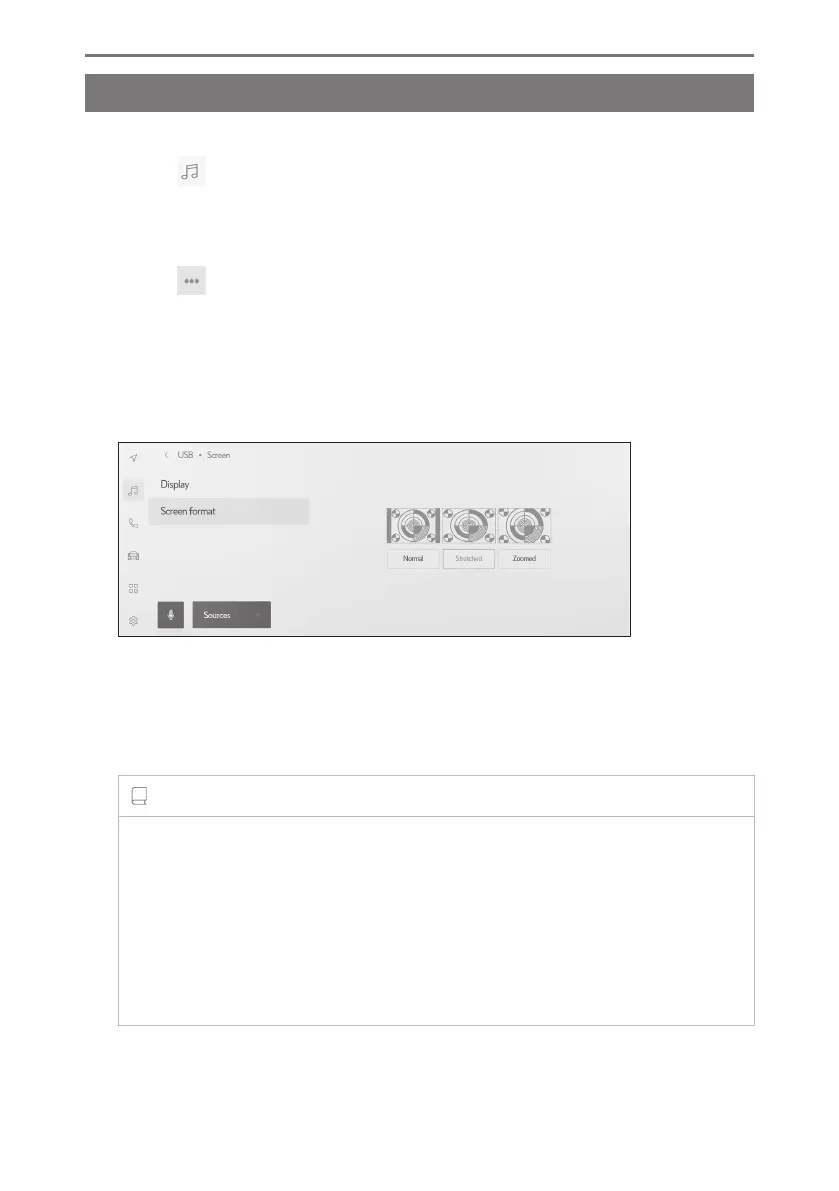
Switch between normal video and widescreen video.
1 Touch [ ] from the main menu.
2 Touch [Sources].
3 Touch the source for which screen mode will be switched.
4 Touch [
].
5 Touch [Screen].
The button is displayed in video mode.
6 Touch [Screen format].
7 Select the desired mode.
[Normal] : Displays the input video in a 4:3 aspect ratio.
[Stretched] : Enlarges the input video display to fit the screen.
[Zoomed] : Enlarges the input video display equally in the vertical and
horizontal directions.
INFORMATION
● The settable mode varies according to the video mode.
● There is no problem when video is viewed for the personal use of customers.
However, any screen compression or stretching for commercial purposes or
public viewing may infringe copyright holder's rights that are protected under
copyright law.
● Black bands may be added to restrict the video display area to prevent the video
from looking strange.
2-9. Sound and media settings
98













 To Next Page