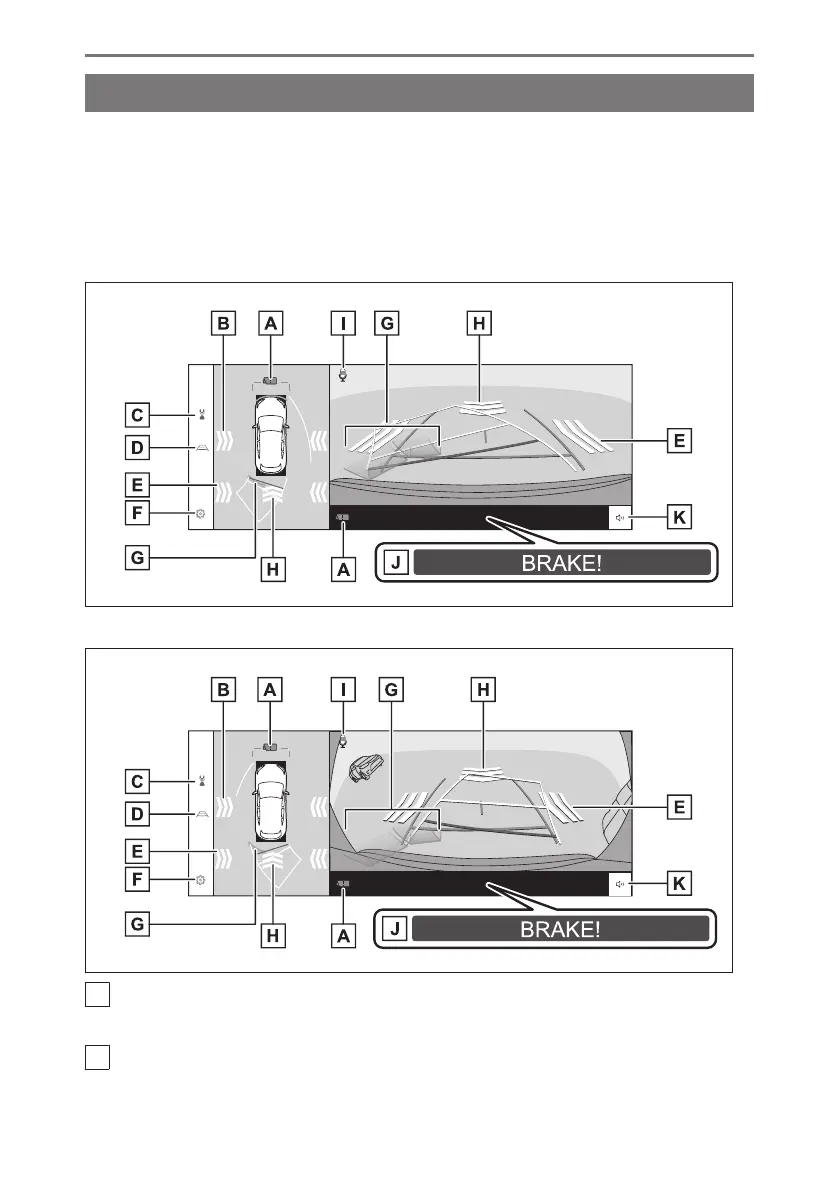
Display mode when the shift position is in "R"
To check for safety when parking the vehicle, an image is displayed from above the
vehicle and from the rear camera.
1. Shift the shift position to "R".
● The mode changes every time you touch the display mode switching button.
■ Rear view & panoramic view
■ Wide rear view & panoramic view
A
Camera dirt detection icon
This icon is displayed when dirt is detected on the camera.
B
Moving objects alert
*1
When the moving objects alert detects an approaching vehicle or object from the side
of the vehicle, an indicator will be displayed on the screen.
8-2. Panoramic view monitor
302













 To Next Page