Listening to DAB
*1
Switch to your preferred frequency and listen to DAB.
INFORMATION
The time playable with time shift varies depending on the recorded bit rate of DAB, DAB
unit memory size, and time of starting broadcast reception.
1 Touch [ ] from the main menu.
2 Touch [Sources].
3 Touch [DAB].
4 Select the station selection method as necessary.
[Presets] : Select the service from the services registered in the presets.
[Station list] : Select the service from the service list.
[Manual tune] : Select the broadcasting station manually. Select the station by
selecting [Ensemble] or [Service].
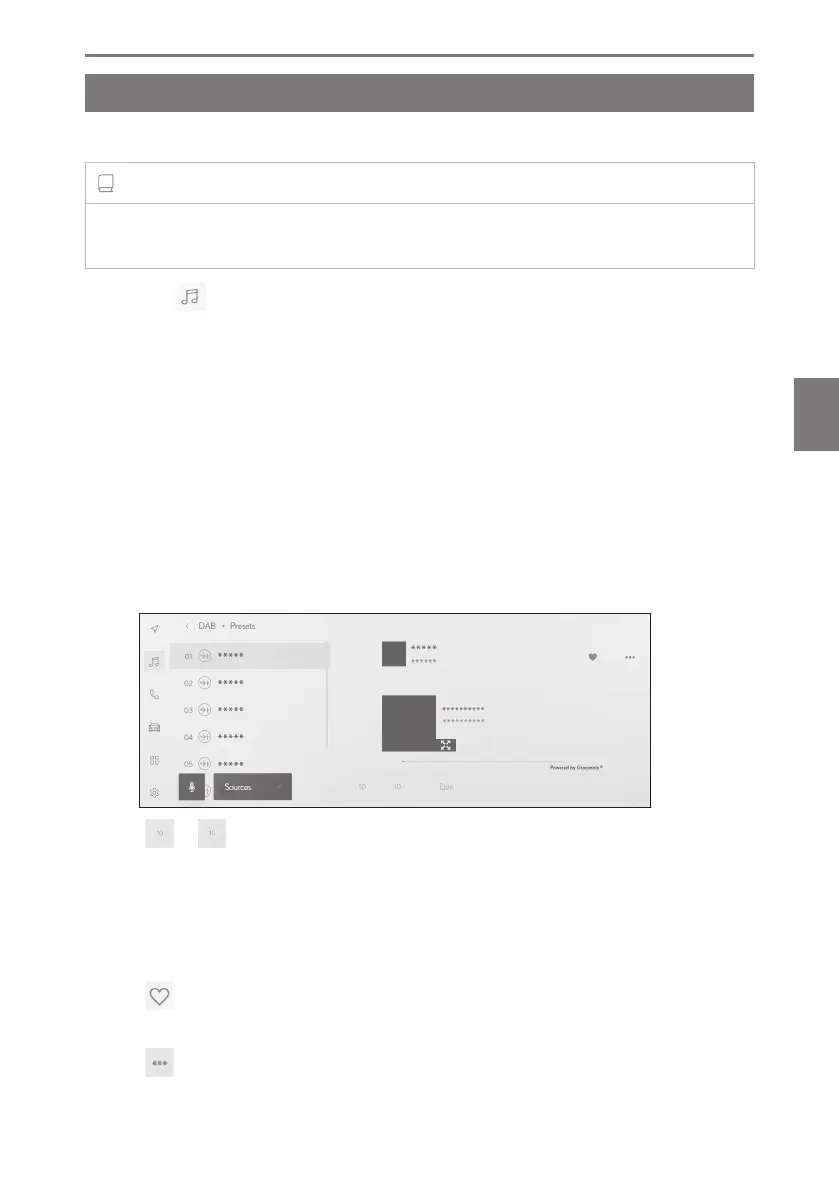
5 Operate the radio that is being received as necessary.
● Operating from the screen
[ ]/[ ] : Use the time shift function to listen again to the service you
are currently listening to. Touch to skip the playback of the service forward
or back by 10 sec.
Touch and hold to fast rewind or fast forward.
[Live] : Release time shift to receive the service currently being broadcast.
[
] : Registers the currently received service in the preset. When
registered, touch to cancel.
[ ] : Displays the settable items.
*1 : If equipped
5-1. Radio operation
181
5
Audio system













 To Next Page