Traffic settings
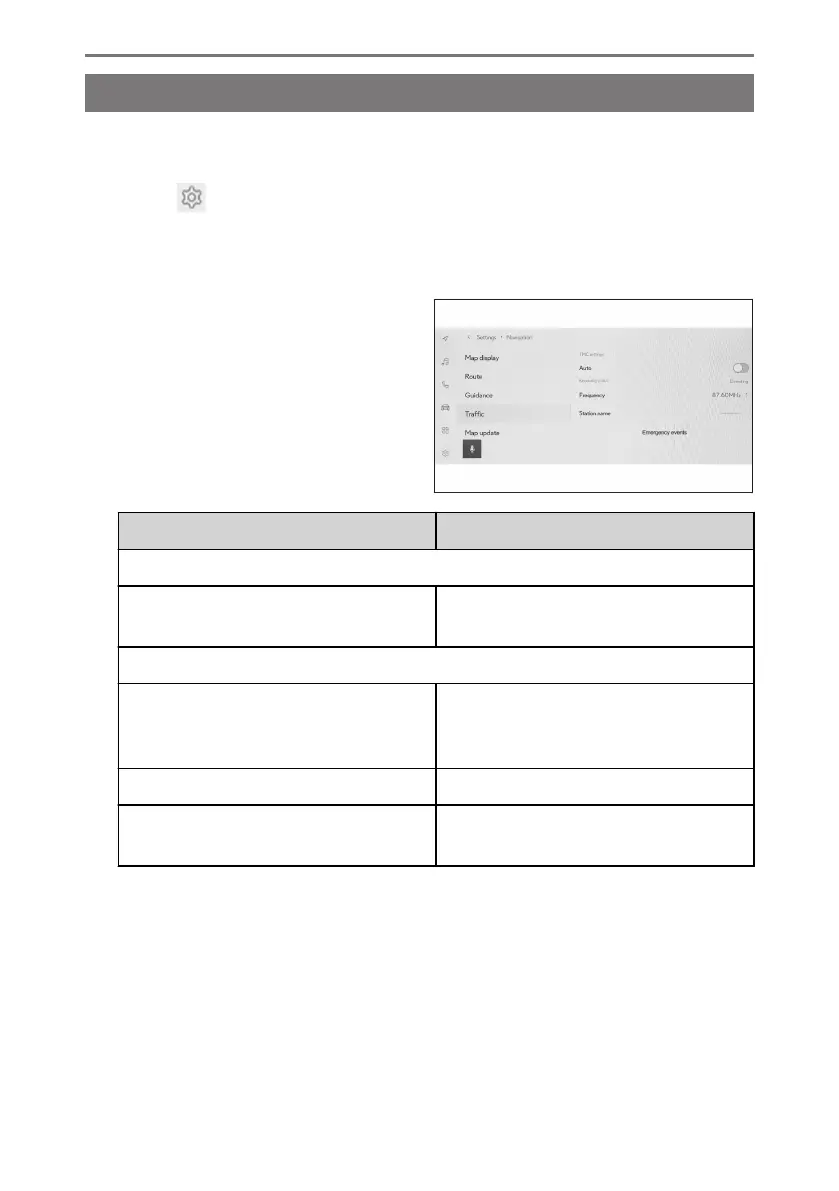
Traffic information such as traffic congestion or traffic incident warnings can be
made available.
1 Touch [ ] from the main menu.
2 Touch [Navigation].
3 Touch [Traffic].
4 Touch the desired item.
Setting Content
[TMC settings]
[Auto]
Touch change the traffic information re-
ception settings.
[Receiving status]
[Frequency]
Touch to change the frequency. (When
TMC automatic reception setting is
turned off)
[Station name] Displays the station name.
[Emergency events]
Touch to display the emergency events
list. Touch list to display details.
2-8. Navigation Settings
90













 To Next Page