Changing phones for hands-free calls
Switching phones for hands-free calls
If 2 cellular phones are connected as hands-free phones, each cellular phone can
be used. Hands-free phones provide functionality to switch which cellular phone to
use. The hands-free phone screen displays the selected cellular phone data, such
as contacts and history. Functions such as incoming calls can also be used with the
unselected cellular phone.
To connect 2 hands-free phones, you need to register a user profile and set the
registered driver.
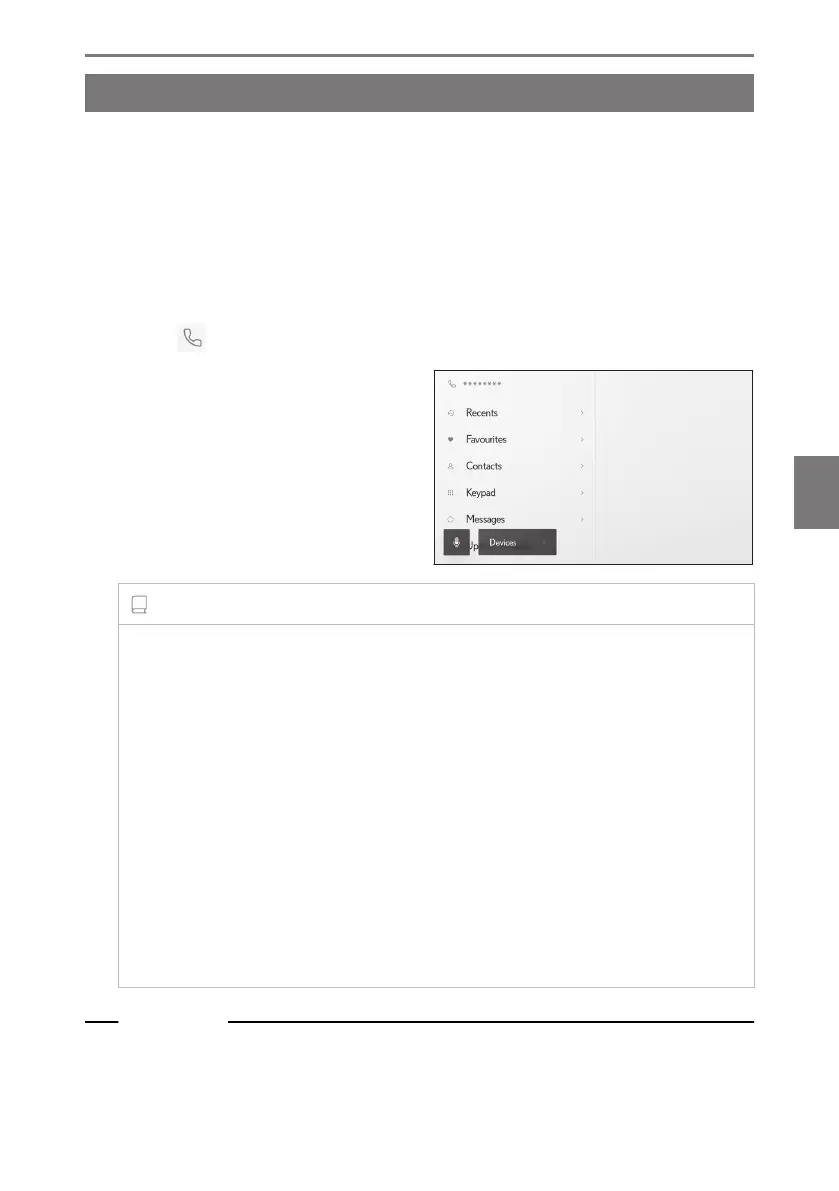
1 Touch [ ] from the main menu.
2 Touch [Devices].
3 Select the cellular phone you want to
use.
A different cellular phone cannot be se-
lected during a call or while a call is in-
coming or outgoing.
INFORMATION
● If making a call from a screen other than the hands-free phone screen, the call is
placed as the primary device.
● If you are on a hands-free call using either one of the devices, calls cannot be
placed from the other device.
● When a hands-free call is being made by any of the hands-free phones and
an incoming call is answered by another hands-free phone, the first call is discon-
nected.
● The following functions are also available on the unselected cellular phone.
• Phone incoming call function
•
Message receiving and sending functions (when receiving a message)
● The primary device will not necessarily be changed even if the cellular phone is
switched.
Related Links
Registering a user profile(P. 52)
Changing and registering a user profile(P. 59)
6-6. Changing phones for hands-free calls
243
6
Hands-free calls













 To Next Page