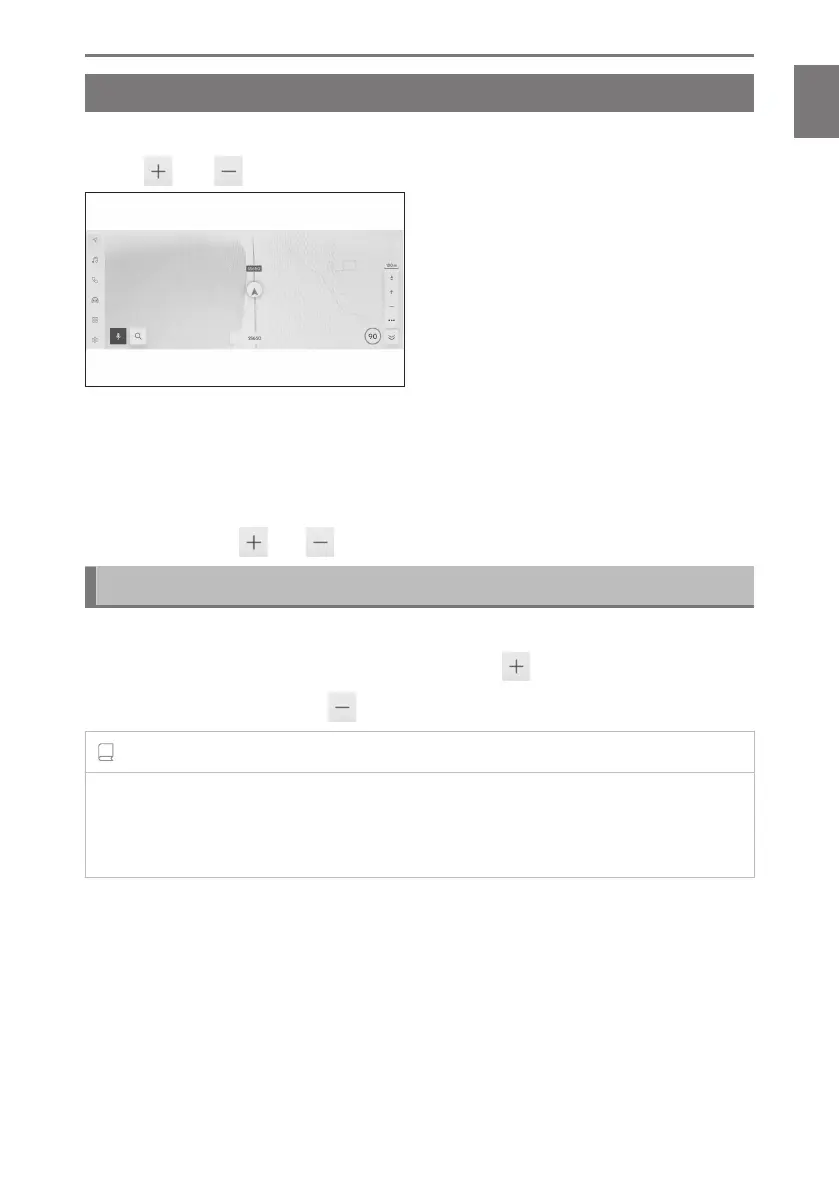
Changing the scale of the map
The map screen can be zoomed in/out.
Touch [ ] or [ ] on the map screen.
●
The scale can also be changed using tap or pinch in/pinch out operations on the
screen.
Double tap zoom in: Touch the screen quickly 2 times
Zoom out tap: Touch the screen with two fingers
● Touch and hold [
]/[ ] to steplessly change the map scale.
City map
When the map is fully zoomed, a city map can be displayed.
With the map scale display at 50 m (150 ft.), touch [
].
To cancel the city map, touch [ ] or pinch in on the screen.
INFORMATION
● If the current area is not included in the map data, the city map will not be displayed.
● If the vehicle moves to or the map is scrolled to an area where the city map is not
available, the city map will be canceled automatically.
1-2. Basic operation of navigation system
31
1
Basic operation













 To Next Page