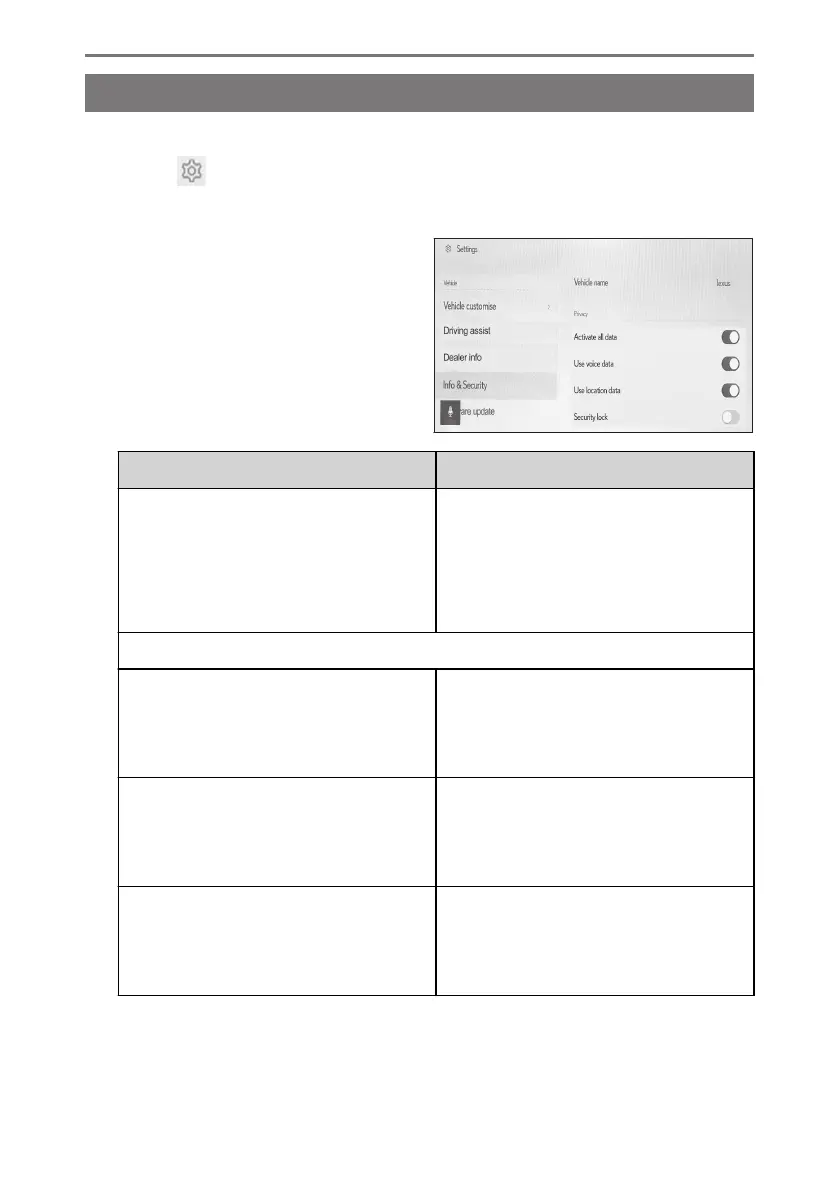
Changing the security settings
Settings related to security and privacy can be changed.
1 Touch [ ] from the main menu.
2 Touch [Info & Security] on the submenu.
3 Select the desired item.
Setting Description
[Vehicle name]
Displays the system name (vehicle name).
This is the device name displayed when
searching for a Bluetooth
®
device from
an external device. The name can be
changed by touching it.
"Privacy"
[Activate all data]
*1
Select to enable/disable data upload via
communication service. When disabled,
the communication service is not availa-
ble.
[Use voice data]
*1
Select to enable/disable voice data up-
load via communication service. When
disabled, voice data is not available via
communication service.
[Use location data]
*1
Set whether to send location information
when using the communication service.
Turning this setting off will disable some
services that use location information.
2-7. Vehicle settings
72













 To Next Page