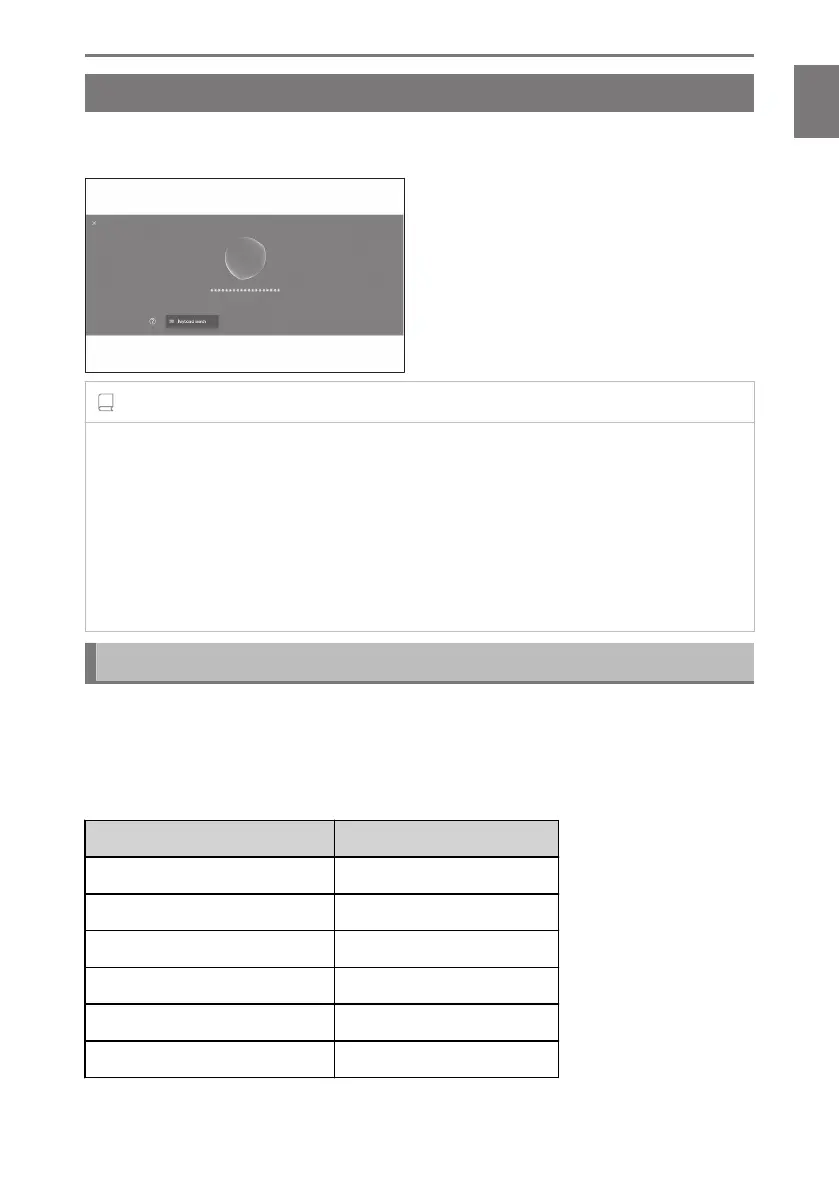
Speaking a voice command
*1
Say a voice command when the voice control screen appears. The system can
recognize natural speech.
INFORMATION
● Commands may not be recognized if said with an accent or non-standard phrasing.
● If the voice control system does not recognize aliases or abbreviations when searching
for place names and facilities, say the official name.
● Speaking by including what you want to do, makes it easier for the voice control
system to recognize your command. For example, when searching for a destination by
name, do not say only the name. Instead, say a phrase which includes a name and a
verb, such as "Go to nearby coffee shop".
List of features
This is a list of the main features that can be operated verbally and example voice
commands.
The available features differ depending on the vehicle and equipped system.
■ Common commands
Action
Example voice command
Start from the beginning "Start over"
Stop voice control "Cancel"
Open hints for voice commands "Help"
Return to the previous screen "Go back"
Select a list number "Number one"
Change the list page "Next page" "Previous page"
*1 : This function is not available in some countries or areas.
1-4. Voice control system
45
1
Basic operation













 To Next Page