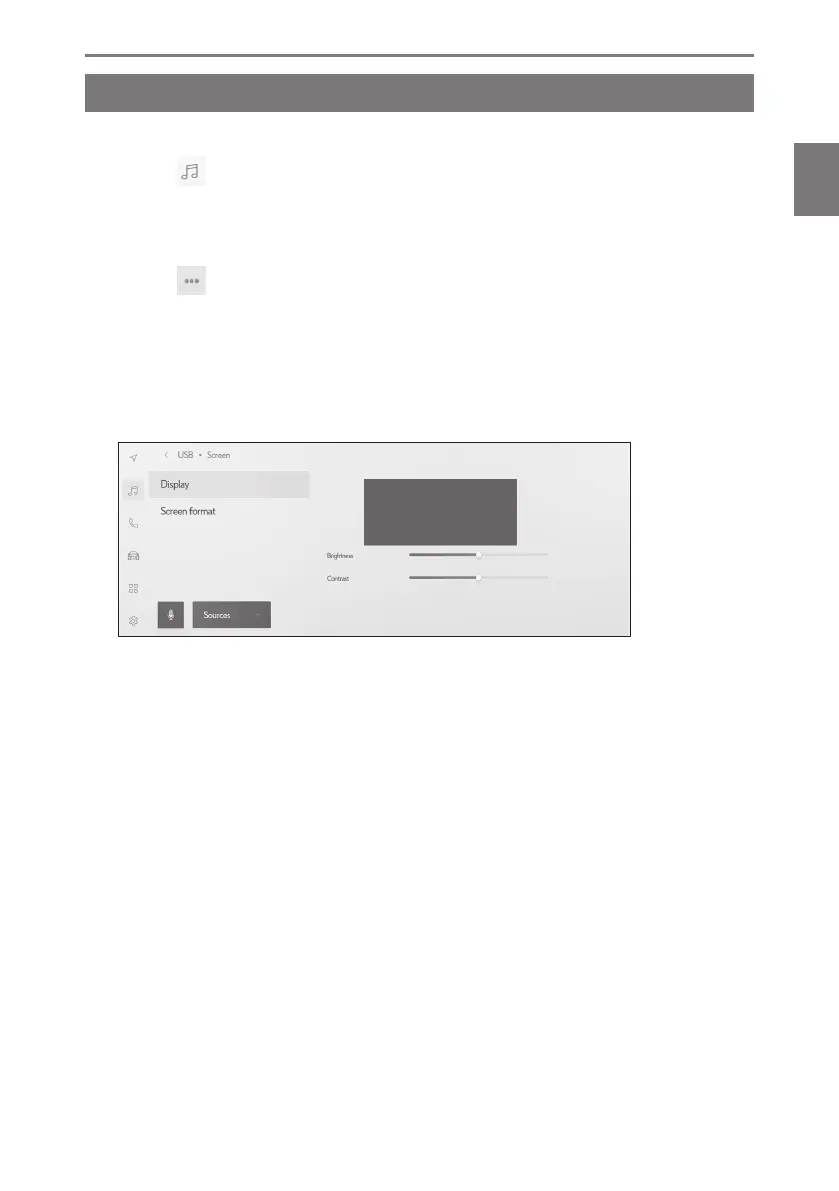
Adjusting the image quality
Adjust video contrast and brightness.
1 Touch [ ] from the main menu.
2 Touch [Sources].
3 Touch the source of which image quality will be adjusted.
4 Touch [
].
5 Touch [Screen].
The button is displayed in video mode.
6 Touch [Display].
7 Set each item.
"Brightness" : Adjusts the brightness.
"Contrast" : Adjusts the contrast.
2-9. Sound and media settings
99
2
Settings and registration













 To Next Page