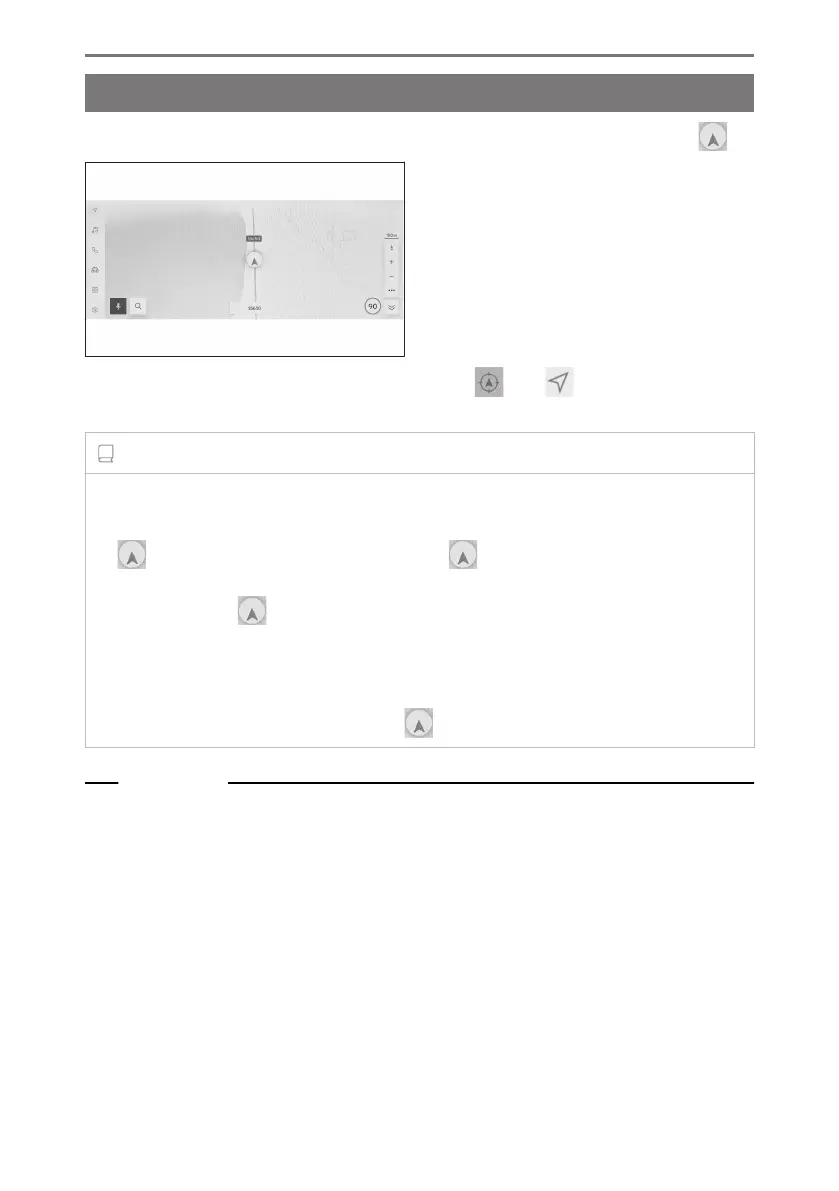
Displaying the vehicle’s current position
The current position of the vehicle is displayed by the current position mark [ ].
When the map screen has been scrolled, touch [ ] or [ ] from the main menu,
to return the map to the vehicle’s current position.
INFORMATION
● When the vehicle is new, or a cable has been disconnected and reconnected to a
12-volt battery terminal, the actual current position of the vehicle and the position
[ ] displayed by the current position mark [ ] may differ. However, after driving
for a while, through map matching and received GPS information, the displayed
current position [ ] will be corrected automatically.(Depending on the situation, it
may take several minutes.) If GPS information is not received and the current position
is not corrected automatically, stop the vehicle in a safe location and correct the
current position manually.
● The shape of the current position mark [
] differs depending on the map color.
Related Links
Map display customization settings(P. 81)
Position/Direction calibration(P. 94)
1-2. Basic operation of navigation system
30













 To Next Page