Making calls from contacts
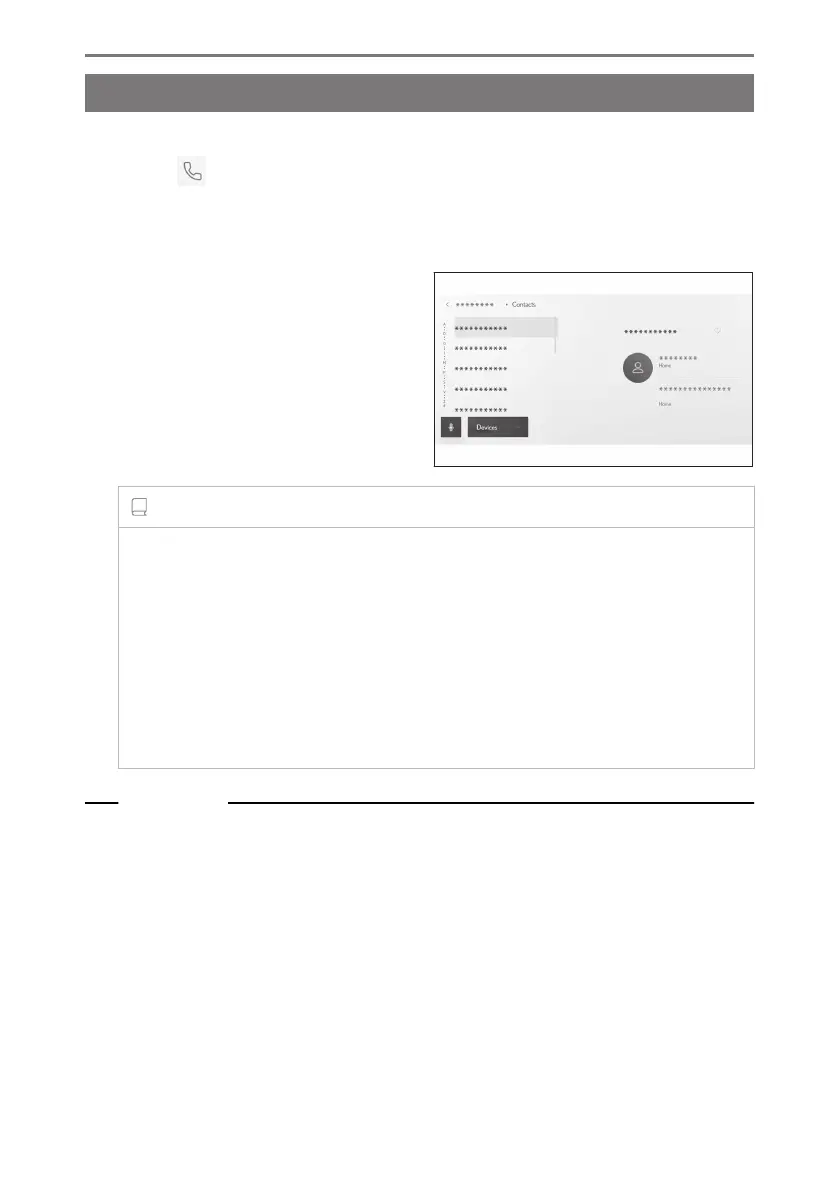
Calls can be made from the contacts registered on the multimedia system.
1 Touch [ ] from the main menu.
2 Touch [Contacts] on the submenu.
3 Select a contact.
4 Touch the desired phone number.
INFORMATION
● If the [Sync contacts] button is displayed on the screen, touching it transfers the
contact data of the cellular phone to the multimedia system.
● If no contact data has been registered, contact data must be transferred or added
to the multimedia system.
● The contact data of each hands-free phone that is used is displayed on the
multimedia system.
If 2 cellular phones are connected and the phone used for the hands-free call is
switched, the contact data is also switched.
Related Links
Adding new contact data to contacts(P. 249)
Transferring contact data(P. 245)
6-3. How to make calls
230













 To Next Page