Sound and media settings
Changing sound and media settings
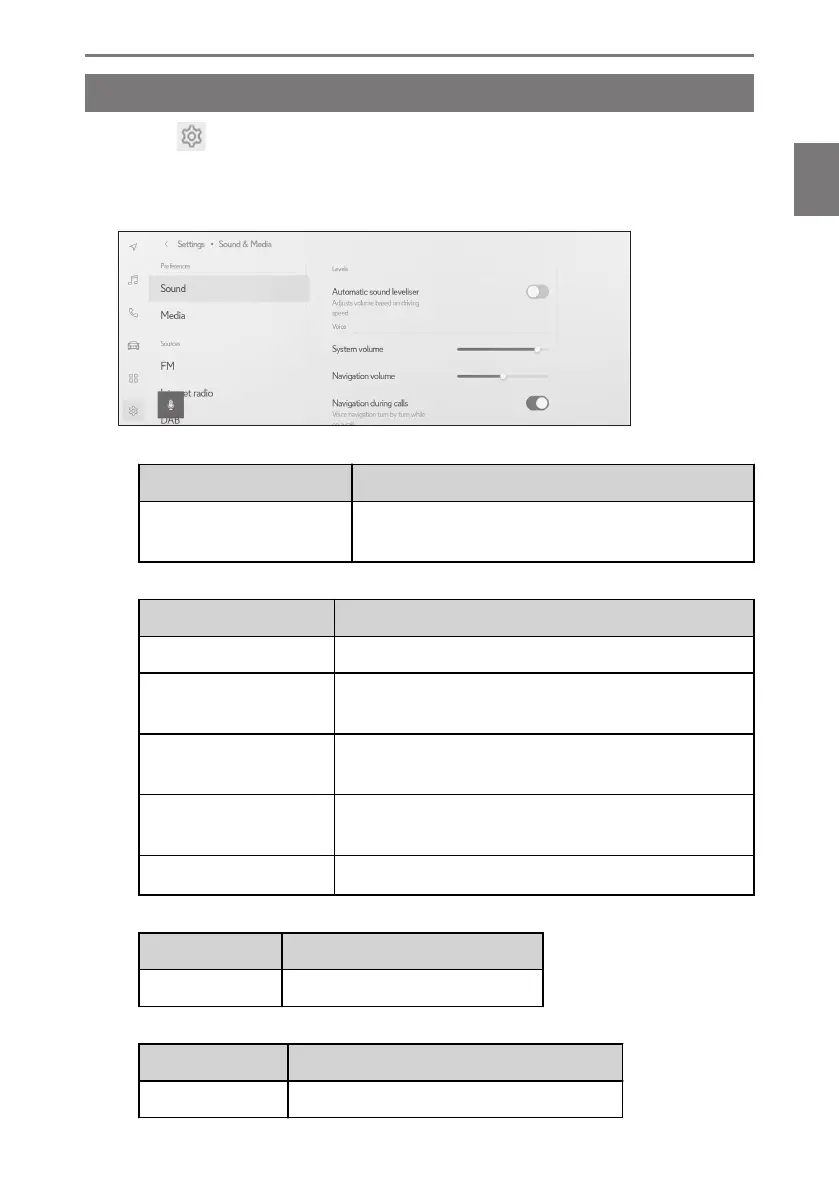
1 Touch [ ] from the main menu.
2 Touch [Sound & Media] on the submenu.
3 Select the desired item.
● [Sound] > [Levels]
Setting
Content
[Automatic sound levelis-
er]
Automatically adjusts audio volume according to the
vehicle speed.
● [Sound] > [Voice]
Setting
Content
[System volume] Adjust the system volume.
[Navigation volume]
Adjust the volume of the voice guidance for the naviga-
tion system.
[Navigation during calls]
Turn on or off to interrupt the navigation system voice
guidance during a phone call.
[Adaptive volume con-
trol]
Automatically increases the voice guidance volume
when you are driving on an expressway.
[Driving assist volume]
*1
Adjust the driving assist volume.
● [Sound] > [Acoustic setting]
Setting
Content
[Surround sound] Set to an immersive sound quality.
● [Media] > [General]
Setting
Content
[Display cover art] Displays cover art such as for music albums.
2-9. Sound and media settings
95
2
Settings and registration













 To Next Page